
Products
GravityKit is a Gravity Forms certified developer that builds powerful add-ons for Gravity Forms. We are recognized in the Gravity Forms community for our quality development and excellent support.
Our flagship plugin, GravityView, allows you to display Gravity Forms entries on the front end of your website. Our Inline Edit plugin allows you to edit Gravity Forms entries faster and more efficiently and Import Entries provides an easy way to import data from a CSV file into Gravity Forms.
Learn about all of our different products and how to use them here.
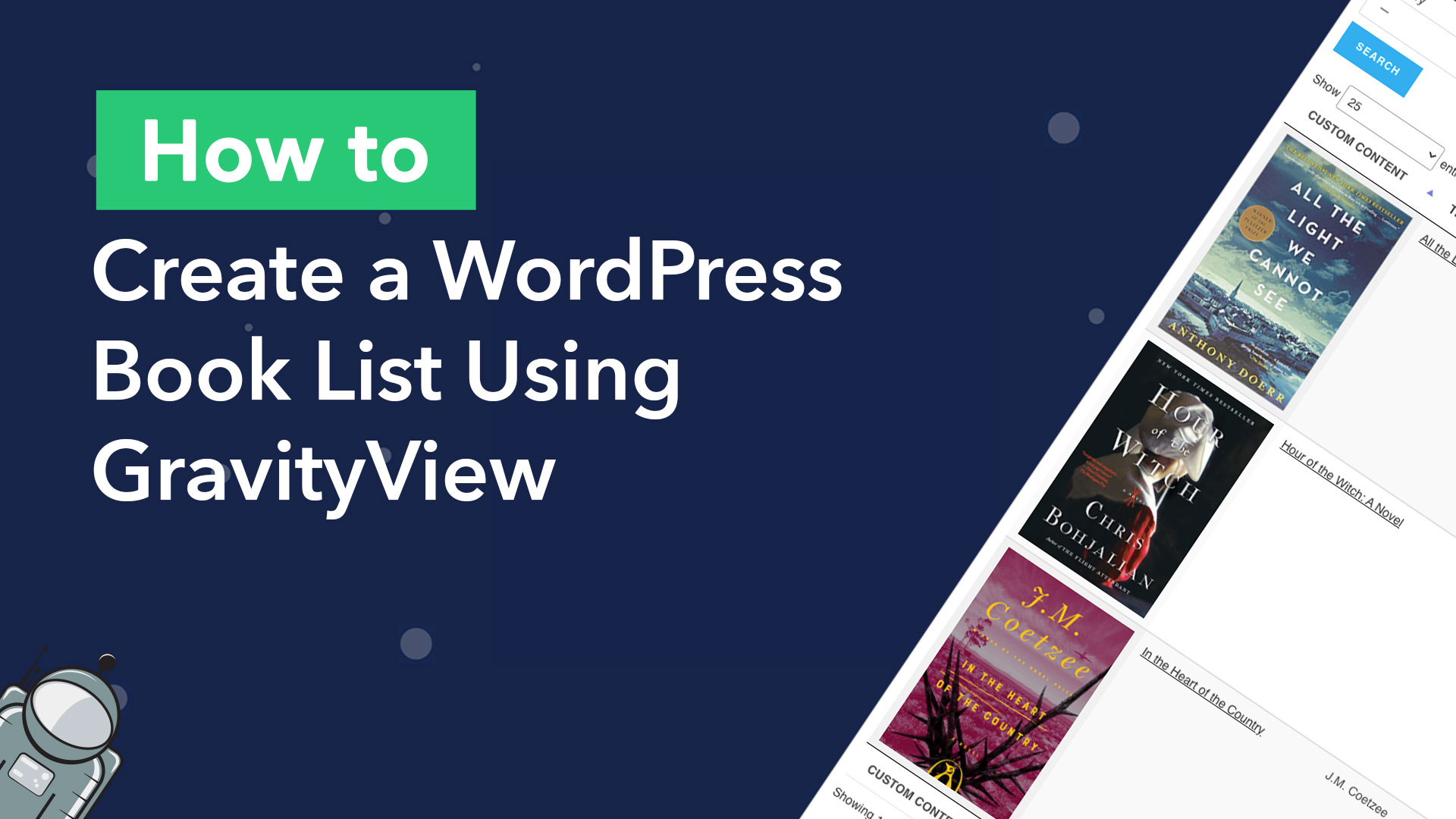
How to create a book list on WordPress (without code)
Did you know that reading increases emotional intelligence, improves decision-making and reduces mental decline in old age? Reading books is a healthy hobby enjoyed by many people around the world. But with so many books out there to choose from, how do you keep…

Attention Nonprofits: Attract More Donors With GravityView!
Did you know that online giving grew by 12.1% in 2021? Opportunities for online fundraising are increasing every day, and your website plays a big role in your success. In fact, DoubleTheDonation.com found that nonprofits routinely leave a lot of potential revenue on the…

How to Build a Real Estate Listing Site Using Gravity Forms
This article is outdated. Please see our updated article about building a real-estate directory using Gravity Forms and GravityView. Did you know that the majority of homeowners found their home by looking on the internet? Real estate websites are where potential buyers (or renters)…
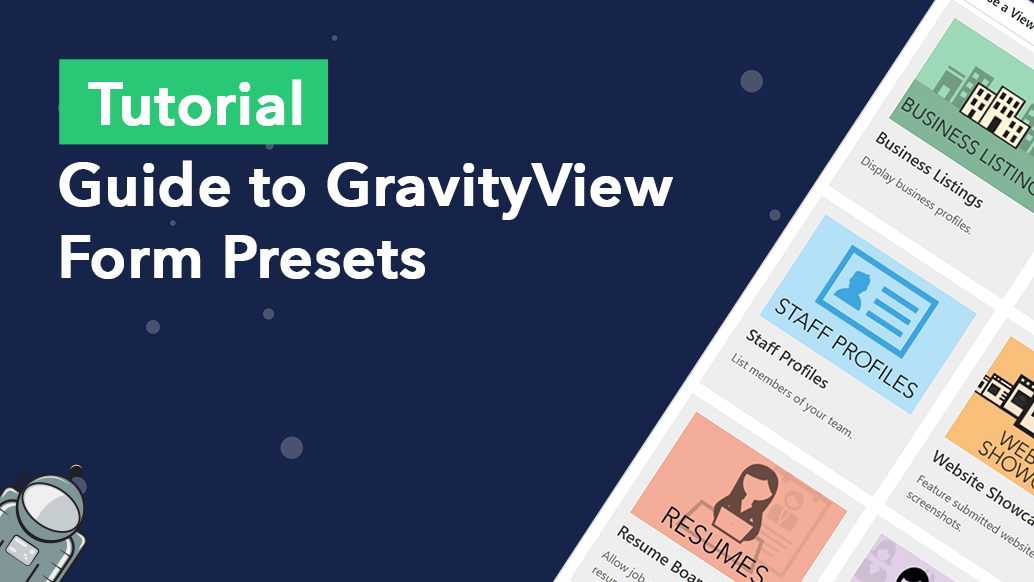
Guide to GravityView Form Presets
GravityView form presets are ready-made templates that let you launch common web applications in just a few clicks, without building a Gravity Forms form from scratch.
How to add a contact form to your GravityView listings
Embed a Gravity Forms contact or enquiry form on any GravityView single-entry page. Dynamic population pre-fills fields with the listing details automatically.
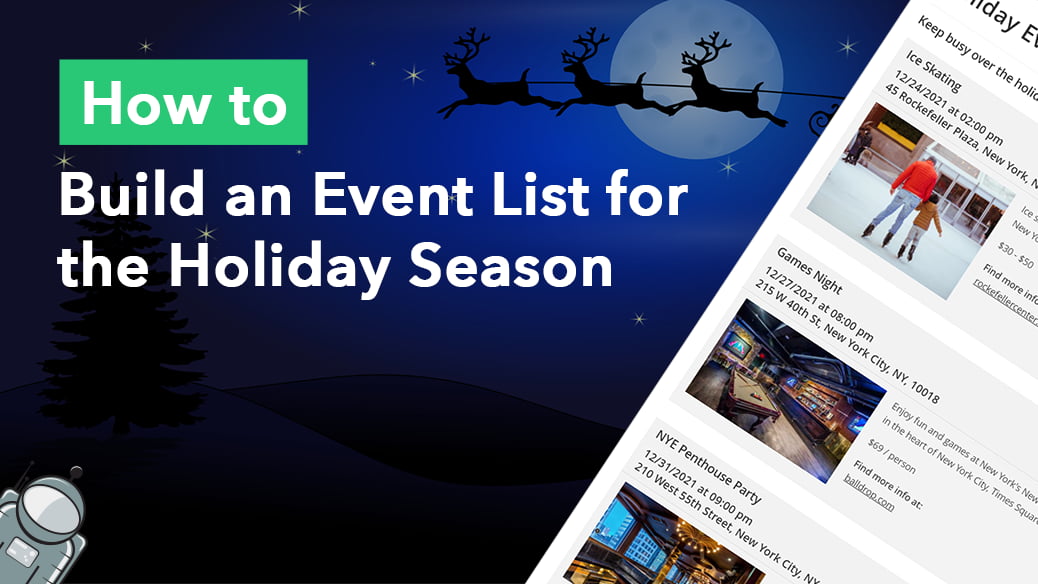
How to Build a Gravity Forms Event List for the Holiday Season
Build a searchable event list for the holiday season using Gravity Forms and GravityView. Display event name, date, location, and price with no code required.
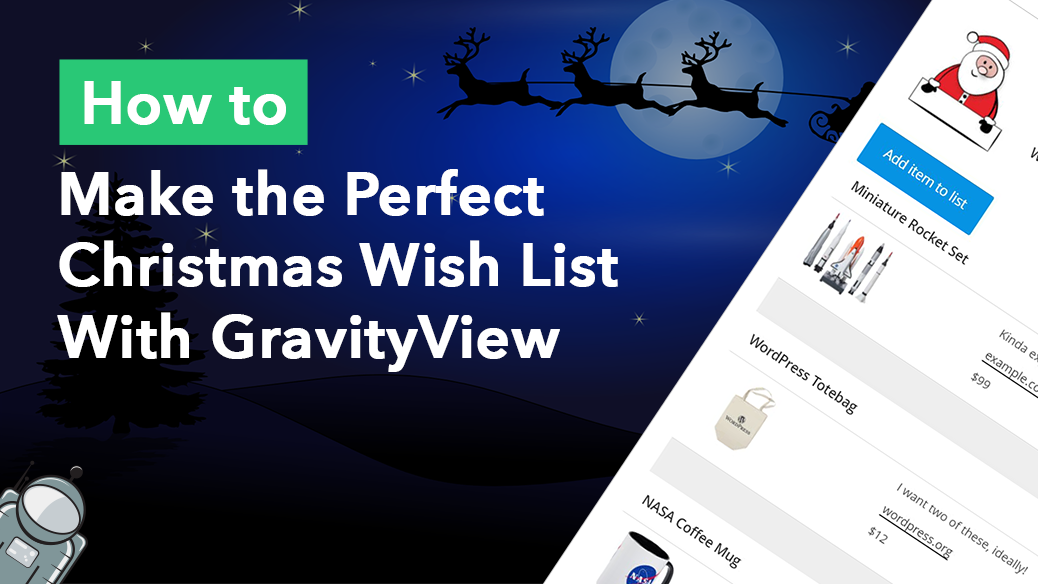
How to build the perfect Christmas wish list with GravityView
Build a shareable Christmas wish list on WordPress using Gravity Forms and GravityView. Let friends add items, mark gifts as claimed, and update their list from the front end.
How to build a Gravity Forms event registration calendar
Build a Gravity Forms event registration calendar where visitors can browse upcoming events and sign up from the front end. Step-by-step guide using GravityCalendar.