
Products
GravityKit is a Gravity Forms certified developer that builds powerful add-ons for Gravity Forms. We are recognized in the Gravity Forms community for our quality development and excellent support.
Our flagship plugin, GravityView, allows you to display Gravity Forms entries on the front end of your website. Our Inline Edit plugin allows you to edit Gravity Forms entries faster and more efficiently and Import Entries provides an easy way to import data from a CSV file into Gravity Forms.
Learn about all of our different products and how to use them here.

How to embed audio links from Gravity Forms submissions
Turn Gravity Forms audio URL submissions into embedded players using GravityView. Supports SoundCloud, Spotify, Mixcloud, and other audio platforms without writing code.

How to embed videos uploaded to Gravity Forms
Turn Gravity Forms video URL submissions into embedded players on the front end using GravityView. Supports YouTube, Vimeo, Dailymotion, and other popular video platforms.

How to display entry revisions on the front end using GravityView
Learn to display Gravity Forms entry revision history on the front end using GravityView. Track changes, compare versions, and let users restore prior entries easily.
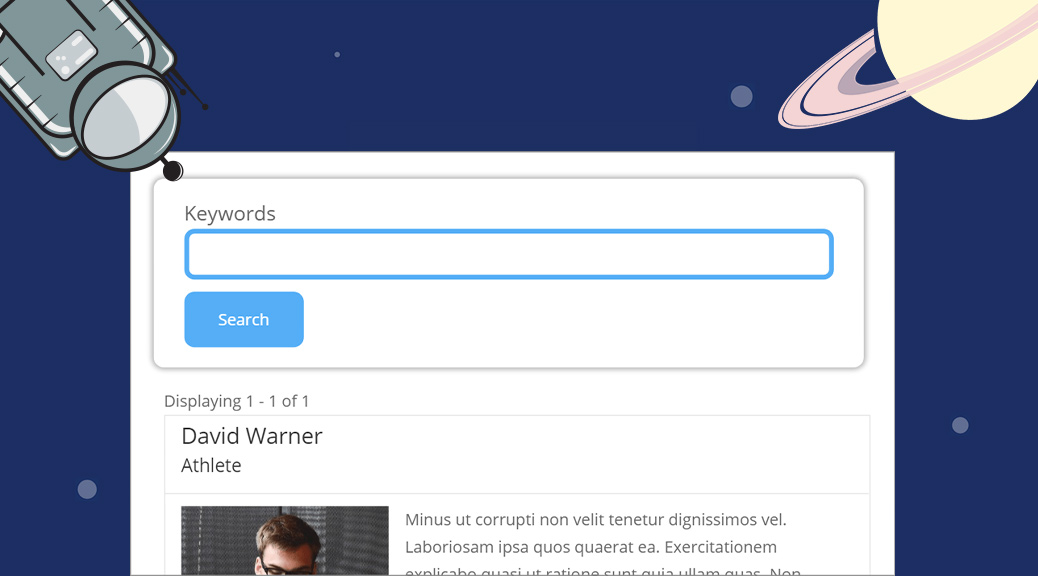
How to Style the GravityView Search Bar Widget
Style the GravityView Search Bar widget with custom CSS to match your site design. Covers adding, configuring, and styling search fields for any GravityView layout.
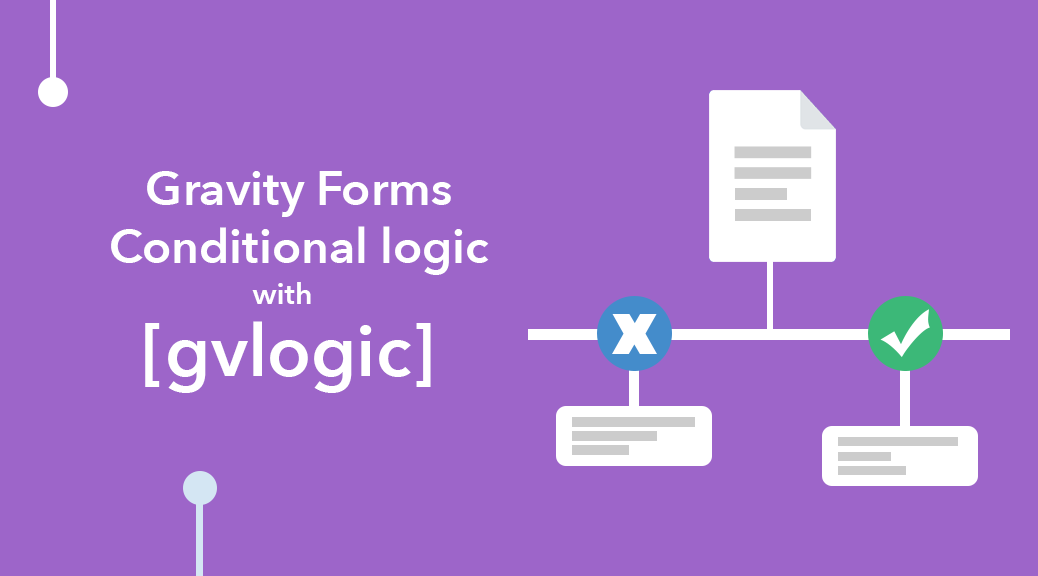
Gravity Forms: Conditional Logic Using [gvlogic]
Use the shortcode to add conditional logic anywhere on your WordPress site. Supports AND/OR conditions, an [else] tag, and works in forms, confirmations, and widgets.

The Best Gravity Forms Calendar Plugin 2023
Display Gravity Forms entries on a visual calendar using the GravityView Calendar plugin. Embed event calendars on any page and let users edit entries from the front end.

Tutorial: How to Create an Online Marketplace Using GravityView
Build a fully functional online marketplace with GravityView and Gravity Forms. Users can post listings, browse approved entries, and contact sellers without any custom code.

Gravity Forms Entries in Excel, Brought to You By GravityView!
GF Entries in Excel is now GravityExport Lite, maintained by GravityView. Export Gravity Forms data to Excel using a single shareable URL that updates automatically.