
GravityCalendar
Gravity Forms includes “Date” and “Time” fields, which are perfect for capturing event information. But what if you want to display that information on the front end of your website?
GravityCalendar is an add-on for Gravity Forms that allows you to display your entries on a beautiful calendar. Here you’ll learn about configuring new calendar feeds, editing event dates and times from the front end, and how to restrict events based on conditional logic.
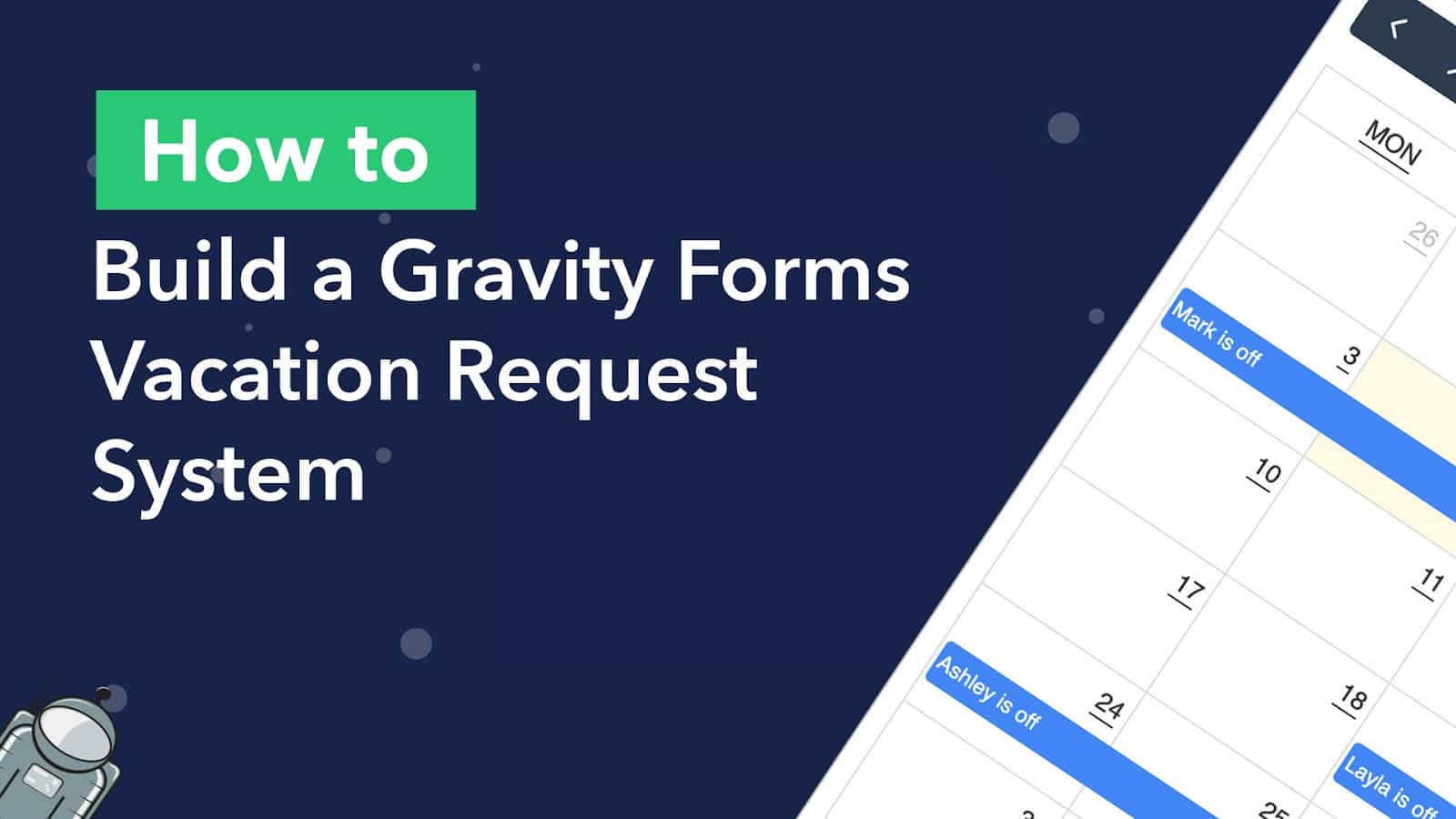
How to Build a Gravity Forms Vacation Request System With a Calendar
Build an automated employee vacation request system using Gravity Forms and Gravity Flow, then display approved time off on a searchable calendar with GravityCalendar.
How to integrate Gravity Forms with Google Calendar
Google Calendar is one of the most popular web-based calendar applications for tracking and scheduling events. In fact, it’s used by more than 500 million people worldwide! In this post, we’ll show you how to integrate Gravity Forms with Google Calendar using our GravityCalendar…
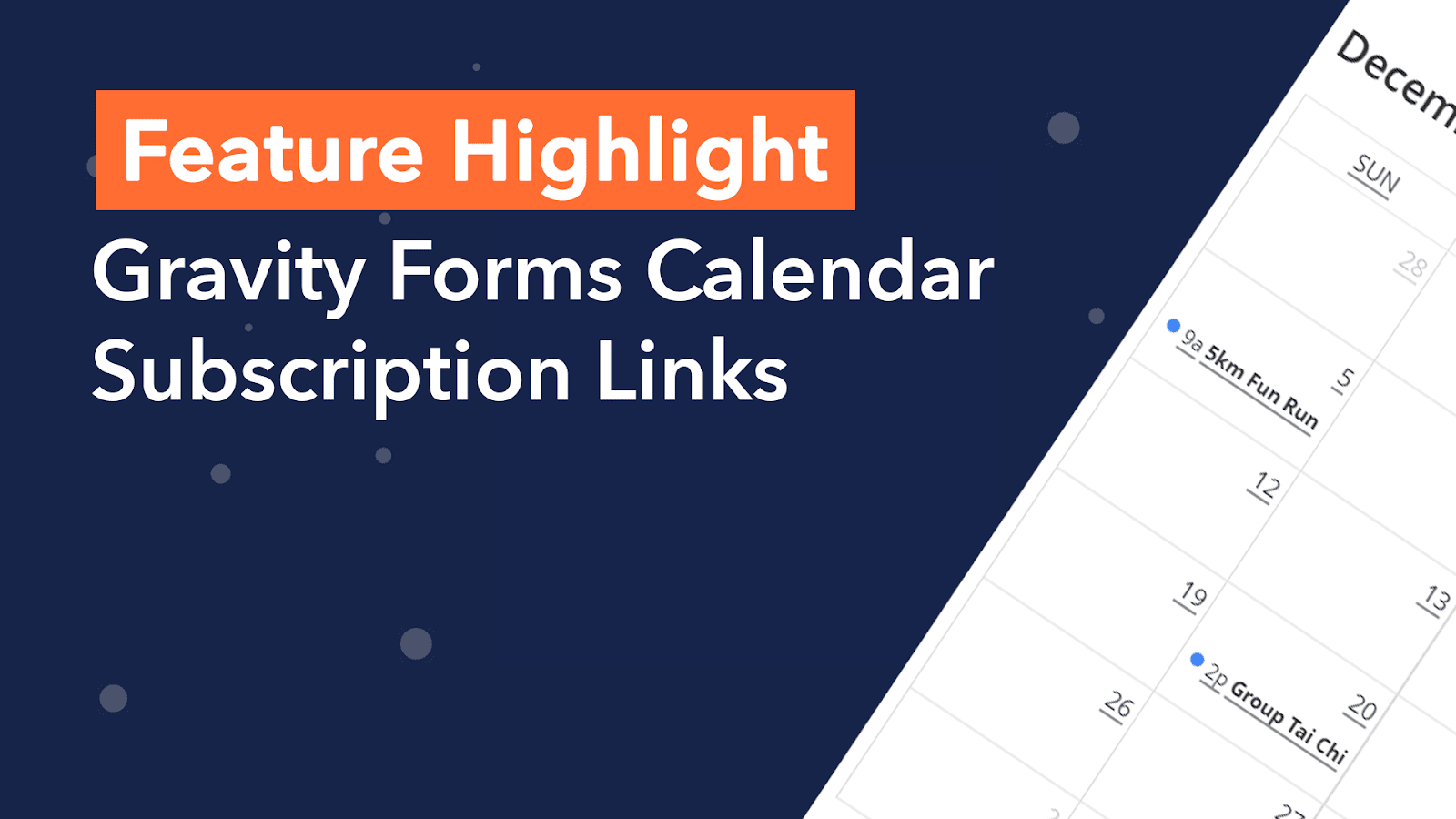
Feature highlight: Calendar subscription links
Welcome to Feature Highlights! In this new series, we’ll be exploring exciting features of GravityView and our related add-ons to help you get the most out of our plugins. And we’ll be kicking things off with… Calendar subscription links! 📆 In Gravity Forms Calendar…

GravityCalendar vs The Events Calendar: Which plugin should you choose?
Calendar applications allow you to visualize upcoming events, schedule appointments and improve how you manage your time. GravityCalendar and The Events Calendar are both popular plugins for displaying and managing events on WordPress. Choosing which plugin to use can be a difficult task if…
New Release: Introducing Gravity Forms Calendar 2.0
We’re excited to announce the release of Gravity Forms Calendar 2.0! This new update sees the addition of calendar subscription links, allowing users to subscribe to your calendar feed using Google Calendar or Apple Calendar. But that’s not all. In Calendar 2.0 you’ll also…
How to build a Gravity Forms event registration calendar
Build a Gravity Forms event registration calendar where visitors can browse upcoming events and sign up from the front end. Step-by-step guide using GravityCalendar.

The Best Gravity Forms Calendar Plugin 2023
Display Gravity Forms entries on a visual calendar using the GravityView Calendar plugin. Embed event calendars on any page and let users edit entries from the front end.
Gravity Forms Calendar 1.4 Released
GravityCalendar 1.4 adds Gravity Forms 2.5 compatibility, shortcode support in event titles and descriptions, Members plugin integration, and several display fixes.