Case study
How Bet Hannon Business Websites built a secure member management system with GravityView
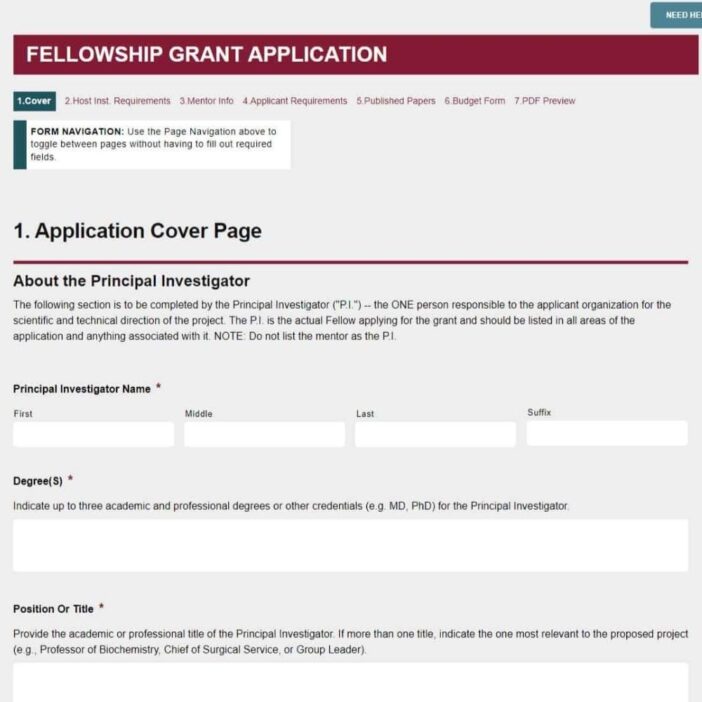
When Bet Hannon Business Websites took over the web work for the Disciples of Christ, a national Protestant denomination, the existing custom-built member management system had problems on three fronts: security holes, performance drag from stored PDFs, and demographic reporting that ran on manual CSV exports. Bet’s team rebuilt it on Gravity Forms and GravityView. The result was a front-end interface that staff can use without ever touching the WordPress dashboard.
Meet Bet Hannon
Bet Hannon is the founder and CEO of Bet Hannon Business Websites (now AccessiCart), a full-service WordPress agency that handles design, development, and content management for small businesses and nonprofits. With more than a decade of experience, Bet has carved out a particular focus on website accessibility, including specialized training for clients who want to widen their reach.
Bet notes that accessible websites benefit both SEO rankings and overall user reach, citing CDC data showing roughly 26% of adults have some form of disability that may require accommodation.

Discovering GravityKit
Bet’s team came to GravityKit through a real client problem. The Disciples of Christ had a custom-built login system that tracked board and committee members, with diversity monitoring baked in. It worked, but barely:
- Security was inadequate.
- Bulk PDF storage on the main site dragged performance down.
- Demographic analysis required manual CSV exports and hand calculations.
- The whole thing was wired into an already large main site, making maintenance brittle.
Gravity Forms gave Bet’s team a flexible data layer. GravityView gave them the front-end to make that data usable without exposing the WordPress dashboard.
We love working with GravityView!
Building with GravityKit
The redesign moved the entire member management system to a dedicated subdomain that requires user login. From there, the architecture is layered:
- Gravity Forms for data collection – Each new nominee is added through a structured form with all the fields needed for board and committee tracking and demographic reporting.
- GravityView for the front-end – Staff manage nominee data through Views rather than the WordPress admin.
- GravityView filters for role-based access – Each ministry’s staff sees only the nominees relevant to their ministry, even though every record lives in the same form.
- Front-end editing – Authorized users can update or add nominee details without ever opening WordPress admin.
The effect is an application built on top of WordPress that doesn’t feel like WordPress at all to the people using it.
It’s an elegant solution because they’re never seeing the backend of the site.
That detail matters more than it sounds. For a denomination with ministry staff who aren’t web developers, hiding the wp-admin layer removes both a training burden and a category of accidental damage.
The impact
The rebuild closed every gap in the legacy system at once:
- Security – The new site sits behind authentication, with role-based permissions on top.
- Performance – Pulling bulk PDFs out of the main site removed a long-standing drag on page loads.
- Reporting – Demographic analysis is automated. No more manual CSV exports and hand calculations.
- Usability – Staff manage nominees through a clean front-end interface, scoped to just their ministry.
- Maintainability – Member management lives on its own subdomain, separate from the main marketing site.
Beyond this single project, Bet’s agency now reaches for Gravity Forms and GravityView as a default toolkit for nonprofit and membership work:
- Membership directories
- Event registrations with complex pricing (early/late and group discounts)
- Custom integrations between event discounts and WooCommerce Members
- Location-based directories using the GravityView Maps Layout
Gravity Flow sits alongside this stack for workflow automation on more involved client projects.
Takeaways
- Front-end first design protects non-technical staff. Hiding
wp-adminbehind GravityView removes both training overhead and the chance of accidental misconfiguration. - Role-based filtering scales access control without duplicating data. A single Gravity Forms dataset can serve many groups when GravityView filters Views by role.
- Splitting an application onto its own subdomain keeps the main site fast. Heavy data and file storage no longer compete with marketing pages for performance.
- Automation replaces brittle manual processes. Demographic reporting moved from CSV exports and hand calculations into structured, queryable data.
- A flexible toolkit pays off across clients. The same Gravity Forms plus GravityView pattern now powers membership directories, event registration, and mapped location finders across Bet’s broader client base.

Ready to get
started?
GravityKit’s integrated toolkit of Gravity Forms add-ons transforms your data into actionable applications.
Browse more case studies
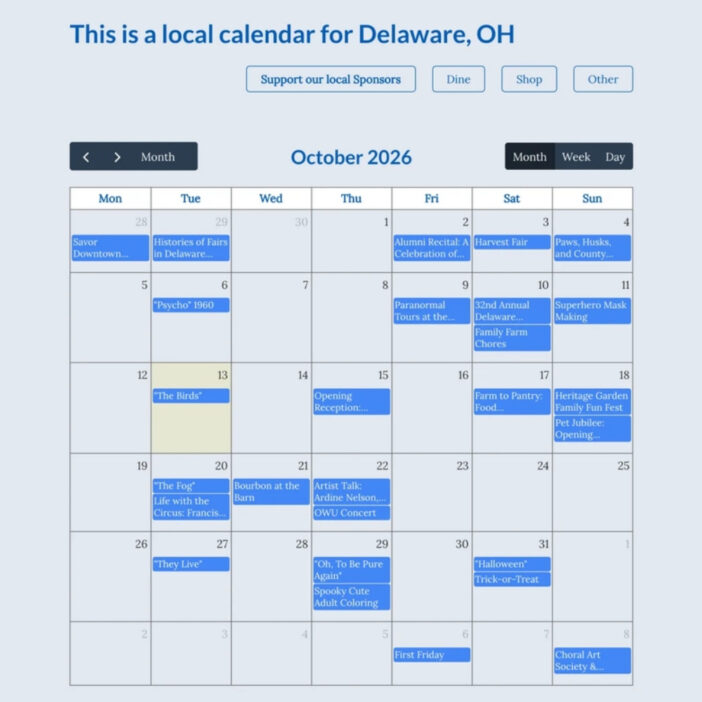
Be There Local
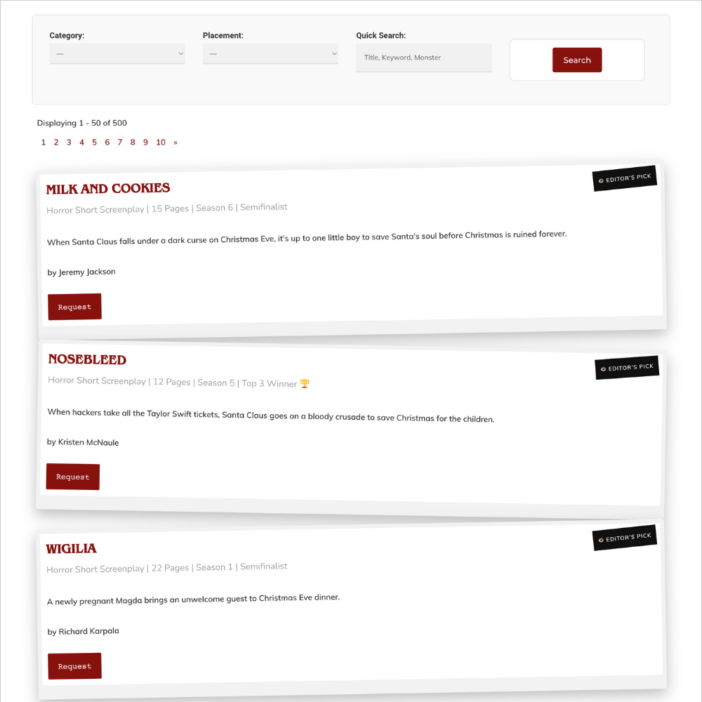
Killer Shorts
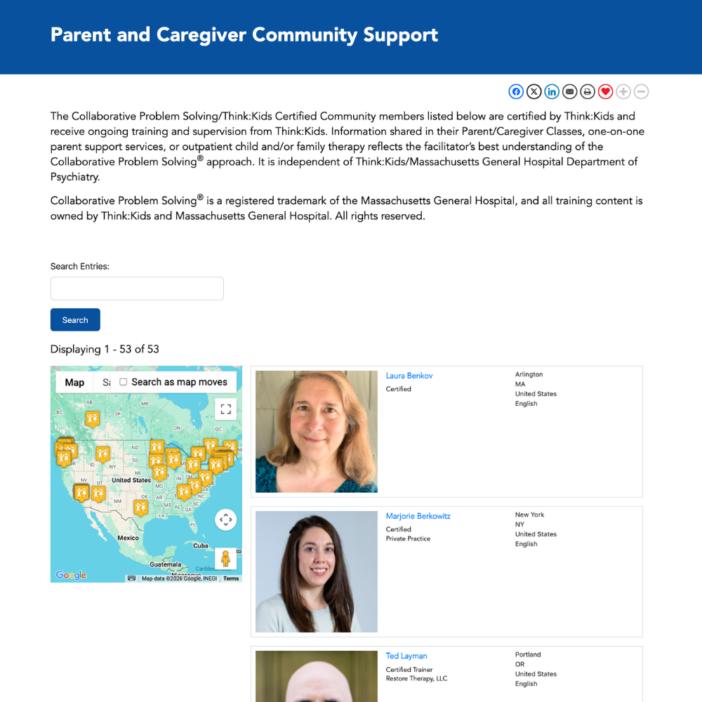
Think:Kids
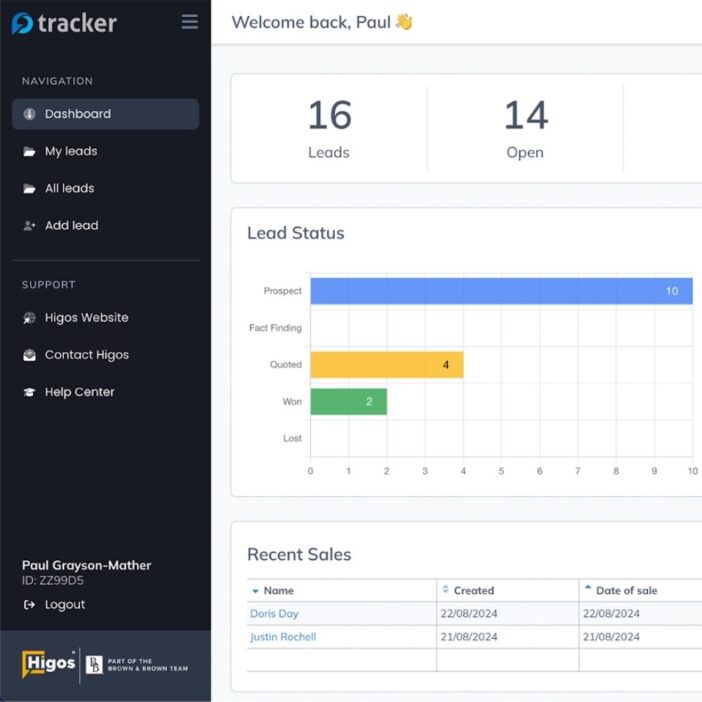
Leadpal
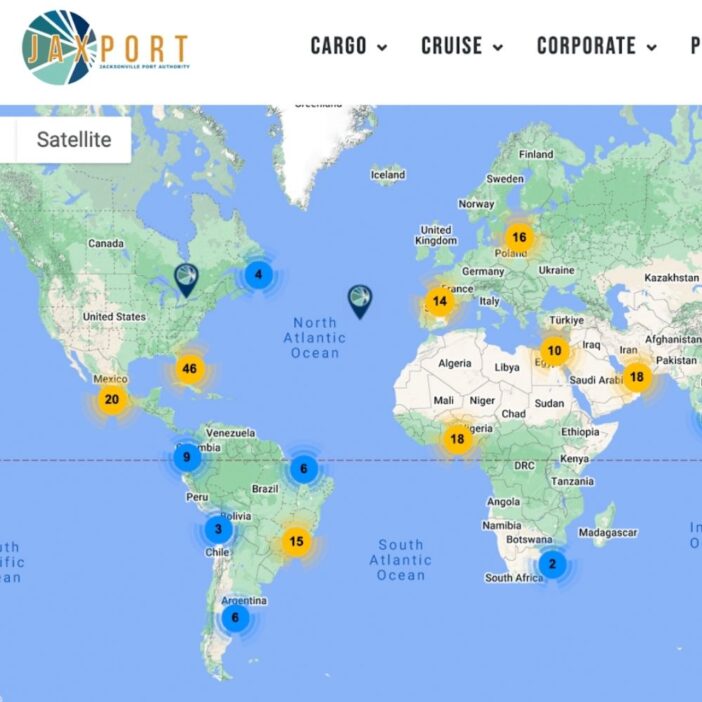
Jacksonville Port Authority
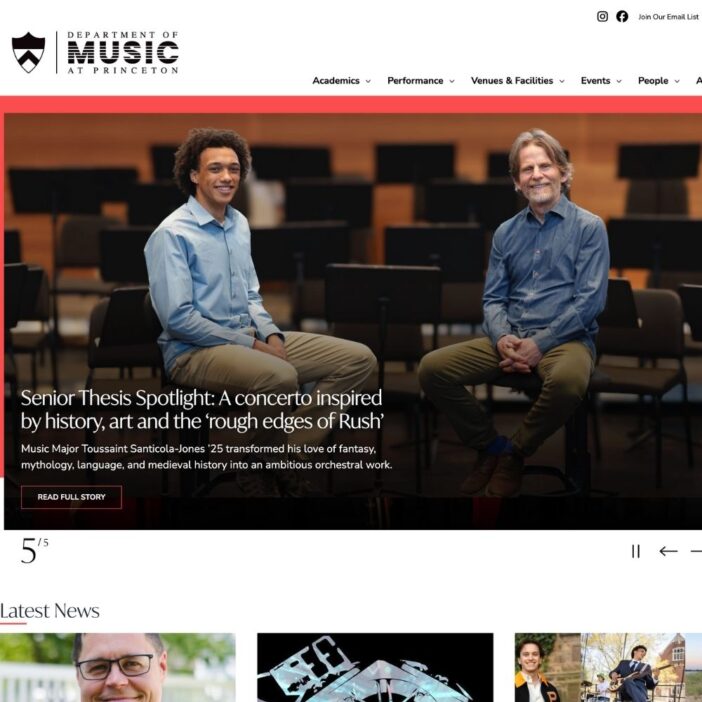
Princeton University
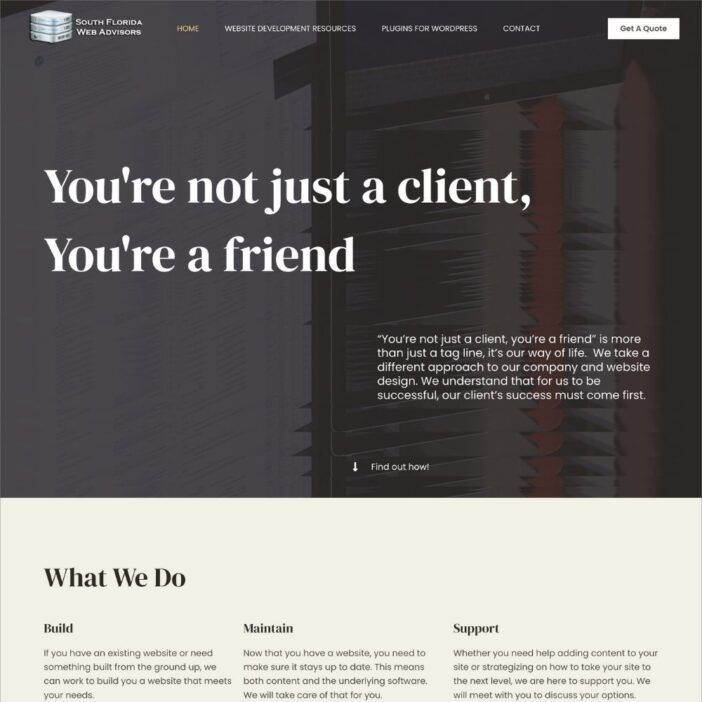
South Florida Web Advisors
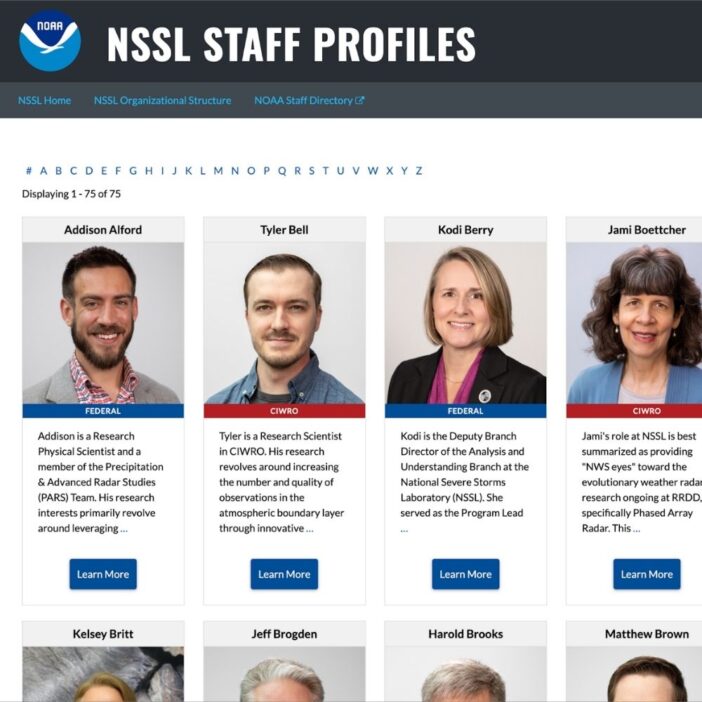
NSSL
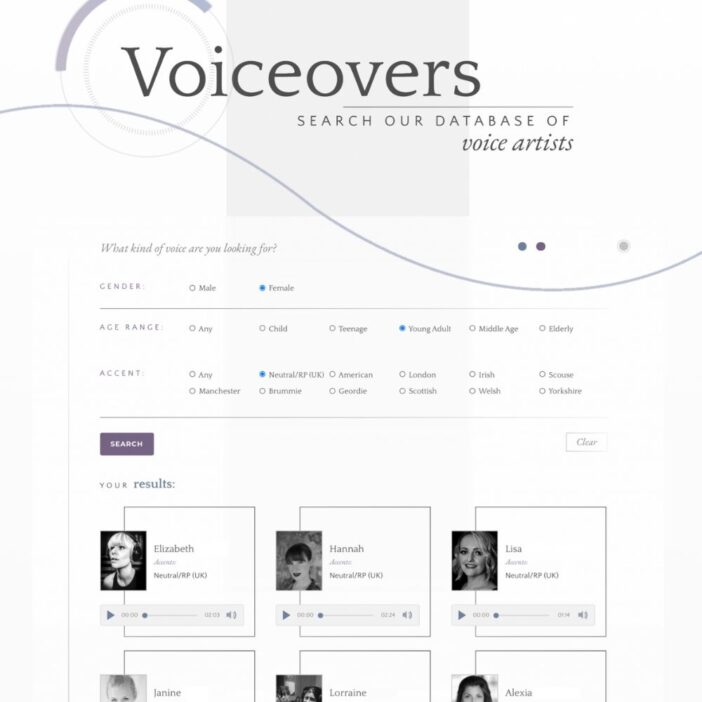
Dragonfly
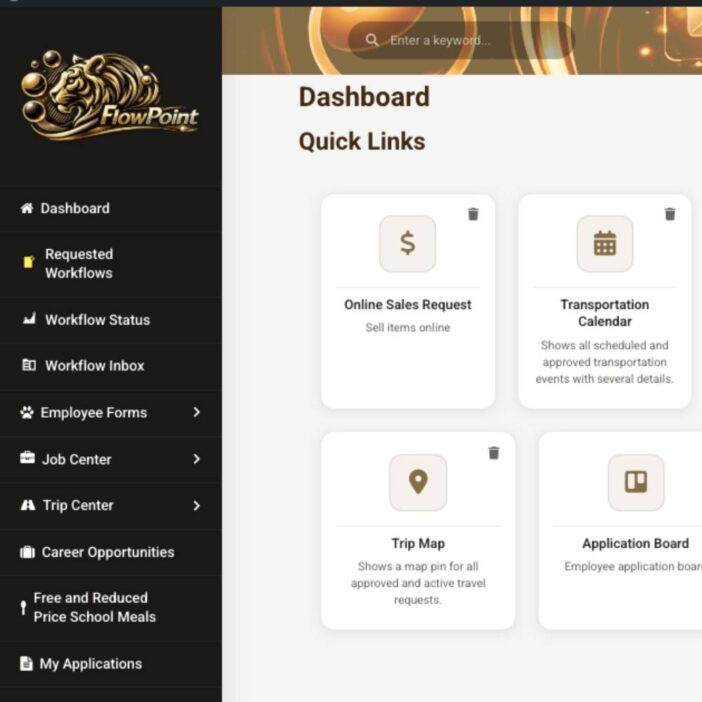
West Fork School District
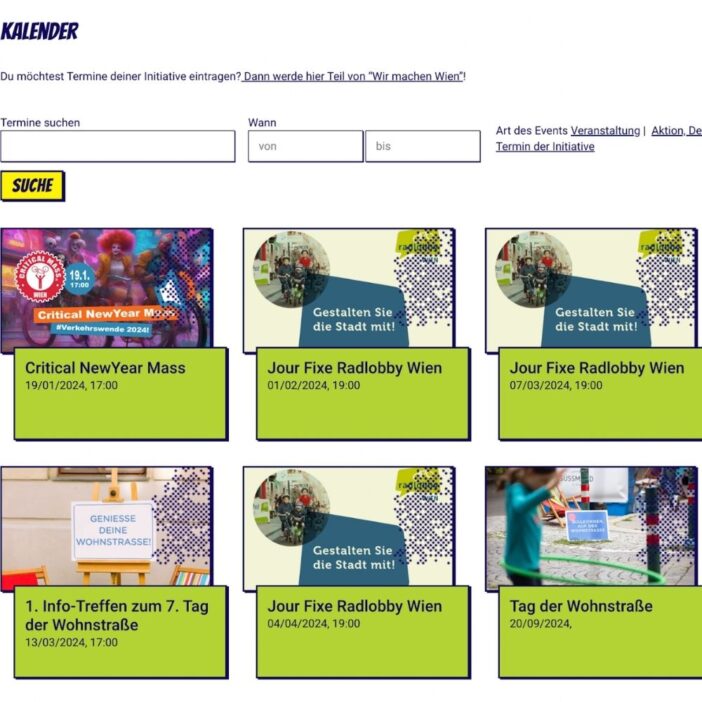
HappyTree IT
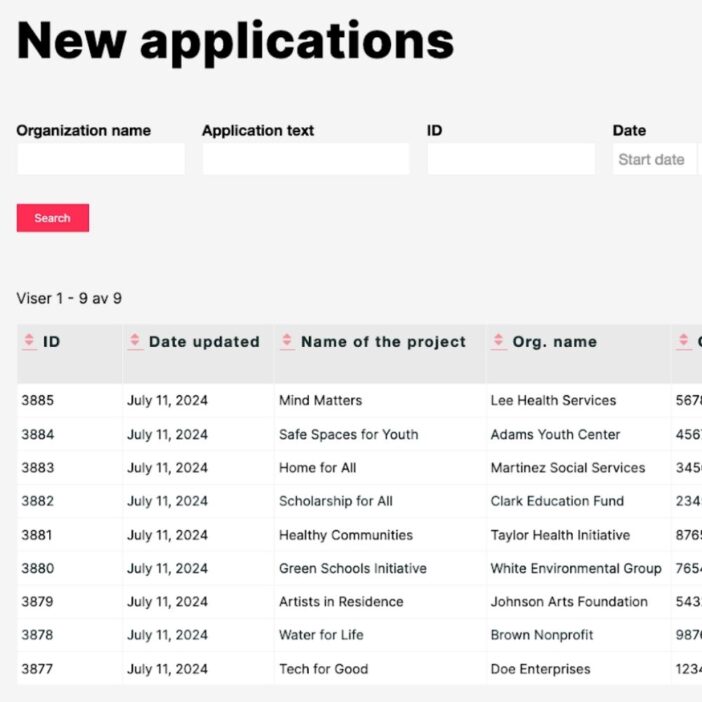
Mediebruket
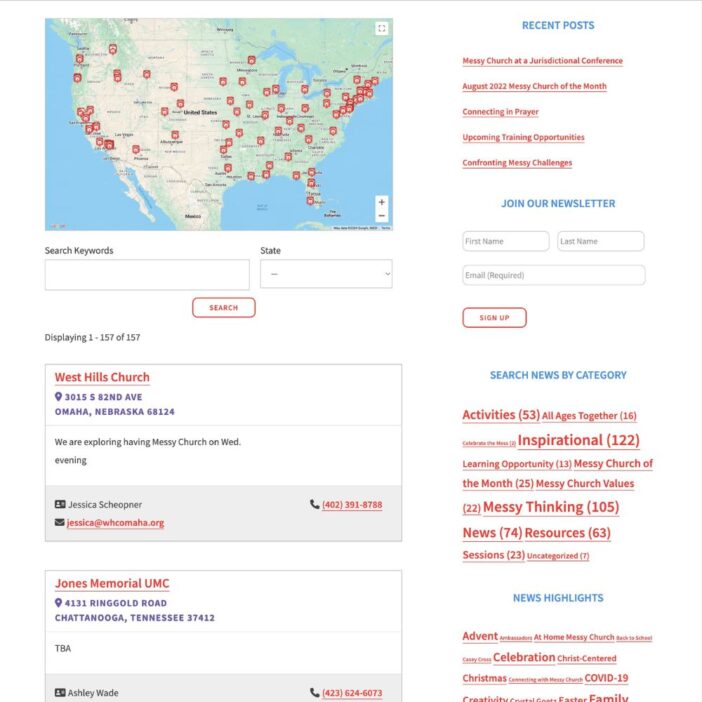
Bet Hannon
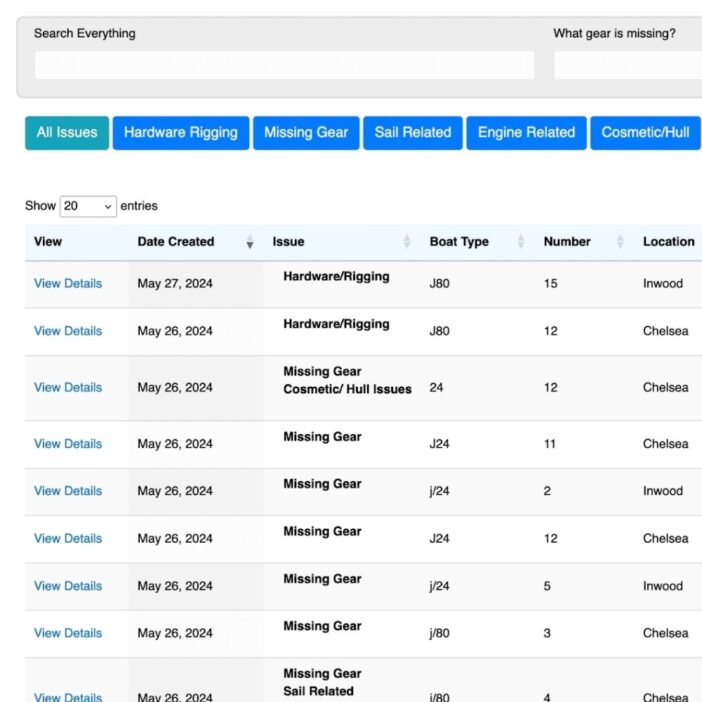
Experience Solutions
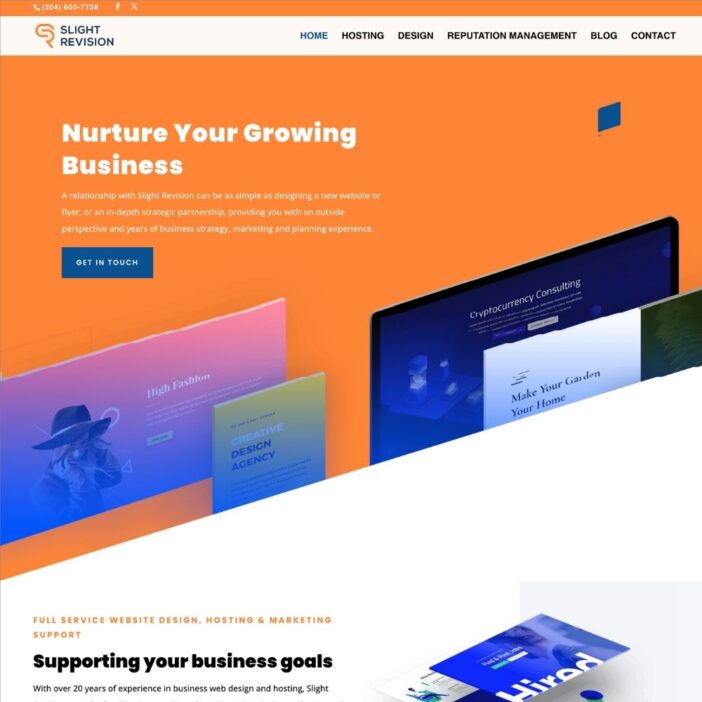
Slight Revision
LifterLMS
Jamie Madden
GCPE
Rochelle Victor