Skip to content
GravityKit
Buy
Sign in
0 items
  • Plugins

    GravityKit All Access

    Our complete Kit of essential tools for extending and enhancing Gravity Forms—everything you need to build powerful web apps and workflows.

    Learn more
    • GravityView

      GravityView

      Bestseller

      Display Gravity Forms entries on the front-end of your site and build powerful web applications.

    • GravityImport

      GravityImport

      Trending

      Import entries from CSV files into Gravity Forms to transfer data, create new forms, or update existing entries.

    • GravityEdit

      GravityEdit

      Quickly edit Gravity Forms entries inline to save time, reduce clicks, and streamline your workflow.

    • GravityCharts

      GravityCharts

      Trending

      Turn Gravity Forms entries into interactive charts and graphs.

    • GravityActions

      GravityActions

      Update multiple Gravity Forms entries at once, send bulk emails, and streamline your workflow.

    • GravityCalendar

      GravityCalendar

      Turn Gravity Forms entries into dynamic calendars to showcase events, schedules, appointments, and more.

    • GravityExport

      GravityExport

      Export Gravity Forms entries to Excel, CSV, PDF, or Google Sheets, then share them with secure links or deliver them to cloud storage on a schedule.

    • GravityMath

      GravityMath

      Perform advanced calculations on Gravity Forms entries to display totals, averages, or build custom calculators.

    • GravityRevisions

      GravityRevisions

      Track, compare, and restore changes made to Gravity Forms forms and entries with a full version history.

    • GravityMigrate

      GravityMigrate

      Migrate all Gravity Forms data, including forms, entries, Views, feeds, uploads, and more.

    • GravityBoard

      GravityBoard

      Manage projects with collaborative project management. Coordinate with your team and streamline your workflows.

    • GravitySearch

      GravitySearch

      Search Gravity Forms entries across every form from one screen.

  • Ideal For

    • Nonprofits
    • Web Agencies
    • Education
    • Developers
    • Small Businesses
    • Startups
    Explore All Use Cases

    Case studies

    • West Fork Schools
    • Princeton University
    • BrightLeaf Giving
    • Jacksonville Port Authority
    • National Severe Storms Lab
    • Leadpal
    • Mediebruket
    • Dragonfly
    View All Case Studies
  • Resources

    • Blog
    • Case studies
    • Newsletter
    • GravityKit vs competitors
    • Live Demos
    • Documentation
    • Developer docs
    • GravityKit Academy

    Ultimate guides

    • How to use Gravity Forms
    • Editing Gravity Forms entries
    • Importing Gravity Forms entries
    • Exporting Gravity Forms entries
    • Displaying Gravity Forms entries
    • Gravity Forms conditional logic
    • Gravity Forms calculations
    View More Articles
  • Plugins

    • GravityView

      GravityView

      Bestseller

      Display Gravity Forms entries on the front-end of your site and build powerful web applications.

    • GravityImport

      GravityImport

      Trending

      Import entries from CSV files into Gravity Forms to transfer data, create new forms, or update existing entries.

    • GravityEdit

      GravityEdit

      Quickly edit Gravity Forms entries inline to save time, reduce clicks, and streamline your workflow.

    • GravityCharts

      GravityCharts

      Trending

      Turn Gravity Forms entries into interactive charts and graphs.

    • GravityActions

      GravityActions

      Update multiple Gravity Forms entries at once, send bulk emails, and streamline your workflow.

    • GravityCalendar

      GravityCalendar

      Turn Gravity Forms entries into dynamic calendars to showcase events, schedules, appointments, and more.

    • GravityExport

      GravityExport

      Export Gravity Forms entries to Excel, CSV, PDF, or Google Sheets, then share them with secure links or deliver them to cloud storage on a schedule.

    • GravityMath

      GravityMath

      Perform advanced calculations on Gravity Forms entries to display totals, averages, or build custom calculators.

    • GravityRevisions

      GravityRevisions

      Track, compare, and restore changes made to Gravity Forms forms and entries with a full version history.

    • GravityMigrate

      GravityMigrate

      Migrate all Gravity Forms data, including forms, entries, Views, feeds, uploads, and more.

    • GravityBoard

      GravityBoard

      Manage projects with collaborative project management. Coordinate with your team and streamline your workflows.

    • GravitySearch

      GravitySearch

      Search Gravity Forms entries across every form from one screen.

    View All Products

    GravityKit All Access

    Our complete Kit of essential tools for extending and enhancing Gravity Forms—everything you need to build powerful web apps and workflows.

    Learn more
  • Ideal For

    • Nonprofits
    • Web Agencies
    • Education
    • Developers
    • Small Businesses
    • Startups
    Explore All Use Cases

    Case studies

    • West Fork Schools
    • Princeton University
    • BrightLeaf Giving
    • Jacksonville Port Authority
    • National Severe Storms Lab
    • Leadpal
    • Mediebruket
    • Dragonfly
    View All Case Studies

    How to build...

    • Property Management
    • Product Catalog
    • Fundraising Dashboard
    • Real Estate Directory
    • Document Library
    • Academic Journal
    • Volunteer Management
    • Meal Tracker
    View All Guides
  • Resources

    • Blog
    • Case studies
    • Newsletter
    • GravityKit vs competitors
    • Live Demos
    • Documentation
    • Developer docs
    • GravityKit Academy

    ultimate guides

    • How to use Gravity Forms
    • Editing Gravity Forms entries
    • Importing Gravity Forms entries
    • Exporting Gravity Forms entries
    • Displaying Gravity Forms entries
    • Gravity Forms conditional logic
    • Gravity Forms calculations
    View More Articles
  • Support
  • Pricing
0 items

Search

Results appear automatically as you type.
Loading results…

results found matching

    Sign in
    Buy
    The GravityMigrate import wizard's source picker showing seven form plugins to migrate forms from: Contact Form 7, Fluent Forms, Formidable Forms, Forminator, Ninja Forms, WPForms, and WS Form, each with its logo and form count
    GravityMigrate, Product Updates
    September 11, 2026

    GravityMigrate 2.0: No-sweat WordPress form plugin migrations

    Nobody wants to move forms between plugins. They want the site launched, the client onboarded, the referrals to stop falling through the cracks. GravityMigrate 2.0 makes moving forms effortless.

    Read article on GravityMigrate 2.0: No-sweat WordPress form plugin migrations

    Product updates

    September 11, 2026 Launch Log
    Product Updates

    Launch Log: Two-way form migrations, a modernized chart block, and tighter board permissions

    GravityMigrate 2.0.0 moves forms between Gravity Forms and seven other form plugins, GravityCharts modernizes its block in the WordPress editor, and GravityBoard tightens how board permissions are enforced.

    Read article on Launch Log: Two-way form migrations, a modernized chart block, and tighter board permissions
    Launch Log, September 4, 2026: your weekly roundup of GravityKit product updates
    Product Updates
    September 4, 2026

    Launch Log: New GravityCalendar widget for Elementor, keyboard-friendly entry approval, and more

    GravityCalendar gets an Elementor widget, GravityView makes entry approval keyboard-accessible and fixes Edit Entry with Gravity Flow, and embed-only Views stay out of sitemaps.

    Read article on Launch Log: New GravityCalendar widget for Elementor, keyboard-friendly entry approval, and more

    CATEGORIES

    • Case Study (28)
    • General WordPress (70)
    • Gravity Forms (55)
    • GravityActions (2)
    • GravityBoard (6)
    • GravityCalendar (8)
    • GravityCharts (6)
    • GravityEdit (2)
    • GravityExport (14)
    • GravityImport (14)
    • GravityMath (4)
    • GravityMigrate (5)
    • GravityRevisions (2)
    • GravityView (135)
    • Marketing & News (66)
    • Product Updates (143)

    Latest Posts

    How to add a QR code to your entries in GravityView
    GravityView
    March 31, 2022

    How to Add a QR Code to GravityView That Encodes Gravity Forms Data

    You’ve probably seen a QR code before. You know, those odd mosaic-looking codes with a bunch of little squares inside?  They’re everywhere these days. You can find them on restaurant menus, information brochures, and even social media posts! QR codes are handy for storing…

    Read article on How to Add a QR Code to GravityView That Encodes Gravity Forms Data
    Gravity Forms Calendar vs The Events Calendar
    GravityCalendar
    March 29, 2022

    GravityCalendar vs The Events Calendar: Which plugin should you choose?

    Calendar applications allow you to visualize upcoming events, schedule appointments and improve how you manage your time. GravityCalendar and The Events Calendar are both popular plugins for displaying and managing events on WordPress. Choosing which plugin to use can be a difficult task if…
    Read article on GravityCalendar vs The Events Calendar: Which plugin should you choose?
    How to migrate from Formstack to Gravity Forms
    GravityImport
    March 17, 2022

    How to Migrate From Formstack to Gravity Forms

    Are you wondering how to migrate your forms and submissions from Formstack to Gravity Forms? Well, Google no more because we’ve got the answer! Although Formstack offers a powerful form builder for small to large businesses, it’s not the best solution for WordPress websites….
    Read article on How to Migrate From Formstack to Gravity Forms
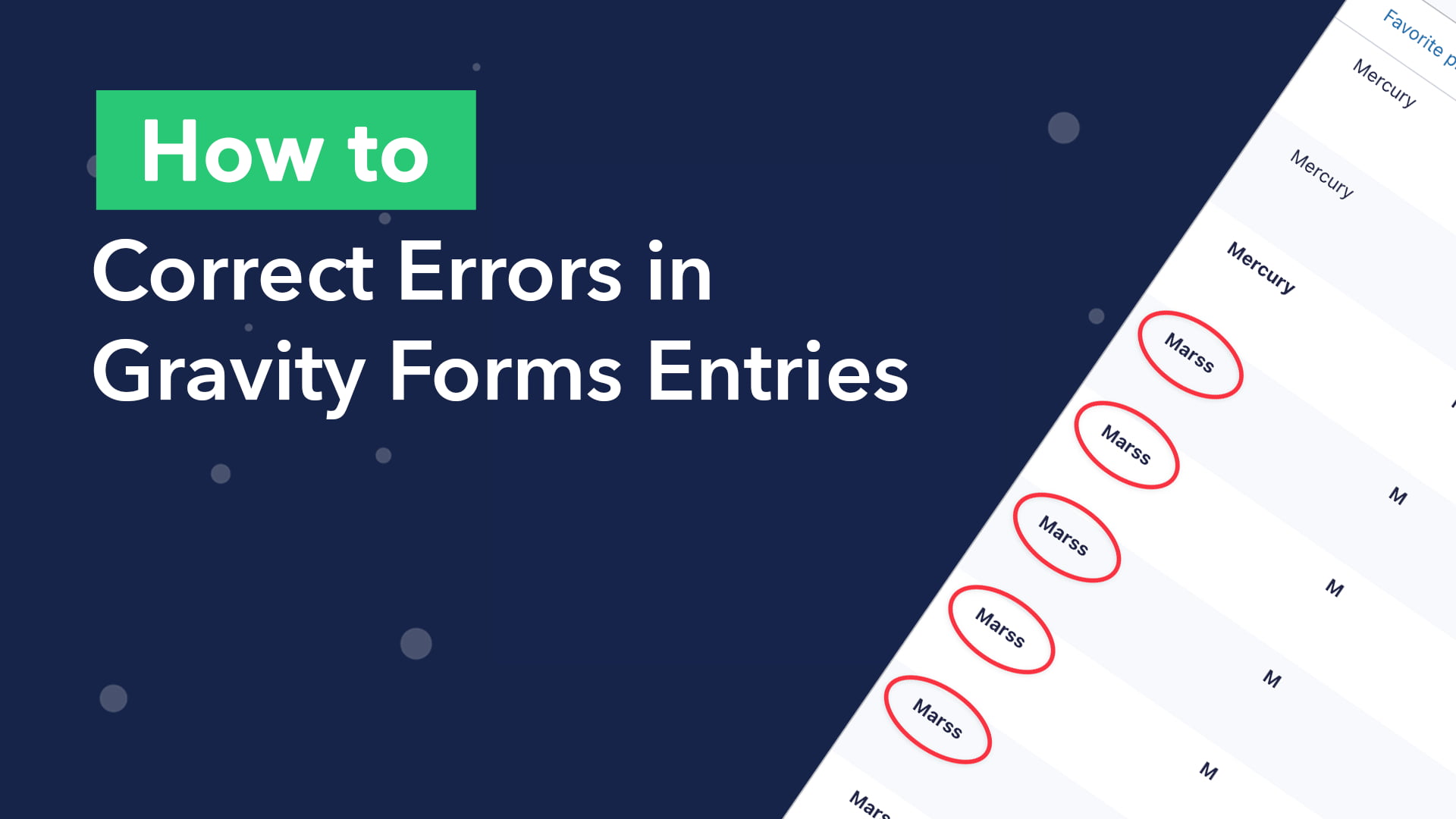
    How to correct errors in Gravity Forms entries
    GravityActions
    March 10, 2022

    How to bulk correct errors in Gravity Forms submissions using GravityActions

    Have you ever run into this problem before? You have a form in Gravity Forms with a Select field. When you edit the form to update the field choices, user submissions don’t change to reflect the new values. It’s frustrating and may lead to…

    Read article on How to bulk correct errors in Gravity Forms submissions using GravityActions
    What's the difference between GravityView and Gravity Wiz?
    General WordPress
    March 3, 2022

    What’s the difference between GravityKit and Gravity Wiz?

    Not sure what the difference is between GravityKit and Gravity Wiz? People often ask us whether GravityKit and Gravity Wiz offer similar solutions and whether they should invest in both or just one. The truth is that GravityKit and Gravity Wiz are both members…

    Read article on What’s the difference between GravityKit and Gravity Wiz?
    How to create a WordPress audio library
    GravityView
    March 1, 2022

    How to build an audio library on WordPress (without code)

    Are you wondering how to build a WordPress audio library? The popularity of audio content is growing. In 2021, the average time spent listening to digital audio among the US population was a staggering 1 hour and 34 minutes per day! Using GravityView’s DataTables…

    Read article on How to build an audio library on WordPress (without code)
    Building a custom productivity and task management system using GravityKit
    Case Study
    February 22, 2022

    The GravityKit-powered productivity and task management app for professionals

    In this case study, we’re talking to Dan Muhlenkamp, founder and CEO of Arena Success Group, a company that provides business coaching and tools to help small business owners “get more done and keep the people who do it”.  ASG’s central offering is a…

    Read article on The GravityKit-powered productivity and task management app for professionals
    Release: Introducing Gravity Forms Calendar 1.8
    GravityCalendar
    February 17, 2022

    New Release: Introducing Gravity Forms Calendar 2.0

    We’re excited to announce the release of Gravity Forms Calendar 2.0! This new update sees the addition of calendar subscription links, allowing users to subscribe to your calendar feed using Google Calendar or Apple Calendar. But that’s not all. In Calendar 2.0 you’ll also…

    Read article on New Release: Introducing Gravity Forms Calendar 2.0

    Posts navigation

    Previous 1 … 46 47 48 … 65 Next

    Get better at Gravity Forms, one email a week

    New GravityKit releases, practical Gravity Forms tutorials, and subscriber-only discounts. One short email every week, unsubscribe anytime.

    GravityKit
    • How to Build It
    • GravityKit vs competitors
    • Pricing
    • Products
    • Our Team
    • Our Values
    • Work With Us
    • Coupons
    Support
    • Support
    • Contact
    • Documentation
    • Scope of Support
    • Brand Guidelines
    • Privacy Policy
    • Terms of Service (“Terms”)
    I am a...
    • Nonprofit
    • Web agency
    • Small business owner
    • Web developer
    • Educational institution
    • WordPress freelancer
    • Startup founder
    • One-person agency
    Get notified of updates.

    We’re constantly improving GravityKit. Fill out your email below and we’ll notify you anytime major updates drop.

    • Facebook
    • Twitter
    • Mastodon
    GravityKit is a Gravity Forms Certified Developer.

    Copyright © 2026, Katz Web Services, Inc.

    GravityKit and GravityView are registered trademarks of Katz Web Services, Inc.

    Get 6 free Gravity Forms add-ons

    Zero Spam, Entry Tags, Dynamic Lookup, GravityExport Lite, Event Field, and the Gravity Forms widget for Elementor. Free to download and keep.

    We’ll add the bundle to your cart and send you our weekly Gravity Forms newsletter. Unsubscribe anytime.