
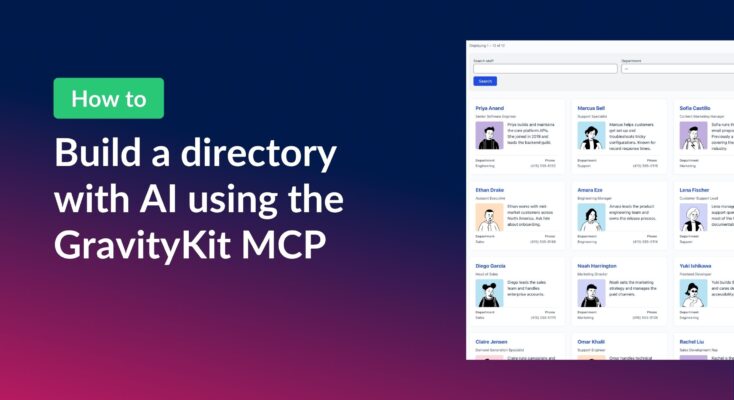
How to build a searchable directory on Gravity Forms by chatting with AI
Build a searchable directory from your Gravity Forms entries by chatting with AI. See how the free GravityKit MCP creates a GravityView directory in minutes.
Product updates

Launch Log: theme template editing in Block MCP, Shield silentCAPTCHA for Zero Spam, and GravityView fixes
Block MCP adds safe theme template editing, Gravity Forms Zero Spam gains Shield silentCAPTCHA support, and GravityView fixes lightbox and notice bugs.

Launch Log: Row headers for screen readers, smarter conditional logic, and multi-View fixes
GravityView 3.1 adds row headers for screen readers, plus smarter conditional logic in GravityCalendar and fixes for DataTables, Maps, and Dynamic Lookup.
Latest Posts
The Ultimate Guide to Gravity Forms CRM Integrations
Connect Gravity Forms to the right CRM to manage leads, segment contacts, and automate marketing. Covers the top CRM integrations available for Gravity Forms on WordPress.
What you need to know about the 6 best Gravity Forms alternatives
Compare the 6 best Gravity Forms alternatives side by side. Covers pricing, features, and add-on ecosystems to help you choose the right WordPress form plugin for your site.

Announcing Our New Demo Site: Try All Our Plugins for Free!
Try all GravityKit plugins for free with a preloaded demo site. Get full access to GravityView, GravityExport, and all add-ons on a live WordPress site for 7 days.

Feature Highlight: Field Conditional Logic
Show or hide individual fields in a GravityView View based on custom conditions. Field Conditional Logic works with the Advanced Filtering extension for powerful display rules.
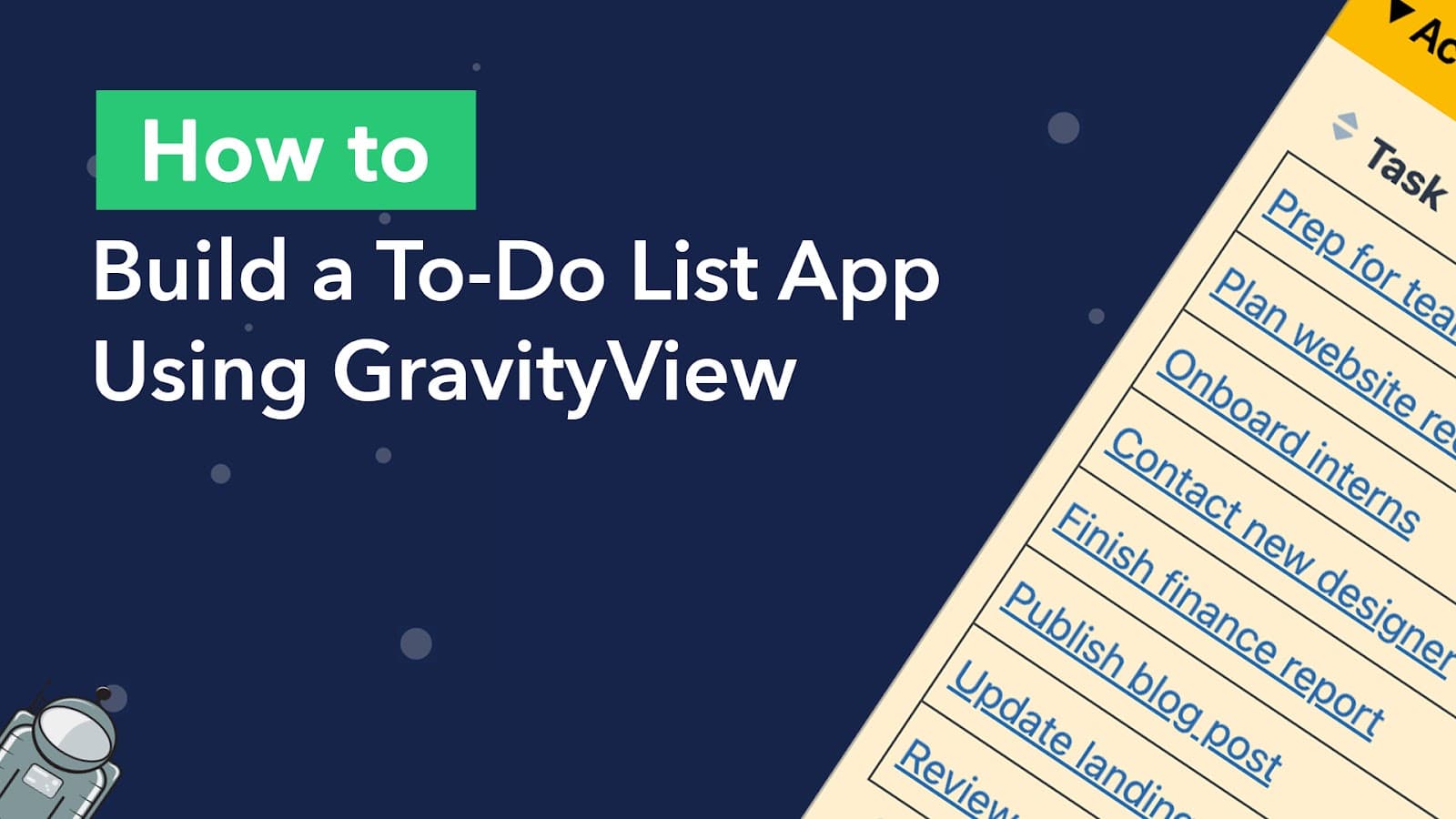
How to build a to-do list app on WordPress (without code)
Build a simple but powerful to-do list app on WordPress using Gravity Forms and GravityView. Users can add tasks, set priorities, and check off items from the front end.
Feature Highlight: Maps info boxes
In this edition of Feature Highlights, we’re exploring the Info Boxes feature for the GravityView Maps layout. Info boxes allow you to display information about an entry when a user clicks on that entry’s map marker. Info Boxes are useful for displaying summary data,…
How to connect GravityKit with Make (Integromat) and put your business on autopilot
Make (formerly “Integromat”) is a visual, no-code platform for creating automated workflows and business processes. At the time of writing, Make integrates with over 1,200 different apps, allowing you to streamline your business operations so you can save time, energy and resources! In this…

The 8 best WordPress plugins for small businesses
“There’s an app for that”. How often have you heard someone say that when you mention something you’re trying to do? There’s an app for almost anything these days, and the same is true for WordPress plugins. In fact, there are almost 60,000 of…

Helpful tips right in your inbox.
Subscribe to get the latest articles, information on releases and helpful Gravity Forms tips!