
GravityView
Gravity Forms is the best WordPress form plugin, but sometimes you need to display form entries on the front end. That’s where GravityView comes in.
GravityView is a powerful add-on for Gravity Forms that allows you to display Gravity Forms entries on the front end. Display your entries using a variety of beautiful layouts, filter views, allow users to edit their own entries, and much more. Here you’ll learn about configuring new Views, how to display entries on a map or calendar, how to display user profiles, and more.
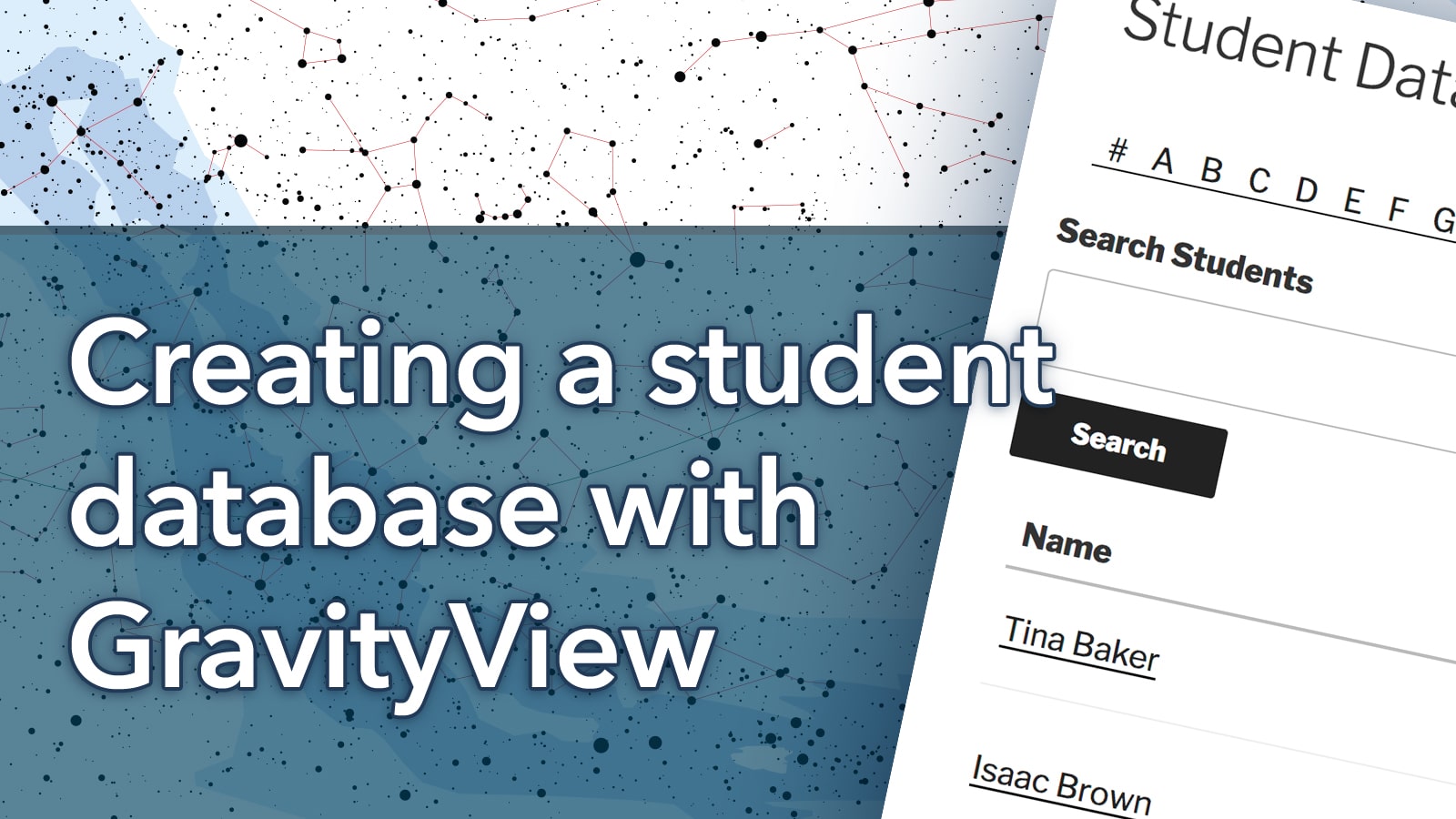
Creating a student database with GravityView
On our blog, we recently featured a case study of one of our users, Adam Cavotta, who is a Senior University Training Specialist at New Mexico State University. NMSU uses GravityView in nearly 10 different ways. In this ongoing blog series, we’ll teach you…

How to make an Academic Advisor directory with Gravity Forms and GravityView
On our blog, we recently featured a case study of one of our users, Adam Cavotta, who is a Senior University Training Specialist at New Mexico State University. NMSU uses GravityView in nearly 10 different ways. In this ongoing blog series, we’ll teach you…

How to build a job application management system on WordPress without code
Are you tired of sifting through countless job applications and struggling to keep them organized? Streamlining your job application process is crucial for effective recruitment and data management. In this article, we’ll show you how to build your own job application management system using…

Creating a feedback board with Gravity Forms and GravityView
On our blog, we recently featured a case study of one of our users, Adam Cavotta, who is a Senior University Training Specialist at New Mexico State University. NMSU uses GravityView in nearly 10 different ways. In this ongoing blog series, we’ll teach you…

Connecting Researchers With Students for Research Projects
On our blog, we recently featured a case study of one of our users, Adam Cavotta, who is a Senior University Training Specialist at New Mexico State University. NMSU uses GravityView in nearly 10 different ways. In this ongoing blog series, we’ll teach you…
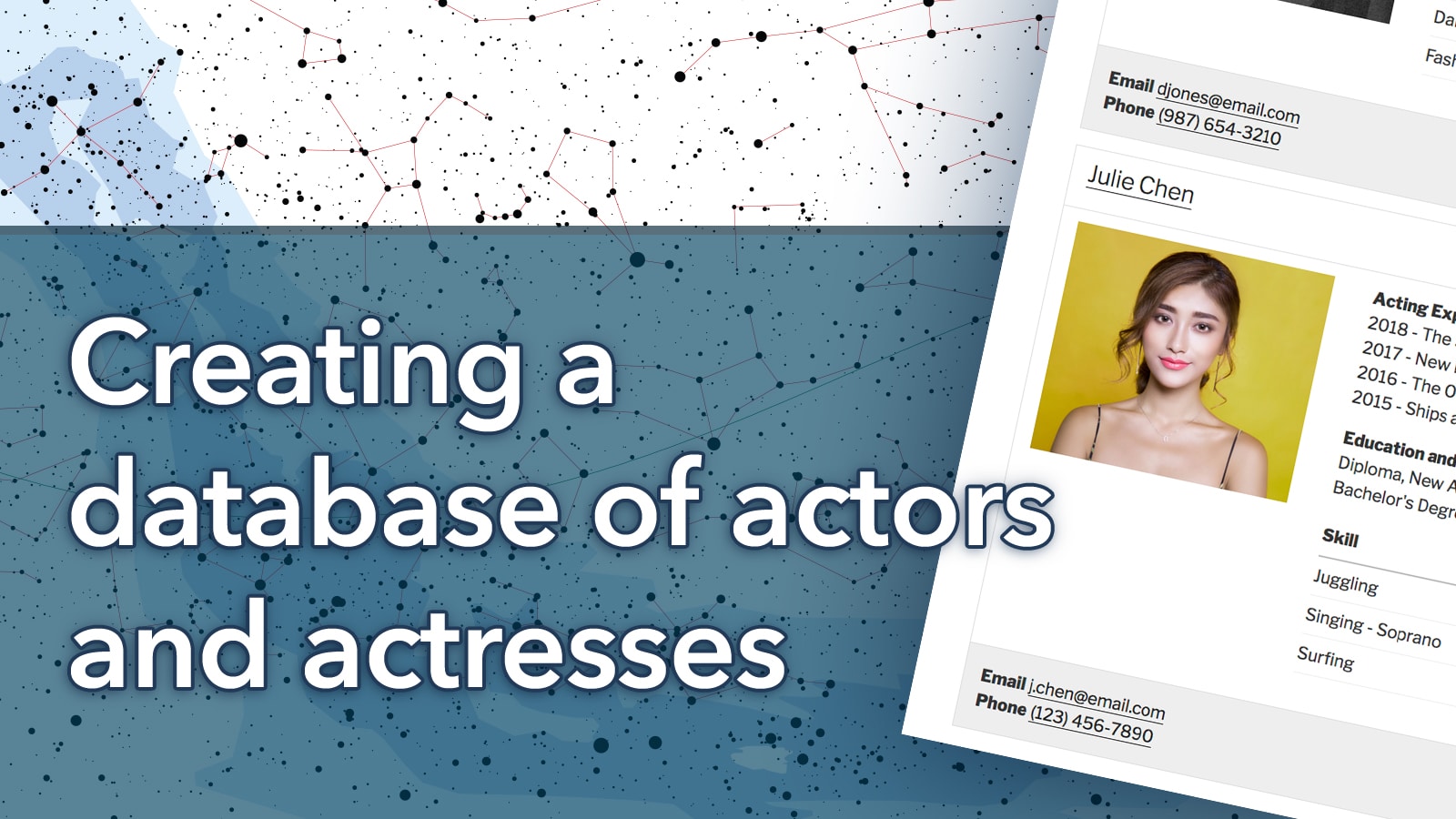
Creating a database of actors and actresses
On our blog, we recently featured a case study of one of our users, Adam Cavotta, who is a Senior University Training Specialist at New Mexico State University. NMSU uses GravityView in nearly 10 different ways. In this ongoing blog series, we’ll teach you…
How to the [gvlogic] shortcode to show or hide content on your Website
GravityView adds multiple shortcodes to WordPress, including the powerful “gvlogic” shortcode. Using [[gvlogic]], you can show or hide content based on a range of different parameters. When you combine this functionality with specific merge tags, you can achieve some pretty neat results! In this…

Add “Claim Entry” functionality in GravityView
TLDR: You can claim an entry in GravityView using the Gravity Flow plugin as described in this how-to article. What’s “Claim Entry”? Many of our customers use GravityView to display a list of businesses (a directory). They add the businesses and then want the…