

GravityMigrate 2.0: No-sweat WordPress form plugin migrations
Nobody wants to move forms between plugins. They want the site launched, the client onboarded, the referrals to stop falling through the cracks. GravityMigrate 2.0 makes moving forms effortless.
Product updates

Launch Log: Two-way form migrations, a modernized chart block, and tighter board permissions
GravityMigrate 2.0.0 moves forms between Gravity Forms and seven other form plugins, GravityCharts modernizes its block in the WordPress editor, and GravityBoard tightens how board permissions are enforced.

Launch Log: New GravityCalendar widget for Elementor, keyboard-friendly entry approval, and more
GravityCalendar gets an Elementor widget, GravityView makes entry approval keyboard-accessible and fixes Edit Entry with Gravity Flow, and embed-only Views stay out of sitemaps.
Latest Posts
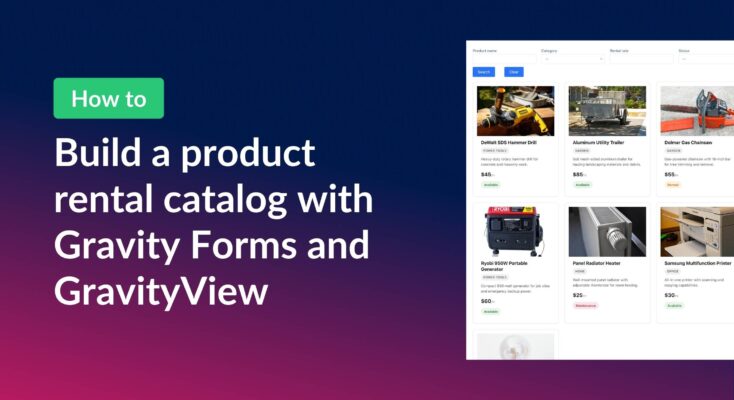
How to build a product catalog on WordPress with GravityView
Build a searchable product catalog or equipment directory on WordPress without WooCommerce. Use Gravity Forms for data entry and GravityView for a filterable front-end display.

How to export multiple Gravity Forms forms to one Excel workbook
Learn how to export entries from multiple Gravity Forms into a single Excel file with separate worksheets using GravityExport Lite (free).
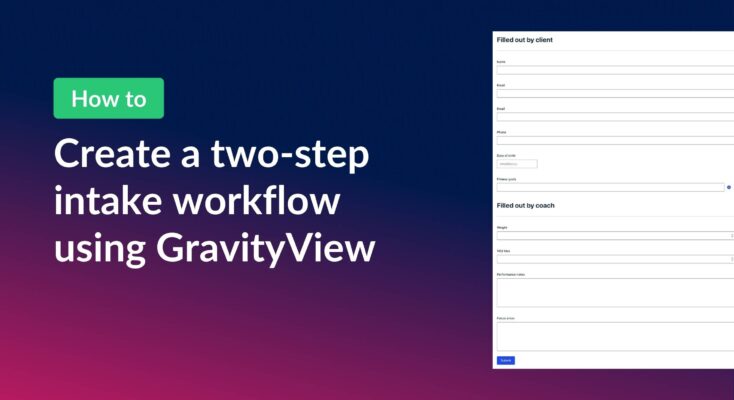
How to create a two-step intake workflow with Gravity Forms and GravityView
Learn how to build a two-step intake workflow where customers start a form online and staff complete it later. Uses GravityView’s Search Bar and Edit Entry features.

How to create a dynamic “Edit Profile” link in GravityView
Add a dynamic Edit Profile link to any page that takes logged-in users directly to their GravityView entry edit screen, without requiring access to the WordPress admin area.

Top 9 powerful WordPress plugins for nonprofits
Every nonprofit deserves a website that looks credible, tells its story clearly, and makes it easy for supporters to take action. WordPress is a great fit for nonprofits of any size—from solo founders working with tight budgets to established organizations with complex needs. The…

How to combine data from multiple forms into one unified View
Update (August 2026): Multiple Forms now supports unions, which display entries from multiple forms in a single View natively, one row per entry, no shared field or workaround required. Read Using unions in Multiple Forms to set it up. The dashboard approach below is…

Feature Highlight: Searching entries in a View
Add a configurable Search Bar to any GravityView View and let visitors filter entries by text, dropdown, date range, and more. Setup takes just a few clicks.
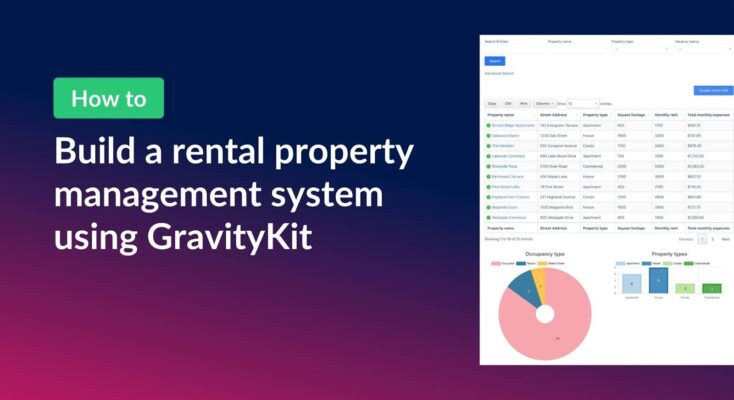
How to build a rental property management system on WordPress using GravityKit
Managing rental properties means juggling a lot of moving parts. This can include tenant details, lease dates, monthly expenses, vacancy tracking, and more. Spreadsheets get messy fast, and dedicated property management software can be expensive and overly complex for smaller portfolios. In this tutorial,…

Get better at Gravity Forms, one email a week
New GravityKit releases, practical Gravity Forms tutorials, and subscriber-only discounts. One short email every week, unsubscribe anytime.