

Casey Burridge
Recent Posts

How to create detailed reports in Gravity Forms and analyze your form data
Three ways to create custom reports from Gravity Forms data: CSV export for external analysis, visual dashboards with charts, and sortable front-end tables using GravityExport.

Unlocking potential: How GravityKit enables Slight Revision to serve diverse client needs
Case study: See how Slight Revision founder Eric Nutter uses GravityKit to build an AI content platform and custom CRM system for clients across diverse niches and industries.

How to build a support ticket system on WordPress without code
Build a support ticketing system on WordPress with no code. Uses Gravity Forms for submissions and GravityView for a customizable front-end management interface with status tracking.
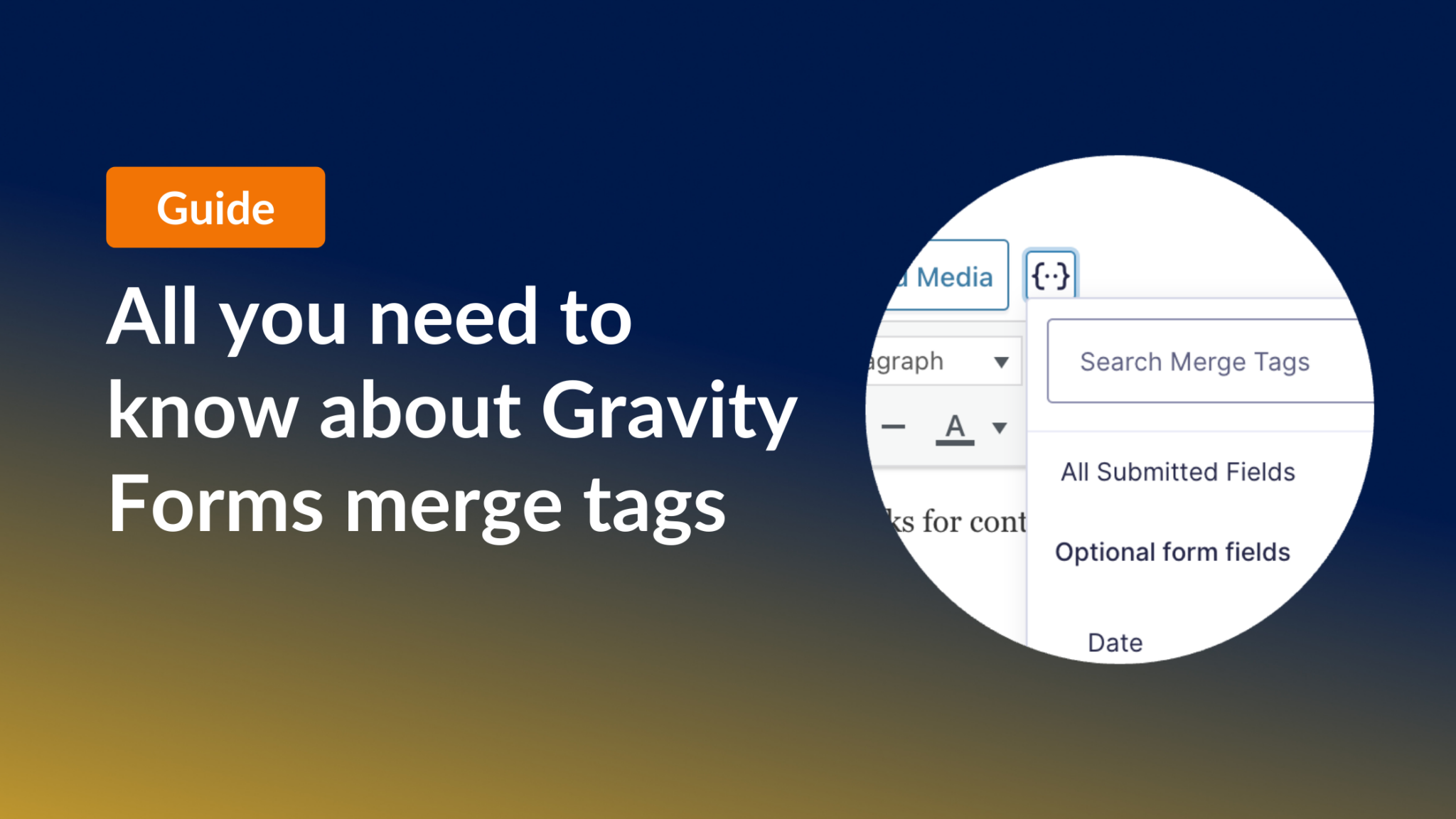
All you need to know about Gravity Forms merge tags
The complete guide to Gravity Forms merge tags. Learn how to display dynamic form, entry, field, and user data inside confirmations, notifications, and post content templates.

How to create your own academic journal on WordPress without code
Launch a peer-reviewed academic journal on WordPress without code. Walk through the submission form, reviewer dashboard, and searchable article archive with Gravity Forms + GravityView.

Top 7 best WordPress chart plugins for data visualization
Compare the 7 best WordPress chart plugins for data visualization. Detailed reviews of GravityCharts, Visualizer, Chartify, and more to help you choose the right tool.
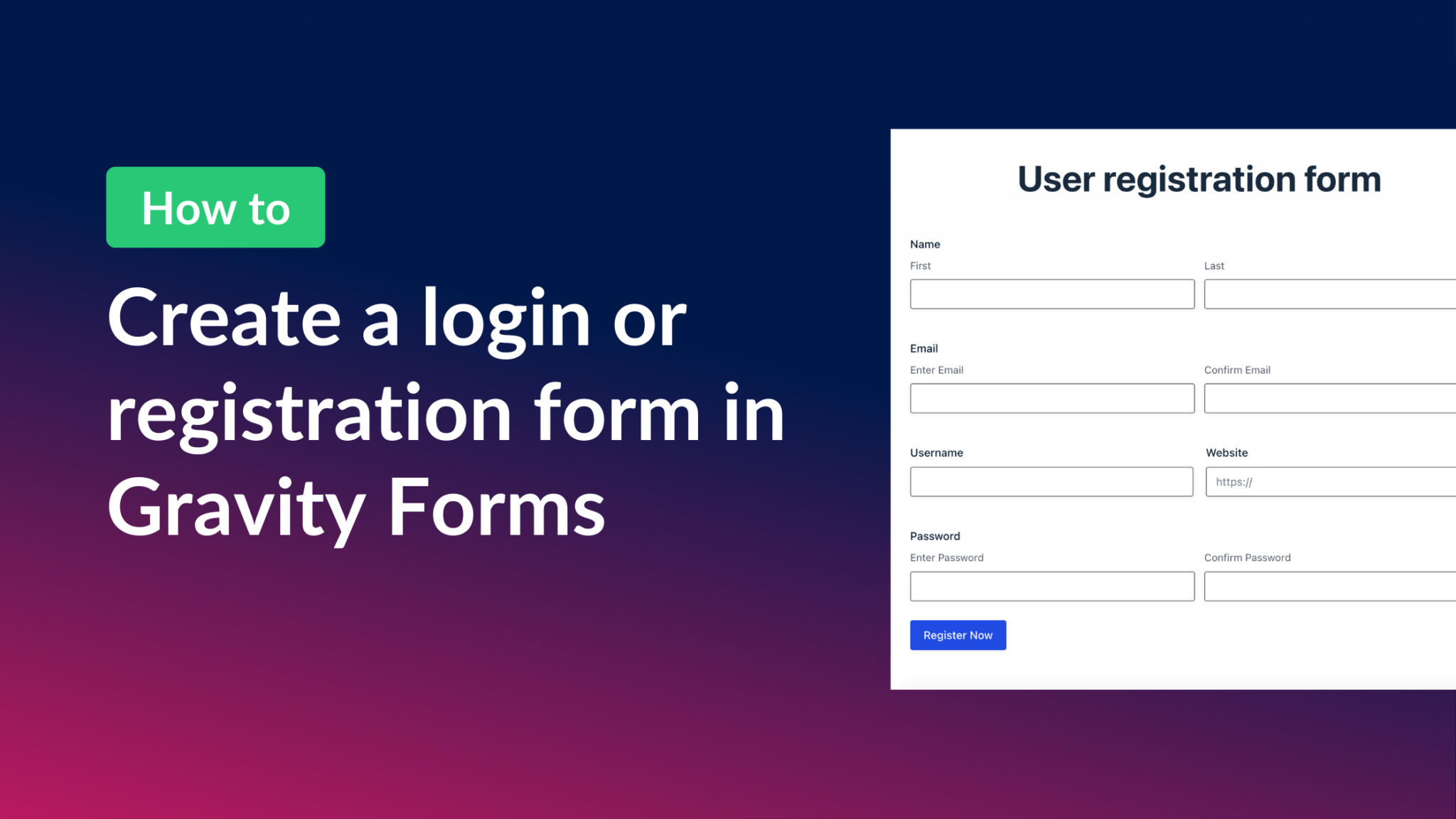
How to create a Gravity Forms login form (all you need to know)
Create a front-end login and registration form in WordPress using Gravity Forms and the User Registration add-on. Covers shortcodes, redirect settings, and user profile pages.

Beginners guide to building web apps with WordPress (with real-world examples!)
A practical guide to building web apps with WordPress. Covers the why and how of using WordPress as a full app framework, with real-world examples and plugin recommendations.
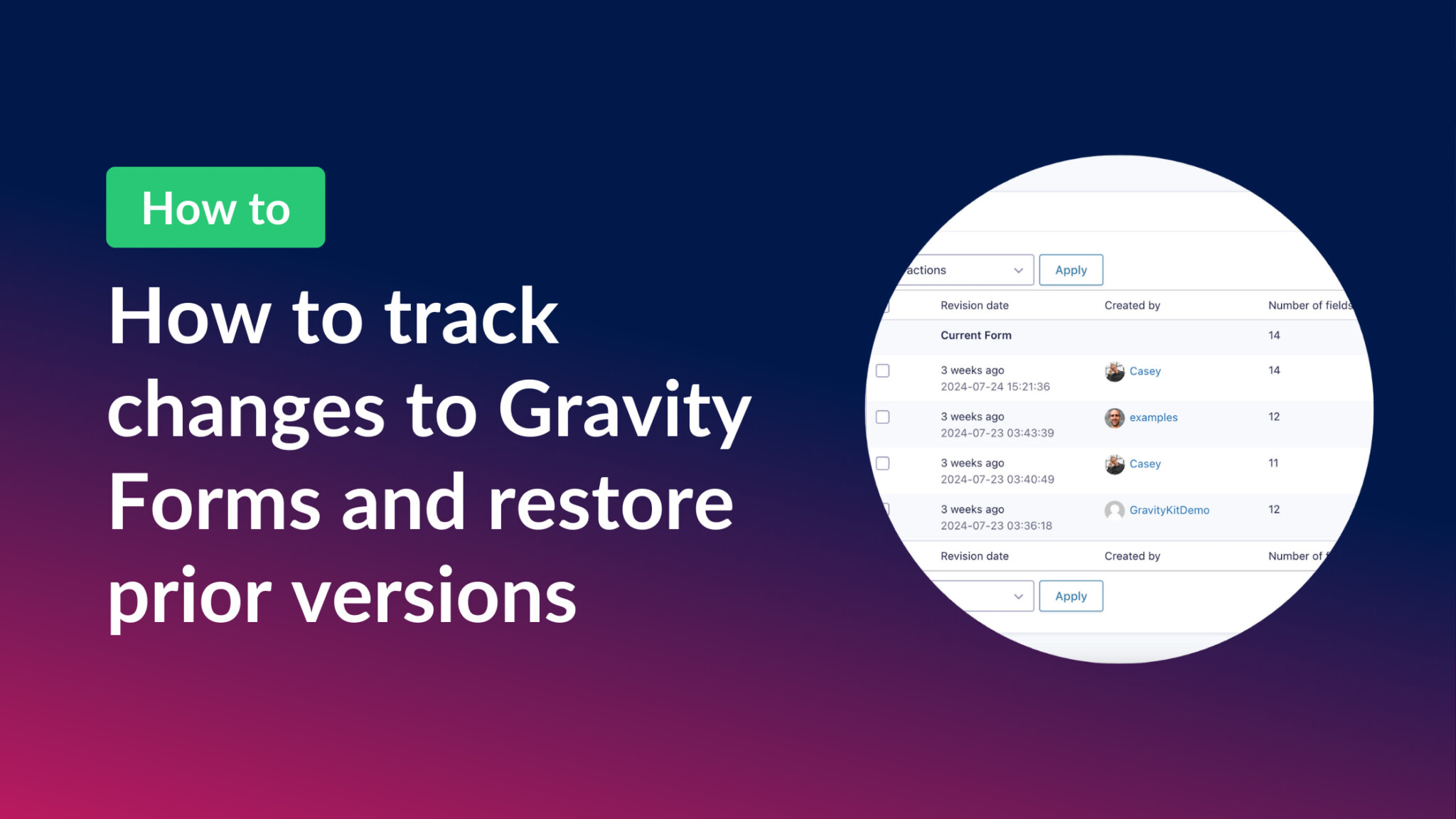
How to save revisions in Gravity Forms and restore prior versions
GravityRevisions adds full version control to Gravity Forms. Track form changes, see who made edits, compare versions, and restore any prior revision with a single click.