Education
Manage data without an enterprise IT budget
GravityKit helps schools and universities build directories, admissions pipelines, and compliance reports—all on WordPress. No per-user fees, no vendor lock-in.
Trusted by thousands of businesses and developers



Schools and universities find GravityKit indispensable for managing data
IT teams at institutions like Princeton, Johns Hopkins, Indiana University, and New Mexico State use GravityKit to replace enterprise systems at a fraction of the cost.
“We needed a tool for creating a user friendly directory that would allow our partners from around the world to enter their data that we could then manage / approve. Most importantly: we aren’t all that tech savvy, so we also needed an easy to work with interface.”
“GravityKit has saved me countless hours of work, provided incalculable inspiration, and made a much higher quality of product the standard for our district tools. It has given me the ability to create tools that reshape the way we operate, without being required to spend months on custom builds.”
“I can’t tell you how much I love GravityView and what it has allowed us to do. It has evolved my job and abilities in ways I couldn’t have imagined.”
“GravityView is affordable, with great customer service. The plugin is also constantly improving. I am in awe of how easy it was to create a fully functioning system at the fraction of the cost of other SIS systems (Student Information Systems) on the market.”
Once I noticed that we could do everything we were looking to do, I was sold… after we had GravityView, we realized how many situations existed where we could use it to solve problems.
GravityView allowed us to drop our custom view we made and we were able to create a dashboard where the Dual Career Partners could look at the incoming records, update them, etc… This has saved my IT group HOURS AND HOURS away from the custom job.
Easy to use
Our products are simple to use, with drag and drop interfaces for point and click configuration! No more getting overwhelmed with countless options and settings.
Preset templates
GravityView includes preset templates for easily building front-end displays. Get up and running in minutes using an intuitive builder.
No code needed
Our plugins work out-of-the-box, no code required! Build directories and data management systems that are simple to update and maintain.
Highly customizable
GravityKit plugins include hundreds of developer hooks, allowing you to customize things to your heart’s content.
Save time and improve the way you work
GravityKit provides a toolbox of essential add-ons for Gravity Forms (the ultimate form plugin for WordPress), allowing you to easily build diverse applications on your website using a drag-and-drop interface. No coding knowledge required.
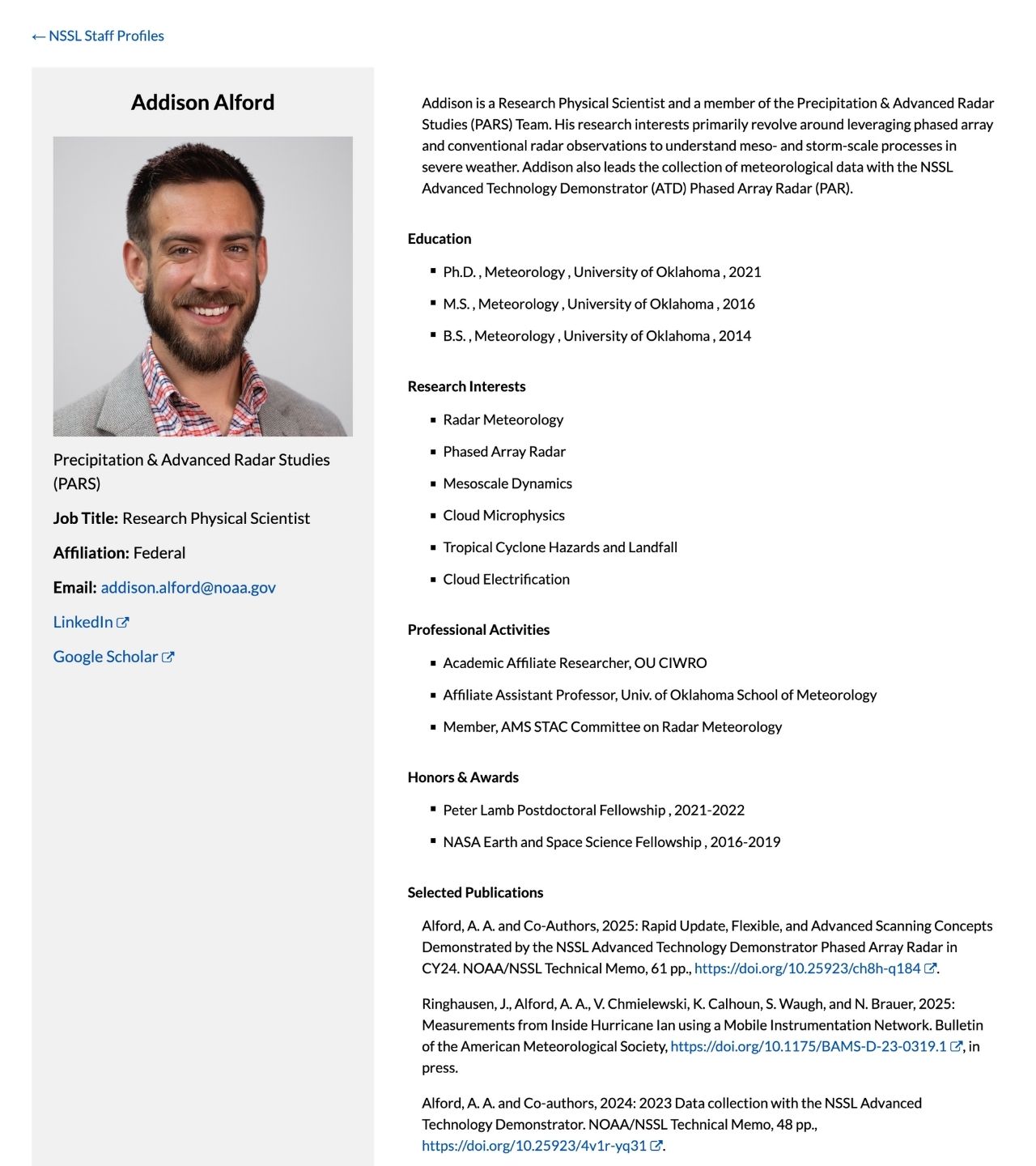
Build staff and student directories
Create databases or directories for your staff, and students; filter through profiles using different search criteria, and allow users to update their information directly from the front end.
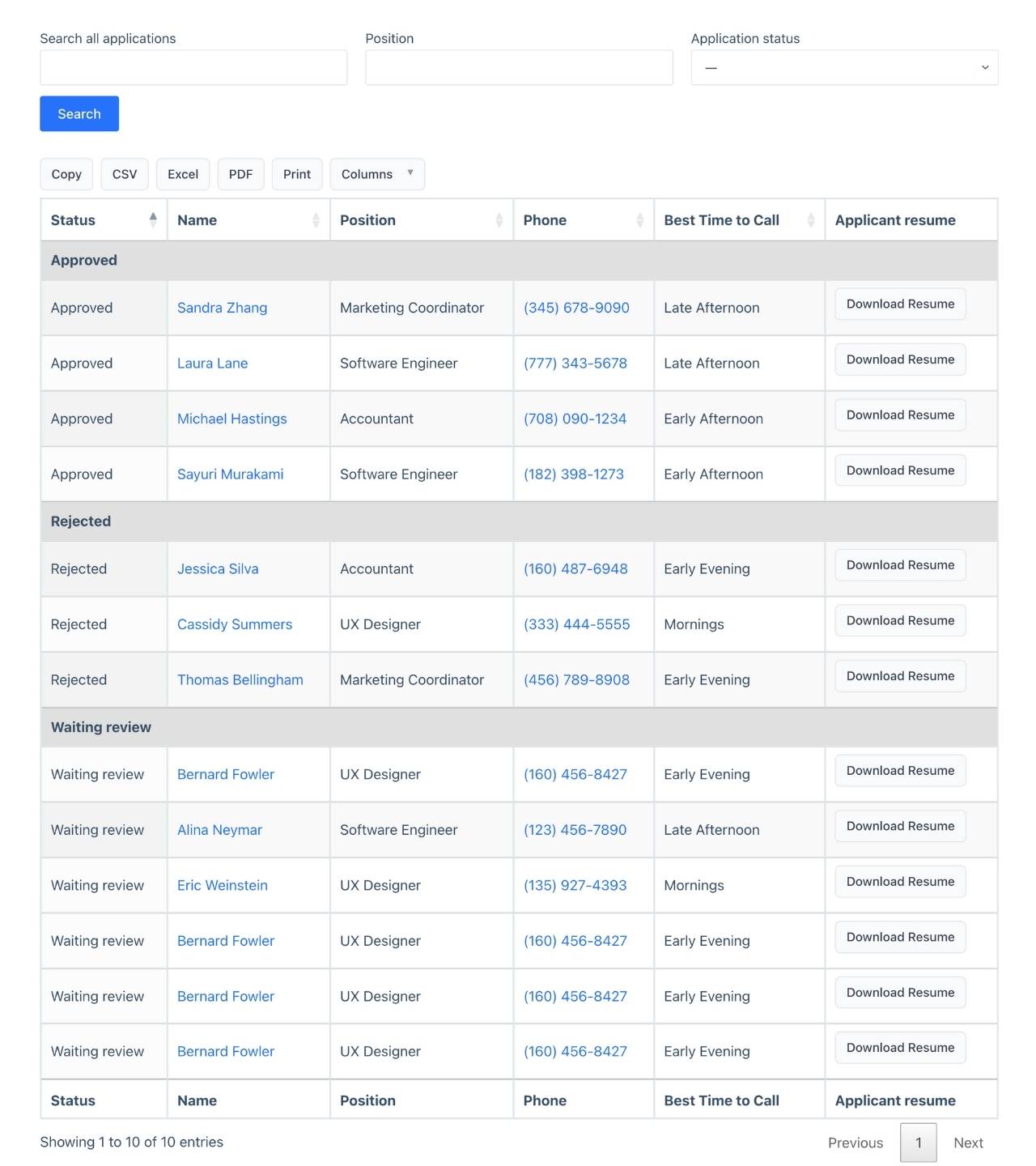
Manage admissions from application to decision
Receive applications through Gravity Forms, review them on a drag-and-drop board, and move candidates through your pipeline. Approve, reject, or waitlist with one click.
Automate reporting for your board and auditors
Schedule automated exports of any data set—student records, application stats, compliance reports. Every change to every record is tracked with full revision history
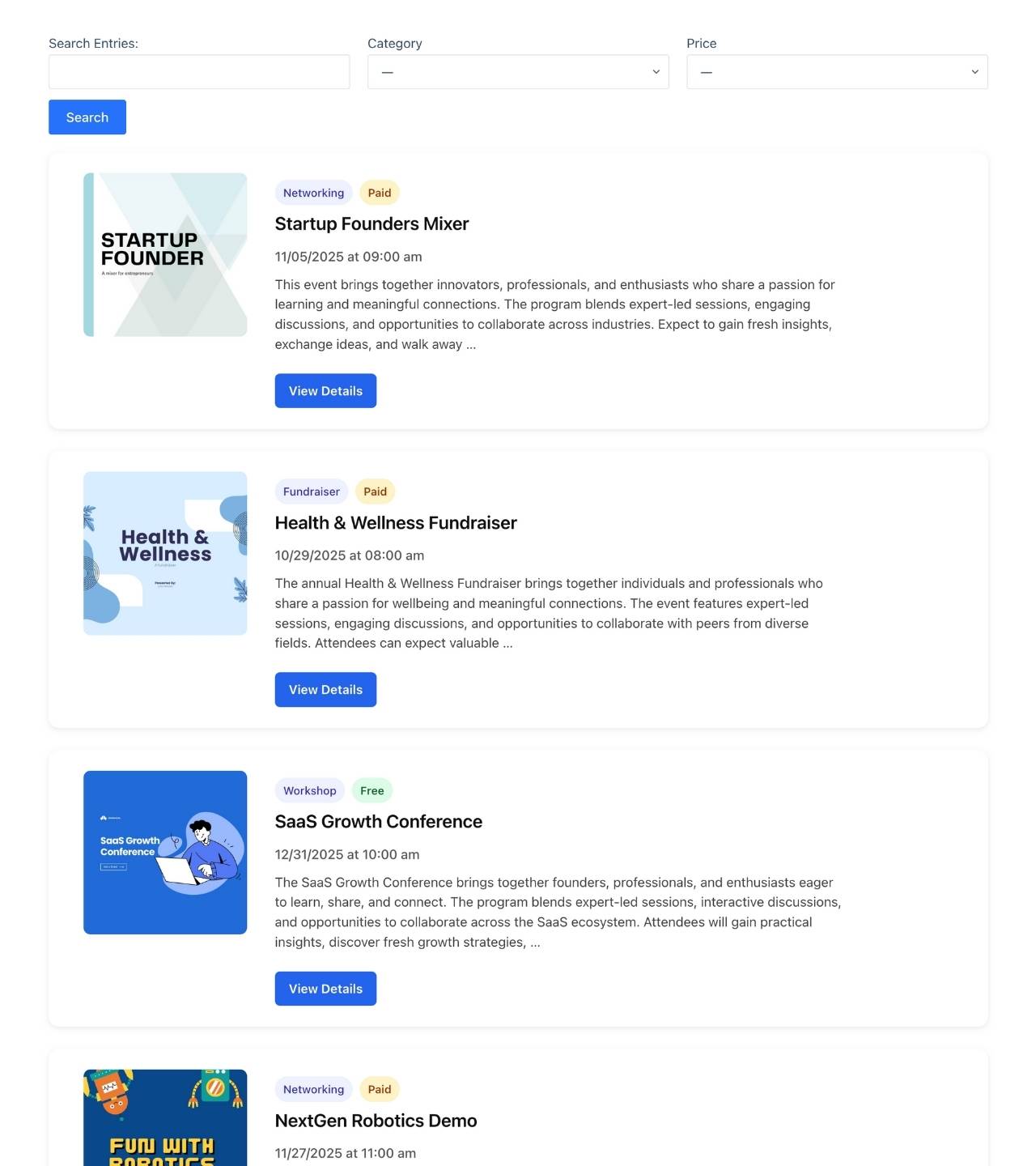
Explore our case studies
Explore our case studies to see real GravityKit-powered projects in action at educational institutions around the world.

Princeton University
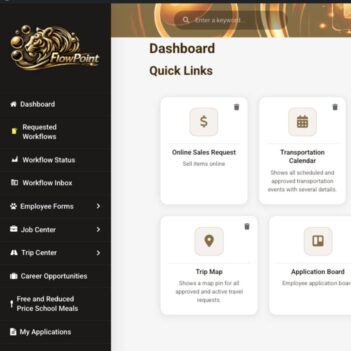
West Fork School District
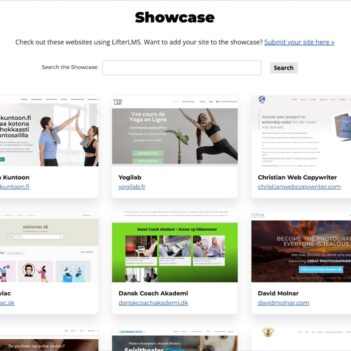
LifterLMS
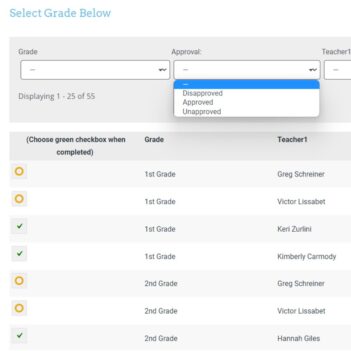
Rochelle Victor
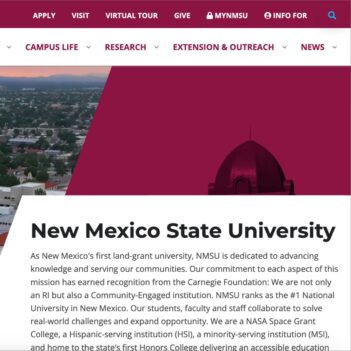
New Mexico State University

Indiana University
I can’t tell you how much I love GravityView and what it has allowed us to do. It has evolved my job and abilities in ways I couldn’t have imagined.
Helpful guides & resources
Browse are latest guides for educational institutions building with Gravity Forms and GravityKit

How to build a WordPress document library (in 5 simple steps)
Ensuring that your digital documents are organized and easy to find can be a challenge! That’s why an effective document management system is so important in today’s data-oriented world. A document management system, or document library, is a collection of digital documents presented in…

The 9 best WordPress plugins for schools and eLearning
Online learning has shown significant growth over the last few years. In many ways, the internet has allowed education to become more widely accessible to a greater number of people. Many top universities are also democratizing education by offering online courses that students can…
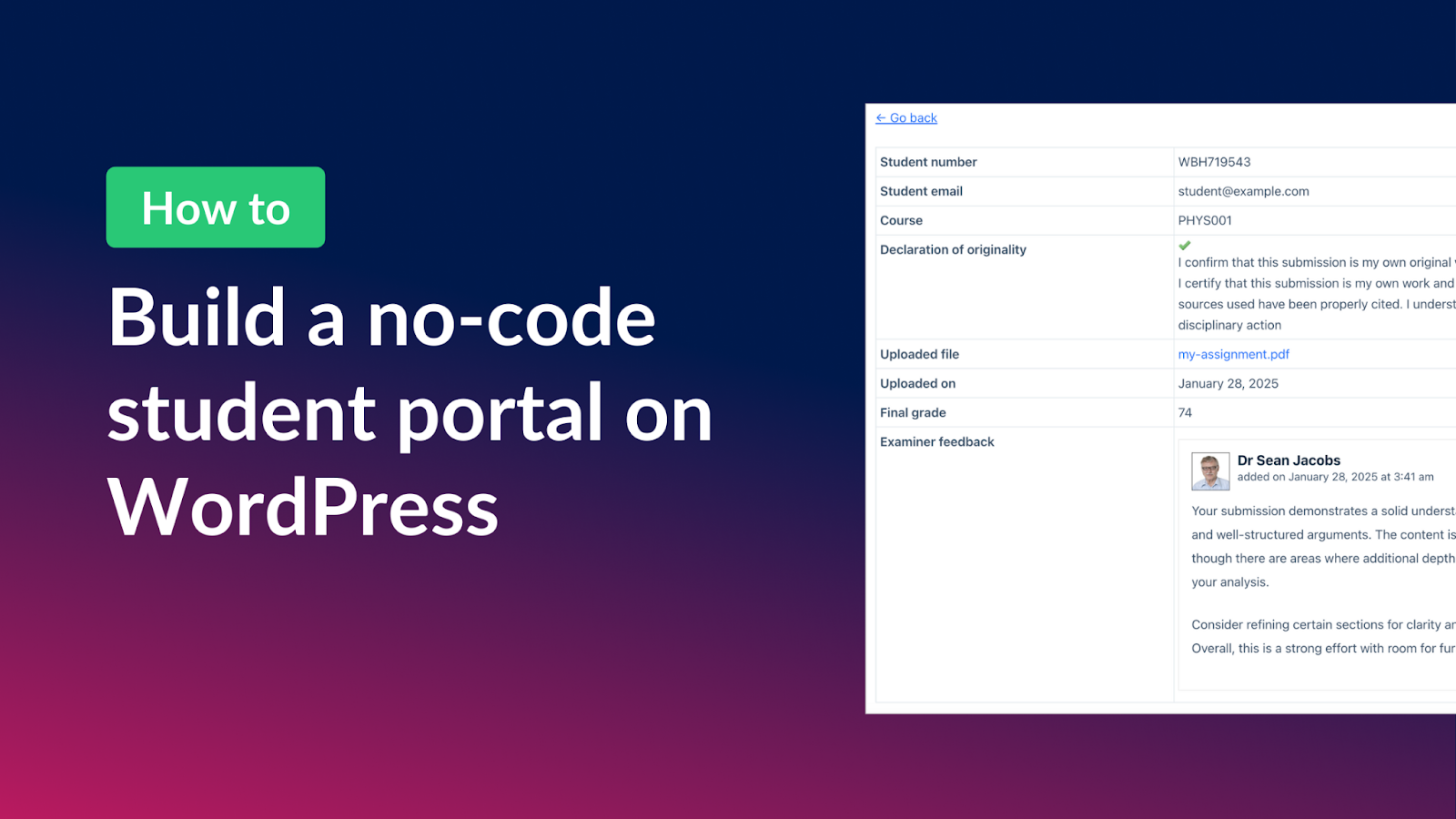
How to build a student portal for assignment submissions on WordPress (without code!)
Managing student assignments can be a challenge, especially when it comes to tracking submissions, organizing feedback, and keeping everything accessible for both students and examiners. With Gravity Forms and GravityView, you can build a fully functional student portal that streamlines the entire process—allowing students…
Master surveys with Gravity Forms: Step-by-step guide for beginners
Surveys are a great way to gather feedback, analyze trends, and make data-driven decisions—but building an effective survey can sometimes feel overwhelming. That’s where Gravity Forms and its Survey Add-On come in. In this guide, I’ll walk you through how to create surveys with…
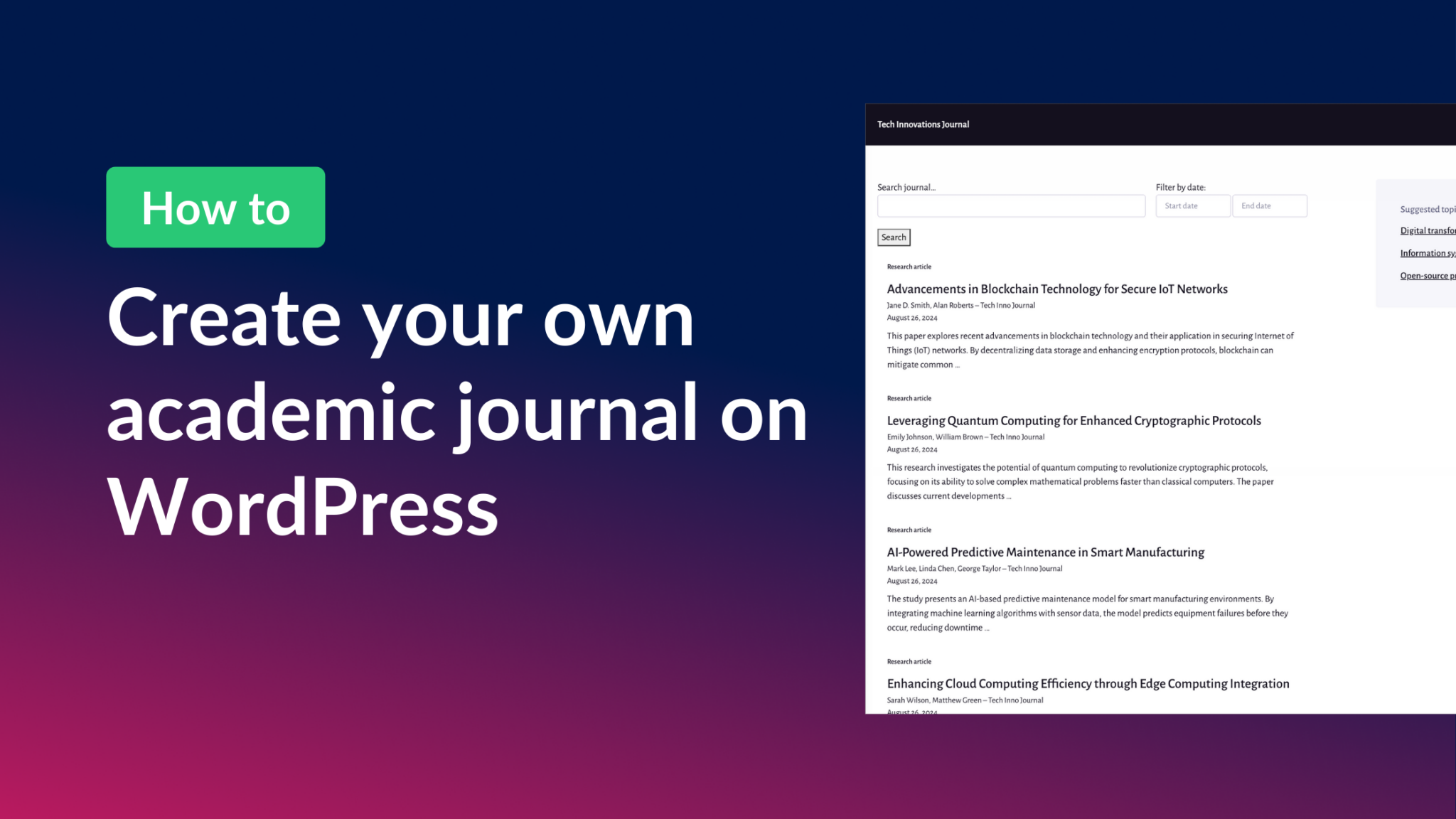
How to create your own academic journal on WordPress without code
In this post, I guide you through the simple process of creating an academic journal using WordPress, Gravity Forms, and GravityView. No coding skills required! Learn how to accept article submissions, build a reviewer dashboard, and display approved research papers in an organized, searchable…
How GravityView enabled LifterLMS to leverage user-generated content for their website & marketing
In an era where digital presence is paramount, user-generated content stands as a testament to a brand’s impact and customer satisfaction. User-generated content (UGC) refers to any material—articles, images, videos, reviews—created and posted online by users, not brands! GravityView helps businesses leverage user-generated content…


Hi, I’m Zack, founder of GravityKit.
Tell me what you’re working on. I’d love to help you figure out the best way to build it with GravityKit. Free, no obligation.

Zack Katz, founder & CEO
Have more questions?
Here are a few common questions that help explain what is possible with the power of GravityKit.
Explore more use cases
GravityKit provides the tools you need to build powerful web apps, impress your clients and bring your ideas to life.

Small businesses

WordPress Freelancers

Web Agencies

Solo Agencies

Nonprofits