
Products
GravityKit is a Gravity Forms certified developer that builds powerful add-ons for Gravity Forms. We are recognized in the Gravity Forms community for our quality development and excellent support.
Our flagship plugin, GravityView, allows you to display Gravity Forms entries on the front end of your website. Our Inline Edit plugin allows you to edit Gravity Forms entries faster and more efficiently and Import Entries provides an easy way to import data from a CSV file into Gravity Forms.
Learn about all of our different products and how to use them here.

GravityImport vs GravityMigrate: which add-on do you actually need?
Confused between GravityImport and GravityMigrate? GravityImport handles CSVs into entries; GravityMigrate moves entire Gravity Forms setups between sites.

How to build a Canny alternative on WordPress with GravityBoard voting
Build a Canny alternative on WordPress with GravityBoard’s new card voting — collect, rank, and manage feature requests without leaving your site.
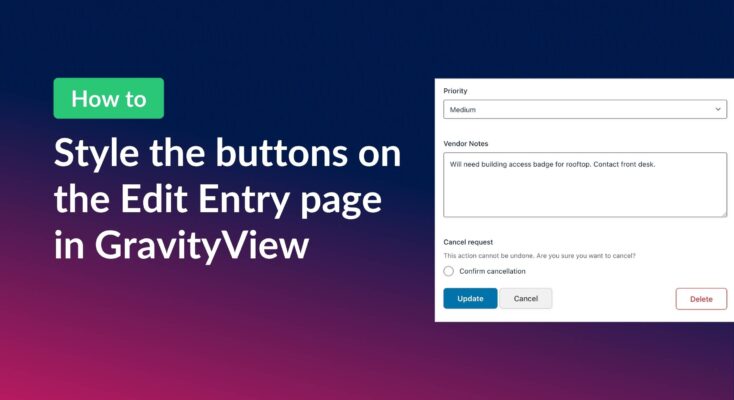
How to style the buttons on GravityView’s Edit Entry page
Customize the Update, Cancel, and Delete buttons on the GravityView Edit Entry page using CSS. Includes copy-paste examples that work with any WordPress theme.
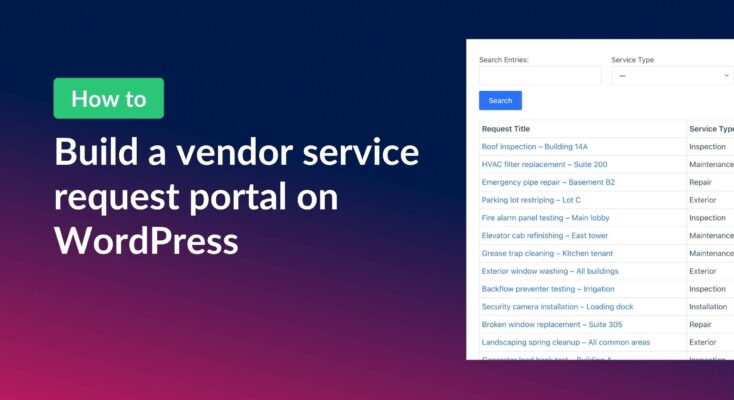
How to build a vendor service request portal with Gravity Forms and GravityView
Learn how to build a vendor portal where users submit, track, edit, and cancel service requests using Gravity Forms and GravityView Pro.

How to schedule recurring exports in Gravity Forms
Schedule Gravity Forms exports daily, weekly, or monthly with GravityExport. Deliver reports automatically to Dropbox, SFTP, or local storage.
How to export Gravity Forms entries to PDF (4 easy methods without code)
Four easy ways to export Gravity Forms entries to PDF without code. Generate invoices, save submissions, or send reports using trusted third-party WordPress plugins.

How to export Gravity Forms entries to Excel (complete guide)
Export Gravity Forms entries directly to Excel with three methods, including the free GravityExport Lite plugin. No manual CSV conversion required. Step-by-step guide inside.
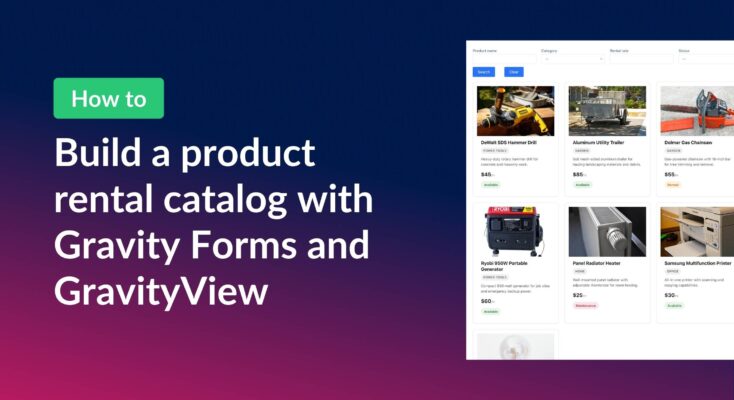
How to build a product catalog on WordPress with GravityView
Build a searchable product catalog or equipment directory on WordPress without WooCommerce. Use Gravity Forms for data entry and GravityView for a filterable front-end display.