

Casey Burridge
Recent Posts
More sites, same price: 1,000-site licenses are here!
GravityKit upgraded all 50-site license plans to support 1,000 sites at no extra cost. Existing license holders get the upgrade automatically, with no action required.

How to build a user feedback board on WordPress without code
Build a user feedback board on WordPress where visitors submit ideas, upvote suggestions, and track request status. Uses Gravity Forms and GravityView, no code required.

7 best WordPress project management plugins for seamless workflows
Compare the 7 best WordPress project management plugins for 2025. Track tasks, deadlines, and milestones from your dashboard and collaborate with your team without custom tools.
Final day of sale: Take 50% off for Cyber Monday
Cyber Monday 2024: Take 50% off any GravityKit yearly license using code SPACETIME50 at checkout. Powering over 44,000 websites, the sale ends at 11:59pm ET tonight.
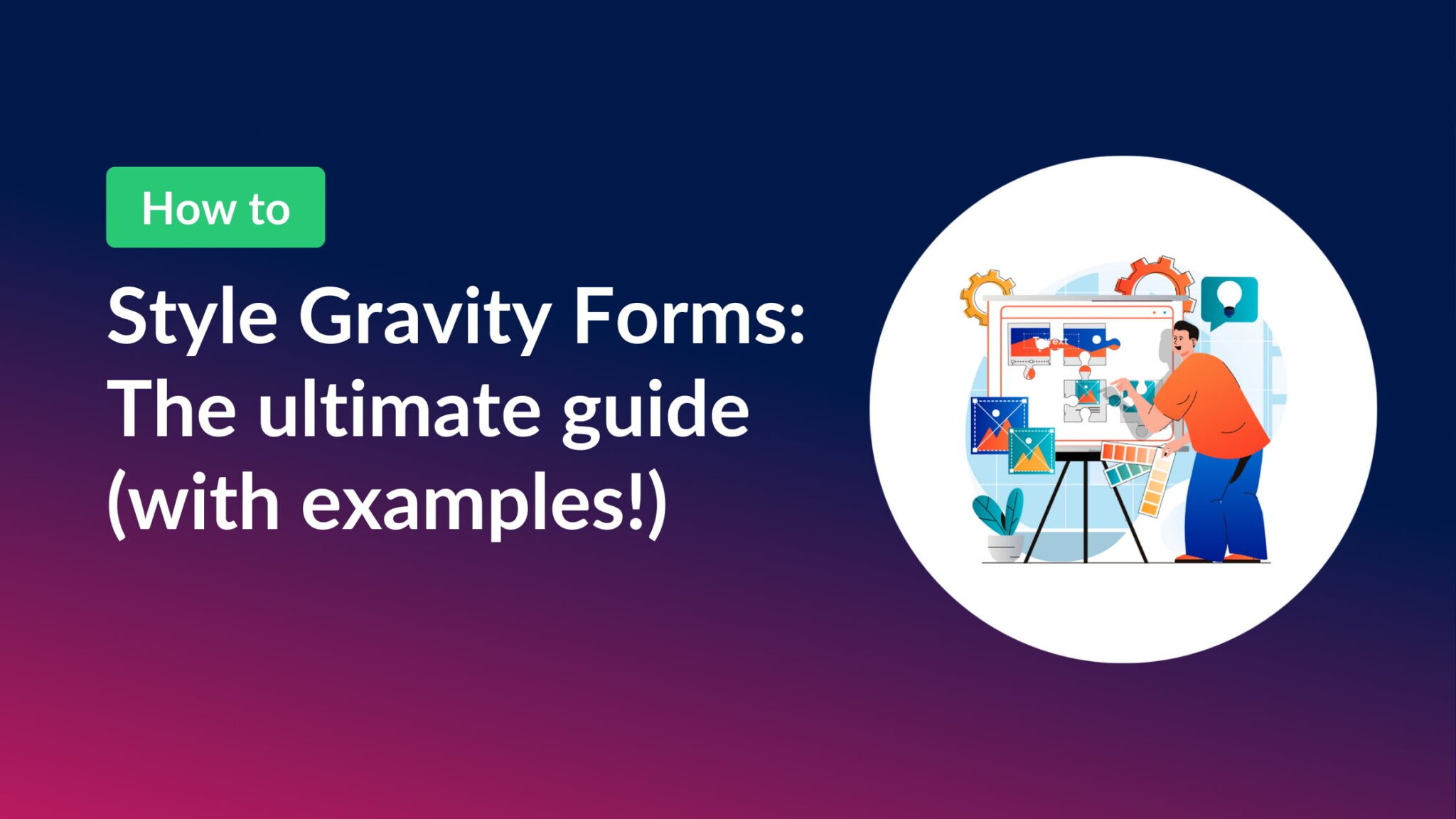
How to style Gravity Forms: The ultimate step-by-step guide
Style Gravity Forms using built-in themes, custom CSS, or page builder integrations. This guide covers every approach to matching your form design to your site.
Black Friday sale ending soon: Get 50% off essential Gravity Forms add-ons
The GravityKit Black Friday sale is ending soon. Take 50% off any yearly license with code SPACETIME50 at checkout, or save $500 on a special lifetime deal.

Gravity Forms themes explained: Modernize your forms effortlessly
Gravity Forms themes control the visual style of your forms without code. Learn how to apply the Orbital theme globally, override styles per form, and set a site-wide default.
Our Black Friday Sale is live: Get 50% off all add-ons (plus a special lifetime deal!)
The 2024 GravityKit Black Friday sale is now live. Take 50% off all new licenses with code SPACETIME50, or grab the limited-time lifetime deal on the All Access Pass.

Building a lead tracker with zero coding: Leadpal’s GravityKit story
Case study: Leadpal used GravityKit to build a custom affiliate lead tracker for a client with 10,000 affiliates, avoiding costly custom development by using no-code tools.