

Casey Burridge
Recent Posts

Simplifying client communications: Inside BrightLeaf Giving’s GravityKit-powered messaging app
Gil Amminadav runs business operations at BrightLeaf Giving, a nonprofit fundraising platform that helps individuals and organizations launch and manage their programs. With over a decade of experience working with the Gravity Forms ecosystem, Gil uses his skills to build innovative business administration systems…
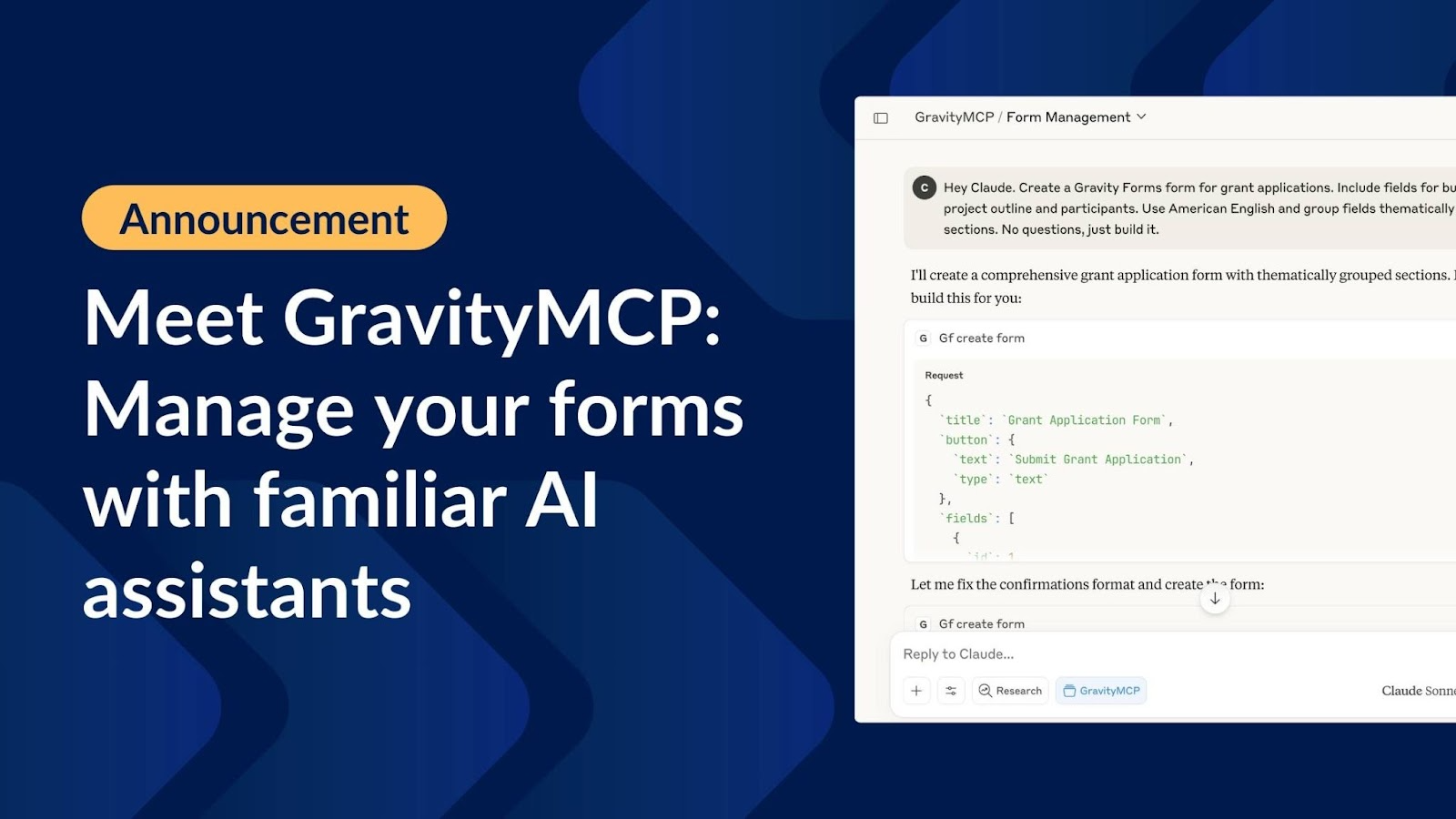
Meet GravityMCP: Manage Gravity Forms with familiar AI assistants
We’re excited to announce the release of GravityMCP! This free MCP server connects AI assistants like Claude to Gravity Forms, allowing you to manage forms and entries through natural language commands. Instead of clicking through menus and forms, you can simply tell your AI…

How to build an ROI calculator using Gravity Forms
Build a simple ROI calculator with Gravity Forms or an annualized rate-of-return calculator using GravityMath. No code required and no complex spreadsheets needed.
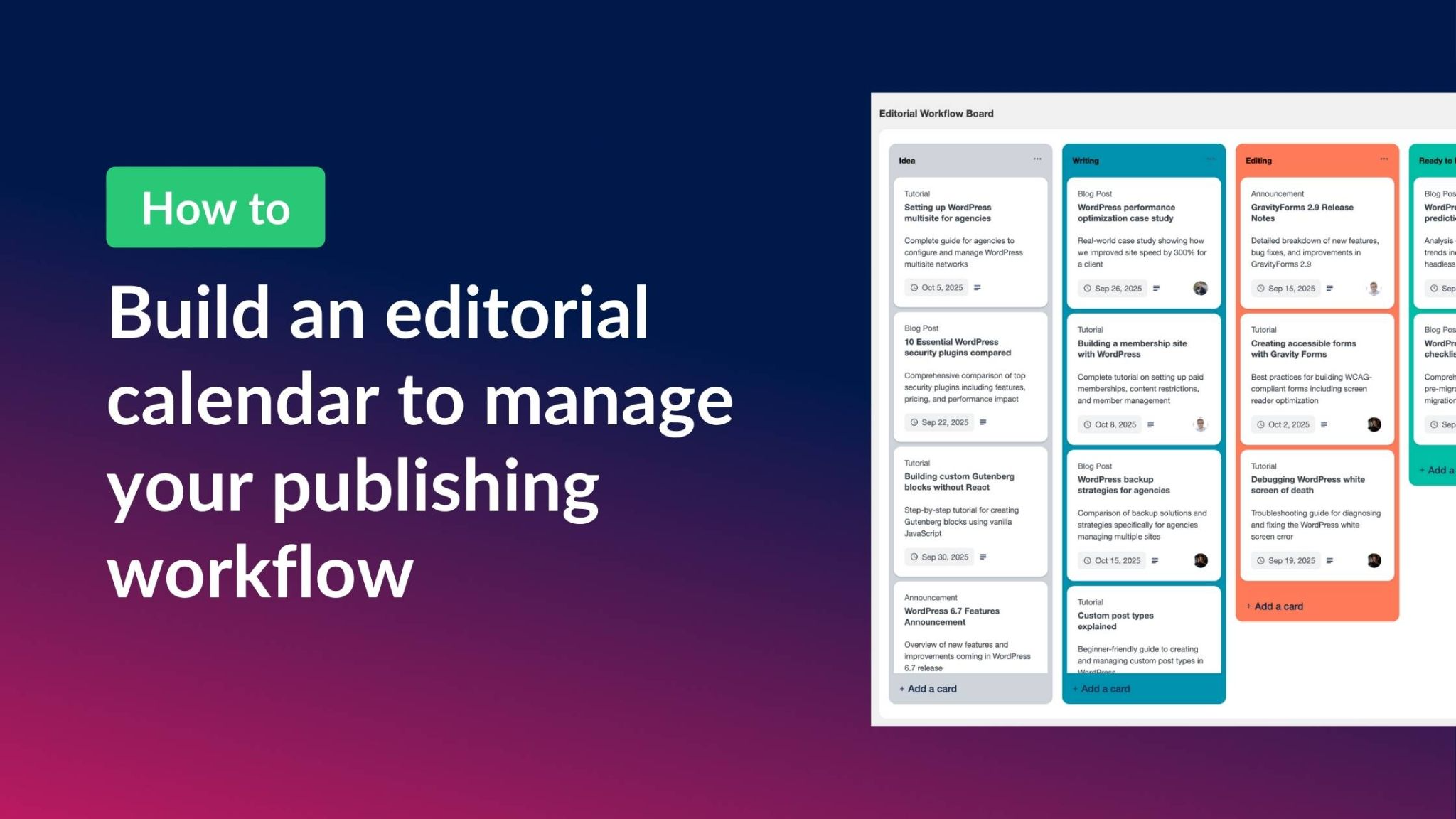
How to build an editorial calendar on WordPress to manage your publishing workflow
Managing content without an editorial calendar is like trying to navigate without a map. You miss deadlines, duplicate topics, and struggle to coordinate with your team. Yet most WordPress editorial calendar plugins are either too basic or overcomplicated for what you actually need. With…
Best WordPress Kanban board plugins (2025 edition)
Kanban boards are one of the simplest and most effective ways to manage tasks visually. Instead of juggling spreadsheets or disconnected tools, you can track projects, deadlines, and responsibilities at a glance—right inside WordPress. In this roundup, we’ve curated the best WordPress Kanban board…

How to build an applicant tracking system (ATS) on WordPress without code
Most applicant tracking systems (ATS) are expensive, overly complex, and not designed for WordPress users. That leaves many small businesses and hiring teams struggling with tools that don’t integrate with their existing site. With Gravity Forms and GravityBoard, you can create a Kanban-style applicant…
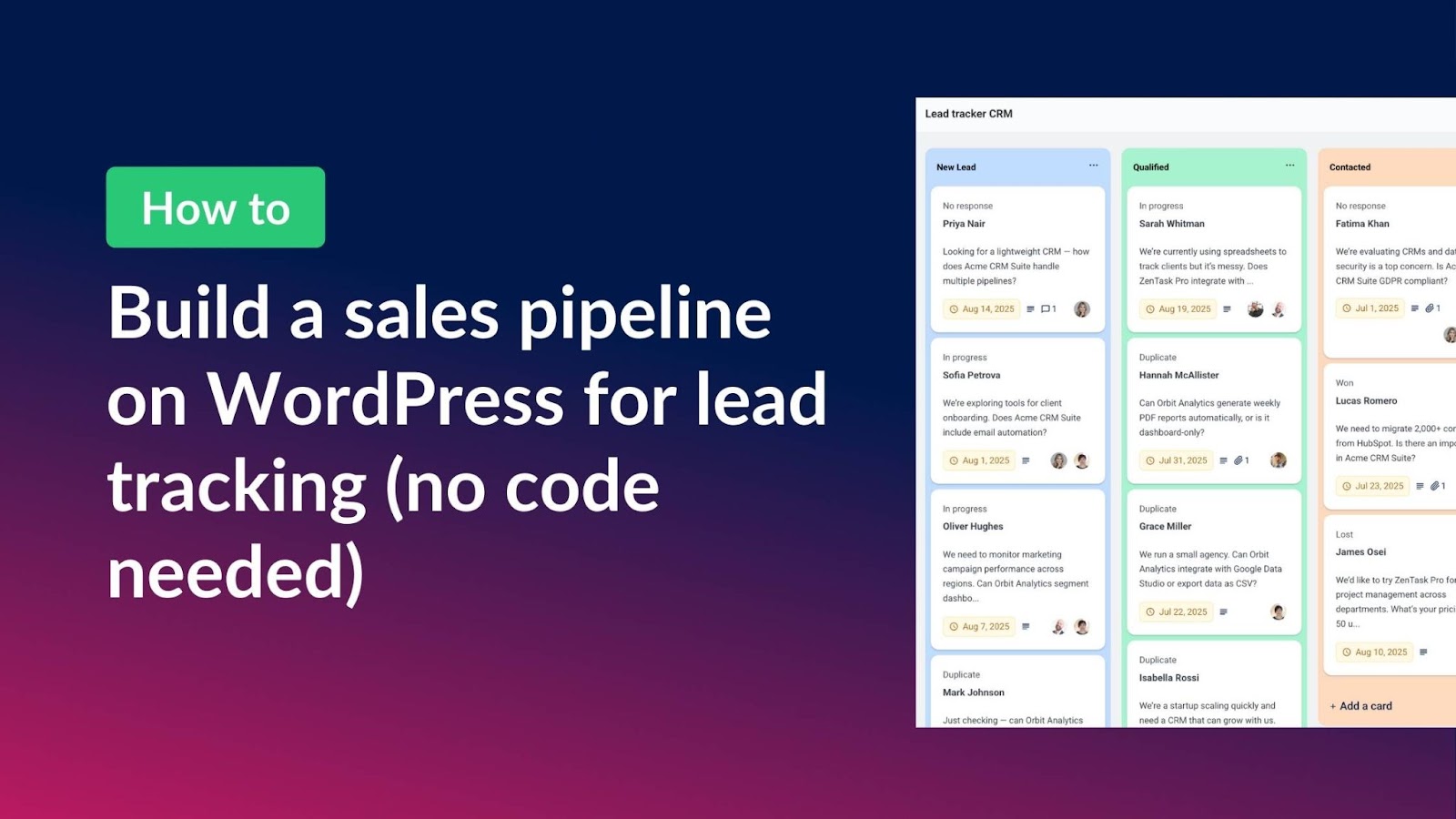
How to build a sales pipeline on WordPress for lead tracking (without code)
Looking for a simple way to manage your leads without paying for complicated external CRM tools? With Gravity Forms and GravityBoard you can create a Kanban-style sales pipeline directly inside your WordPress site. In this tutorial, you’ll learn how to set up a fully…
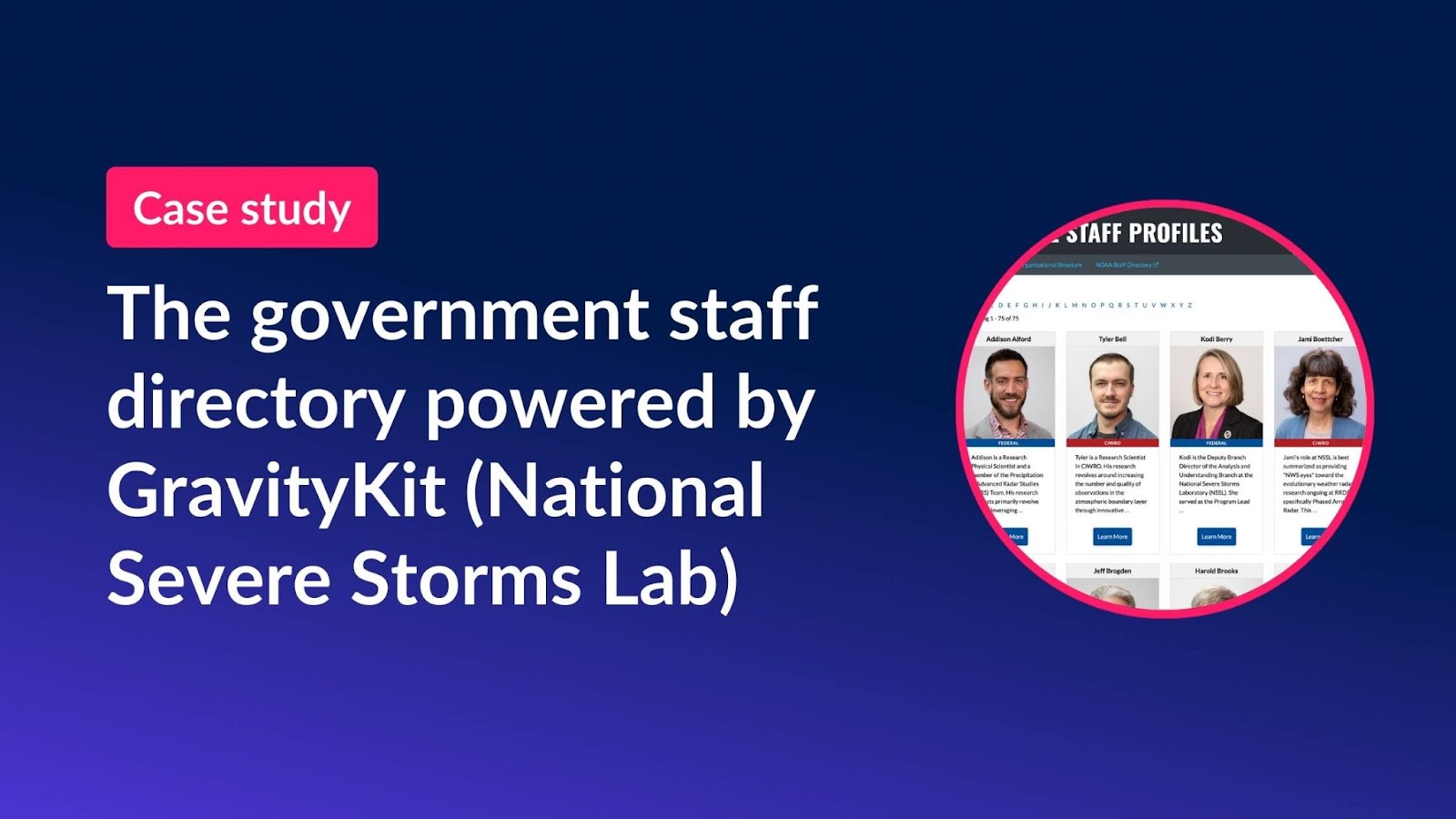
Self-hosted and secure: How GravityKit powers staff profiles for the National Severe Storms Laboratory
Government agencies face unique software requirements. This includes strict security standards, long-term maintainability, and the ability to adapt to complex organizational needs. For the National Severe Storms Laboratory (NSSL), keeping internal data accessible and up-to-date for their large team of researchers was undoubtedly a…

Announcing GravityBoard 1.2: Checklist templates, granular permissions, and enhanced filtering
We’re excited to announce the release of GravityBoard 1.2! This update is packed with improvements to help you work smarter and manage your boards with even more control. From checklist templates that save you time, to more granular permission settings and enhanced filtering for…