
DataTables Layout
Here you’ll find helpful tutorials, walk-throughs, “how-to” guides, and releases related to the GravityView DataTables Layout (included in the Core + Extensions and All Access licenses).

Announcing DataTables 3.3: New data processing mode for light-speed navigation
DataTables 3.3 introduces client-side data processing for near-instant filtering, sorting, and search across large GravityView datasets without waiting for server responses.

Announcing DataTables 3.2: Group rows by common field values
DataTables 3.2 introduces row grouping, letting you cluster table rows by a shared field value. Ideal for organizing results by category, status, region, or any repeating field.

GravityView vs TablePress: In-depth comparison
Side-by-side comparison of GravityView and TablePress for displaying WordPress data. Covers features, ease of use, customization options, and pricing to help you pick the right plugin.

Turn Gravity Forms into a powerful database solution
Use GravityView to turn Gravity Forms into a searchable front-end database. Store, filter, edit, and export entries without custom code or third-party database software.

Announcing DataTables 3.0: Drill down into your data with field filtering
DataTables 3.0 adds per-column field filtering to the GravityView DataTables layout. Drill into specific data by searching within individual columns for more precise analysis.
How to build a market research platform on WordPress using Gravity Forms and GravityView
Build a custom market research platform on WordPress using Gravity Forms and GravityView. Collect competitor analysis, pricing data, and customer insights without any coding.

How to create a customer portal for custom product orders using GravityView
Are you looking for a way to create a customer portal on WordPress that allows users to manage their interactions with your company? Customer portals provide a much-needed link between a brand and its customers. They act as a central hub for accessing information…
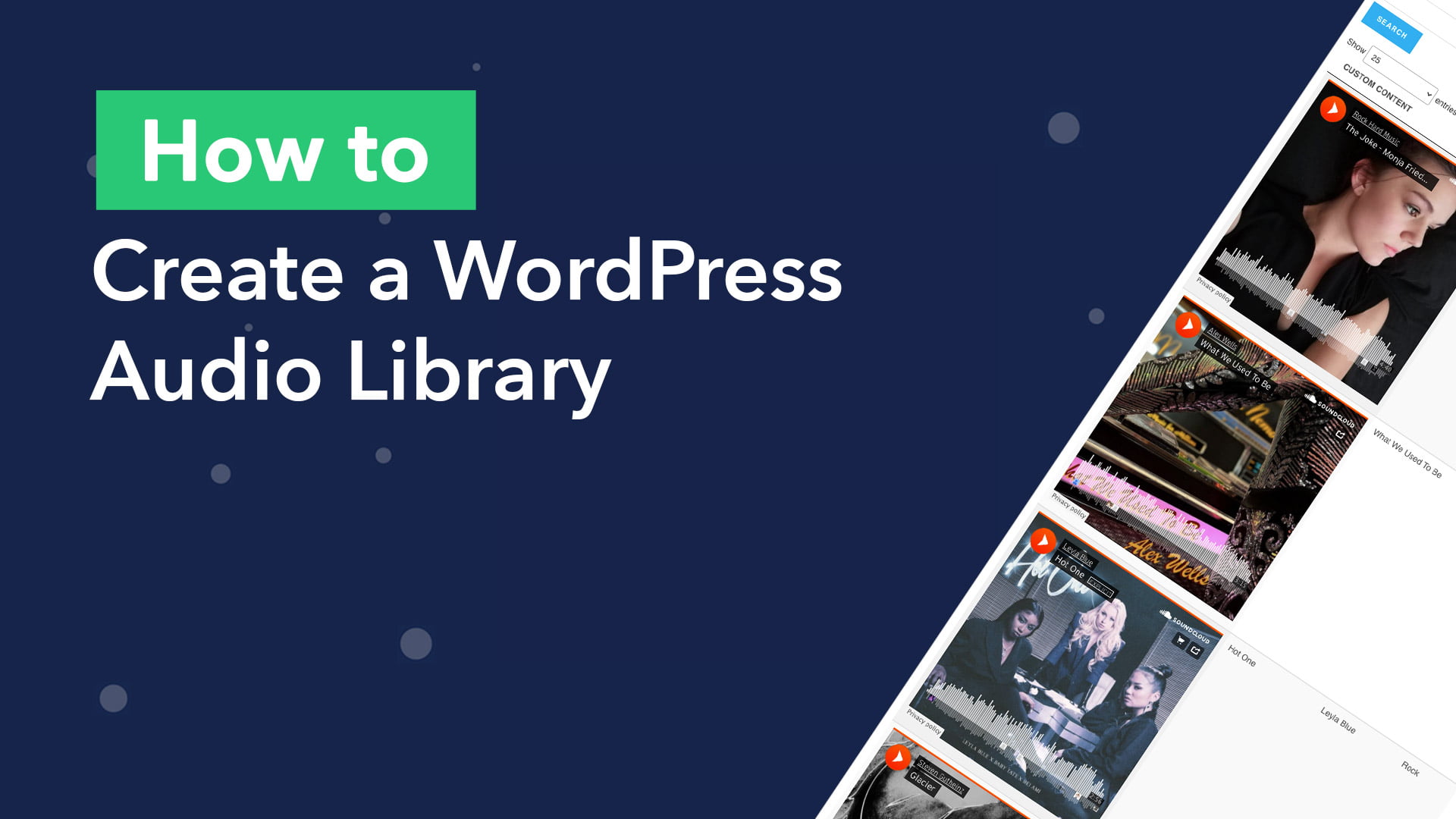
How to build an audio library on WordPress (without code)
Are you wondering how to build a WordPress audio library? The popularity of audio content is growing. In 2021, the average time spent listening to digital audio among the US population was a staggering 1 hour and 34 minutes per day! Using GravityView’s DataTables…