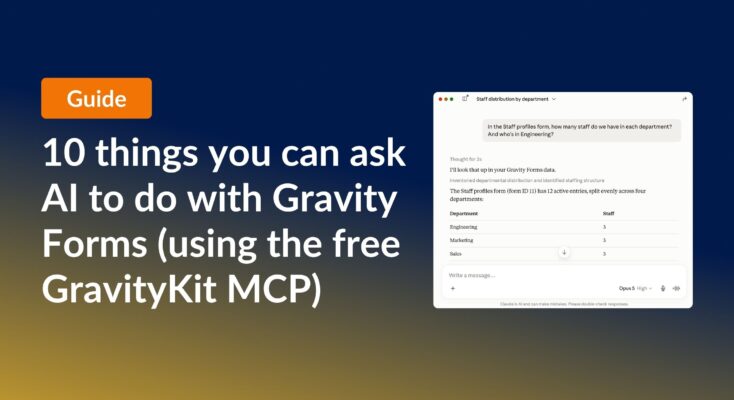
10 things you can ask AI to do with Gravity Forms (using the free GravityKit MCP)
See 10 practical things you can ask AI to do with Gravity Forms using the free GravityKit MCP: create forms, manage entries, build Views, and more.
Product updates

Launch Log: theme template editing in Block MCP, Shield silentCAPTCHA for Zero Spam, and GravityView fixes
Block MCP adds safe theme template editing, Gravity Forms Zero Spam gains Shield silentCAPTCHA support, and GravityView fixes lightbox and notice bugs.

Launch Log: Row headers for screen readers, smarter conditional logic, and multi-View fixes
GravityView 3.1 adds row headers for screen readers, plus smarter conditional logic in GravityCalendar and fixes for DataTables, Maps, and Dynamic Lookup.
Latest Posts

GravityView version 1.5: New edit entry configuration options
Version 1.5 brings a big feature: the ability to customize and configure what fields are editable. Our customers were clear what feature we needed to add to make GravityView more amazing: the ability to customize the Edit Entry screen. We did it, and boy…
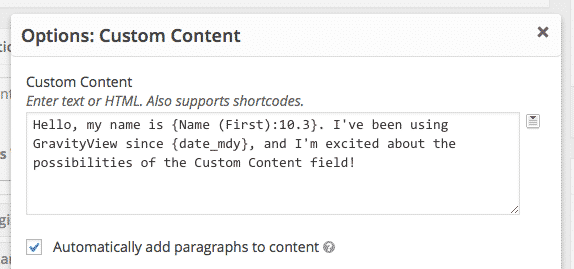
GravityView Version 1.2
How we made GravityView better We strive to make GravityView the best experience possible. We approach every frustration and limitation with a critical eye. That’s why we’re thrilled to release Version 1.2: it represents a lot of love for, care of, and attention to…

Featured Entries Extension & Version 1.1.6 Released
Featured Entries for your Views Our Featured Entries extension makes it simple to feature an entry. By adding a star to an entry in Gravity Forms, it will be highlighted in GravityView. You can also choose to have featured entries moved to the top…

Version 1.1.5
Extensions in development We’ve been busy developing extensions for GravityView. The A-Z Filters and the Featured Entries extensions are being developed and will be ready soon. A Map View is also being developed, which will be great for business listings. We’re excited to show…

Launching GravityView
We’ve been working on GravityView for over 8 months, and we’re so thrilled to be able to share it with you today. Please buy the plugin, try the demo, and follow us on Twitter @GravityView. Update 2021: To see how far we’ve come over…

Helpful tips right in your inbox.
Subscribe to get the latest articles, information on releases and helpful Gravity Forms tips!