
Published
•
Updated
Version 1.1.5
Extensions in development We’ve been busy developing extensions for GravityView. The A-Z Filters and the Featured Entries extensions are being developed and will be ready soon. A Map View is also being developed, which will be great for business listings. We’re excited to show this to the world! Version 1.1.5 released We’ve just released Version…

Extensions in development
We’ve been busy developing extensions for GravityView. The A-Z Filters and the Featured Entries extensions are being developed and will be ready soon. A Map View is also being developed, which will be great for business listings. We’re excited to show this to the world!
Version 1.1.5 released
 We’ve just released Version 1.1.5, with some good bug fixes and a helpful addition: “Edit” link in Gravity Forms Entries screen. This was a popular feature of our Gravity Forms Directory plugin, so we’ve ported it over and improved it.
- Added: “Edit” link in Gravity Forms Entries screen
- Fixed: Show tooltips when No Conflict Mode is enabled
- Fixed: Merge Vars for labels in Single Entry table layouts
- Fixed: Duplicate “Edit Entry” fields in field picker
- Fixed: Custom date formatting for Date Created field
- Fixed: Searching full names or addresses now works as expected
- Fixed: Custom CSS classes are now added to cells in table-based Views
- Updated: Turkish translation by @suhakaralar
- Tweak: Redirect to Changelog instead of Getting Started if upgrading

Get better at Gravity Forms, one email a week
New GravityKit releases, practical Gravity Forms tutorials, and subscriber-only discounts. One short email every week, unsubscribe anytime.
More articles

Launch Log: A range slider for search, AI-managed calendars, and security updates in ten products
GravityView adds a Slider search input, GravityCalendar lets AI assistants manage calendars, and ten GravityKit products get security fixes. Here’s what shipped.

9 nonprofit apps you can build with Gravity Forms and GravityKit
Nine apps nonprofits build on WordPress from Gravity Forms data: volunteer databases, member directories, client portals, donation pages, grant review and more.
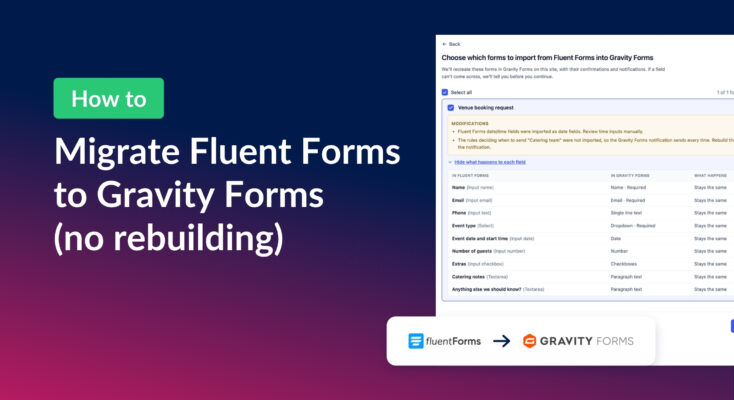
How to migrate from Fluent Forms to Gravity Forms without rebuilding your forms
Move your Fluent Forms forms into Gravity Forms with GravityMigrate, then bring your entries across with GravityImport. Every step was tested on the free version of Fluent Forms.