
Published
•
Updated
Launch Log: Faster calendar subscriptions, undo-able form restores, and security hardening
GravityCalendar gets faster, always-current subscriptions, GravityRevisions adds undo-able form restores, and GravityMigrate and GravityView receive security fixes.

This week GravityCalendar gets a reworked subscription engine that handles very large feeds and updates the moment entries change, GravityRevisions gains a safety net for form restores along with versioned notifications and confirmations, and GravityMigrate and GravityView see security hardening. GravityBoard and GravitySearch round things out with fixes and small quality-of-life improvements.
GravityBoard v1.4.3
This update to GravityBoard fixes boards failing to load on sites that minify JavaScript through a caching or optimization plugin. The board’s script and stylesheet now ship pre-minified, so those plugins pass them through instead of re-processing and corrupting them.
Card editing is also more honest about validation. Previously, editing a card could report success even when a field failed validation, leaving the entry unchanged. The card now marks the fields that need attention, and the message shows the correct number of fields instead of a literal “%d”.
We also fixed cards showing a choice’s stored value instead of its label (a drop-down, radio button, or checkbox field with separate values now displays “GravityMath” rather than “gravitymath”), the loading icon sitting beside the text instead of centered above it on some themes, and a translation loading notice on WordPress 6.7 and newer.
Developer updates
PATCH gravityboard/v1/boards/{feed_id}/cards/{entry_id}now responds with a400and avalidation_failederror when a mapped field fails validation, instead of a200with a success messageChecklist::validate()now returns aWP_Errorwhen the checklist holds an item that is not aChecklistItem, instead of raising an argument-count error on PHP 8
GravityCalendar v2.21.0
This update to GravityCalendar makes calendar subscriptions much faster. A subscription is the feed URL you paste into Google Calendar, Apple Calendar, or Outlook so your form’s events show up in your own calendar app. Until now, every time a calendar app checked that URL, GravityCalendar rebuilt the whole calendar from scratch, so large forms were slow, and past a certain size the app would time out and give up.
Now the calendar is built once and stored, and that copy is what every calendar app receives. It refreshes hourly and whenever you save the feed, and adding, editing, or deleting an entry updates it right away, with improved support for changes made through GravityView, GravityEdit, GravityRevisions, and GravityImport. We tested it on forms with more than 20,000 entries. Downloading a single event, or attaching one to a form notification, no longer builds the entire calendar first either.
Also fixed: events using “Entry Date (Created)” or “Entry Date (Updated)” showing in UTC instead of the site’s timezone; deleted, disabled, or regenerated feeds returning a server error instead of saying the feed no longer exists; subscription links keeping the old domain after a site move (saving the feed now updates them without breaking existing subscriptions); and pressing Enter in feed settings regenerating the subscription URL. It now changes only when you click Regenerate URL.
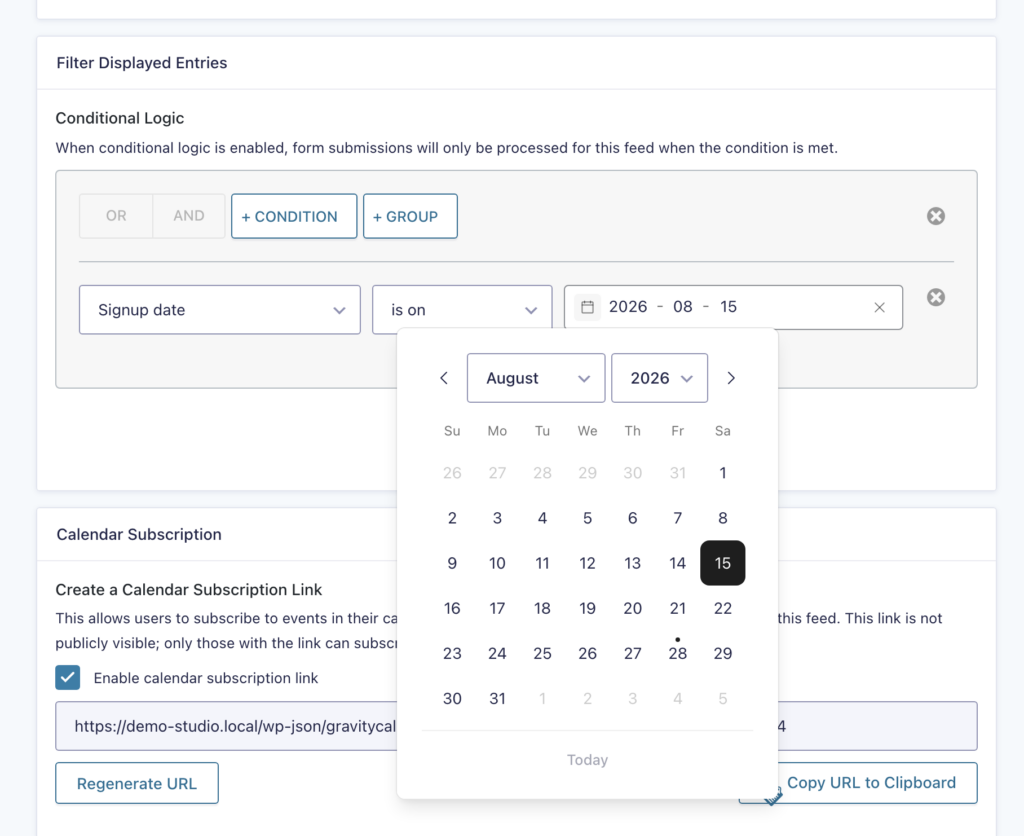
Conditional logic date filters get the same refinements the Advanced Filter Extension received last week: a clear button, an improved date picker, and Dynamic Lookup filters that use the Lookup plugin’s own API when available (Gravity Forms Lookup Field 1.8 or newer).
Developer updates
- Added
gk/gravitycalendar/ics-export/cache/enabledto turn the stored calendar off site-wide or per feed - Added
gk/gravitycalendar/ics-export/cache/lifetime(default: one hour) andgk/gravitycalendar/ics-export/cache/rebuild-timeout(default: ten minutes)
GravityMigrate v1.4.0
This update to GravityMigrate hardens access control on the migration endpoints. We recommend updating as soon as possible.
Exporting now works on sites where WordPress cannot write files directly as the web user, such as when running the WP-CLI commands as a different user from the one that owns the site’s files.
Running migrations from the command line is also easier to follow. wp gk migrate status now reports a running import’s progress, including the current phase, how much has been processed, percent complete, and an estimated time remaining. Add --watch to follow the import until it finishes.
GravityRevisions v1.9.0
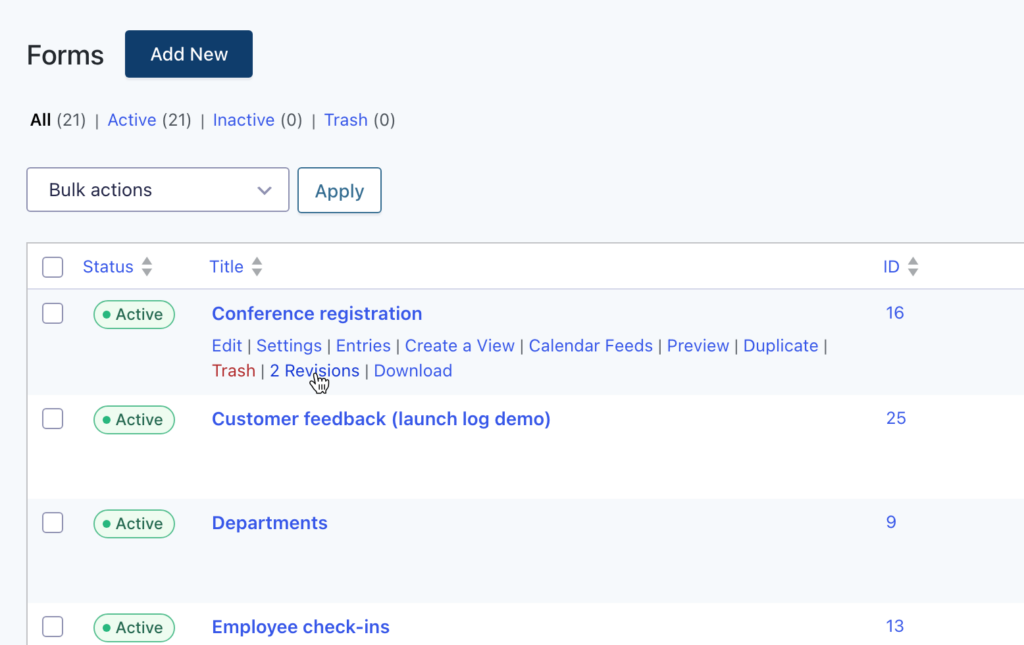
This update to GravityRevisions makes form revisions safer and more complete. Restoring a form now backs up the current version as a new revision first, so a restore can be undone. Form notifications and confirmations are now included in form revisions, so they are versioned and restored along with the form. And forms with revisions enabled now show a revision count in their row on the Gravity Forms Forms list, linking straight to their revision history.
On the fixes side, a form revision could previously be applied to the wrong form; revisions are now validated against their own form before restoring. A single form save no longer creates more than one revision, editing a notification or confirmation on its own now creates a form revision, and a translation loading notice on WordPress 6.7 and later has been resolved.
Developer updates
- Added before and after actions around form-revision save, restore, and delete:
gk/gravityrevisions/form-revisions/save/beforeand/after,gk/gravityrevisions/form-revisions/restore/beforeand/after, andgk/gravityrevisions/form-revisions/delete/beforeand/after - Added
gk/gravityrevisions/entry-revisions/restore/after, which fires after an entry has been restored from a revision and receives the entry ID, the entry before the restore, the restored entry, and the revision ID. Restoring suppresses Gravity Forms’ entry update hooks so notifications and feeds don’t fire, so this is the hook to use if you cache entry data (a calendar subscription, a search index)
GravitySearch v1.1.0
This update to GravitySearch gives the Global Search page its own Screen Options panel, with a setting for the number of entries shown per page. Previously the page size was tied to the Gravity Forms Entries page, so changing one changed the other. The two settings are now independent, and your existing page size is carried over the first time.
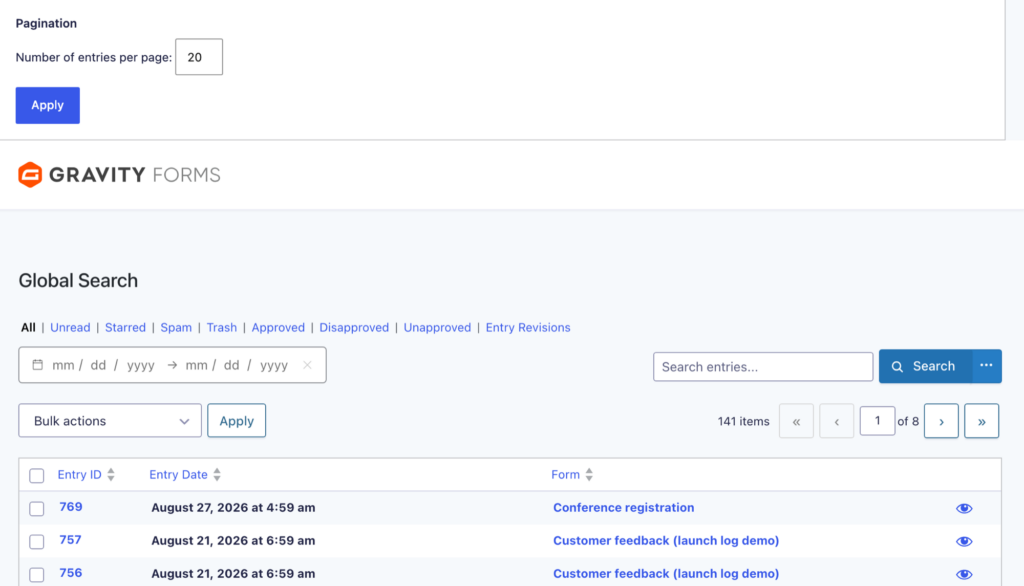
Advanced search filters also improved. Date filters now have a clear button so you can empty a date without selecting over it, the date picker’s calendar and clear buttons sit inside the field and level with the value, and Dynamic Lookup filters use the Lookup plugin’s own choice API when available (Gravity Forms Lookup Field 1.8 or newer), with the previous integration kept as a fallback for older versions.
GravityView v3.3.3
This update to GravityView hardens how the Support Port identifies you to our support system. We recommend updating.
Several View editor issues are fixed. Updating a View before the Widgets area fully loaded removed the View’s configured widgets. Checking one of two mutually exclusive field options, such as opening a link in a lightbox or in a new window, left the other option checked so both were saved. Changes made after a save that another plugin interrupted were missing from the next save, and field settings added by other plugins under their own grouping did not appear in the field settings dialog.
We also removed the “Open in a lightbox?” and “Open link in a new tab or window?” settings from Single Entry and Edit Entry fields, where they do nothing. URLs entered with a leading space are no longer rejected as invalid, and fields with a Custom CSS Class now show their separator line on single entry screens using the Layout Builder.
Developer updates
- Added the
gravityview/merge-tags/setupJavaScript trigger, fired ondocument.bodybefore GravityView sets up Merge Tag autocomplete in the View editor. Handlers receive the textarea and thewp.codeEditorinstance, and can callpreventDefault()to take over the field with their own merge tag picker
In summary
GravityCalendar sees a reworked subscription engine that handles large feeds and reflects entry changes immediately, GravityRevisions gains undo-able form restores and versioned notifications and confirmations, GravitySearch gets its own entries per page setting, GravityMigrate and GravityView receive security hardening, and GravityBoard fixes boards failing to load on sites that minify JavaScript.
As always, we recommend updating to the latest versions to benefit from these improvements and to ensure compatibility across the GravityKit suite!

Get better at Gravity Forms, one email a week
New GravityKit releases, practical Gravity Forms tutorials, and subscriber-only discounts. One short email every week, unsubscribe anytime.
More articles
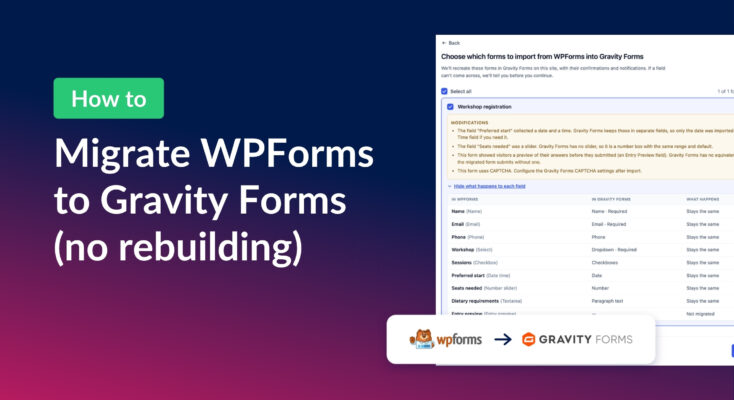
How to migrate from WPForms to Gravity Forms without rebuilding your forms
Move your WPForms forms into Gravity Forms with GravityMigrate, keeping their fields, conditional logic, confirmations, and notifications. Then bring your entries across with GravityImport.
Launch Log: Search Everything matches what fields show, steadier map searches, and security updates
GravityView’s Search Everything now matches the names fields display, and GravityView, Maps, GravityCalendar, and Dynamic Lookup get important security fixes.
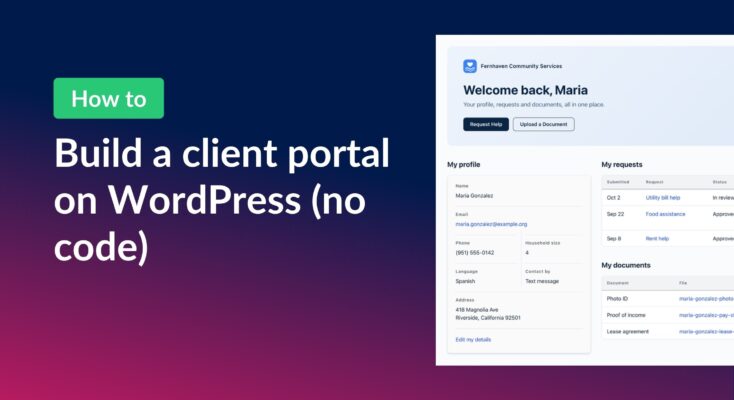
How to build a WordPress client portal with Gravity Forms
Build a client portal on WordPress where each client logs in to see their profile, their requests, and the documents they’ve shared, using Gravity Forms and GravityView.