

9 nonprofit apps you can build with Gravity Forms and GravityKit
Nine apps nonprofits build on WordPress from Gravity Forms data: volunteer databases, member directories, client portals, donation pages, grant review and more.
Product updates
Launch Log: Live DataTables totals, a Remove Data option, and rounding for Number field merge tags
This week’s releases add live GravityMath totals to DataTables Views, a Remove Data option in GravityView, and security fixes in five GravityKit products.

Launch Log: A range slider for search, AI-managed calendars, and security updates in ten products
GravityView adds a Slider search input, GravityCalendar lets AI assistants manage calendars, and ten GravityKit products get security fixes. Here’s what shipped.
Latest Posts
Gravity Forms Calendar 1.4 Released
GravityCalendar 1.4 adds Gravity Forms 2.5 compatibility, shortcode support in event titles and descriptions, Members plugin integration, and several display fixes.
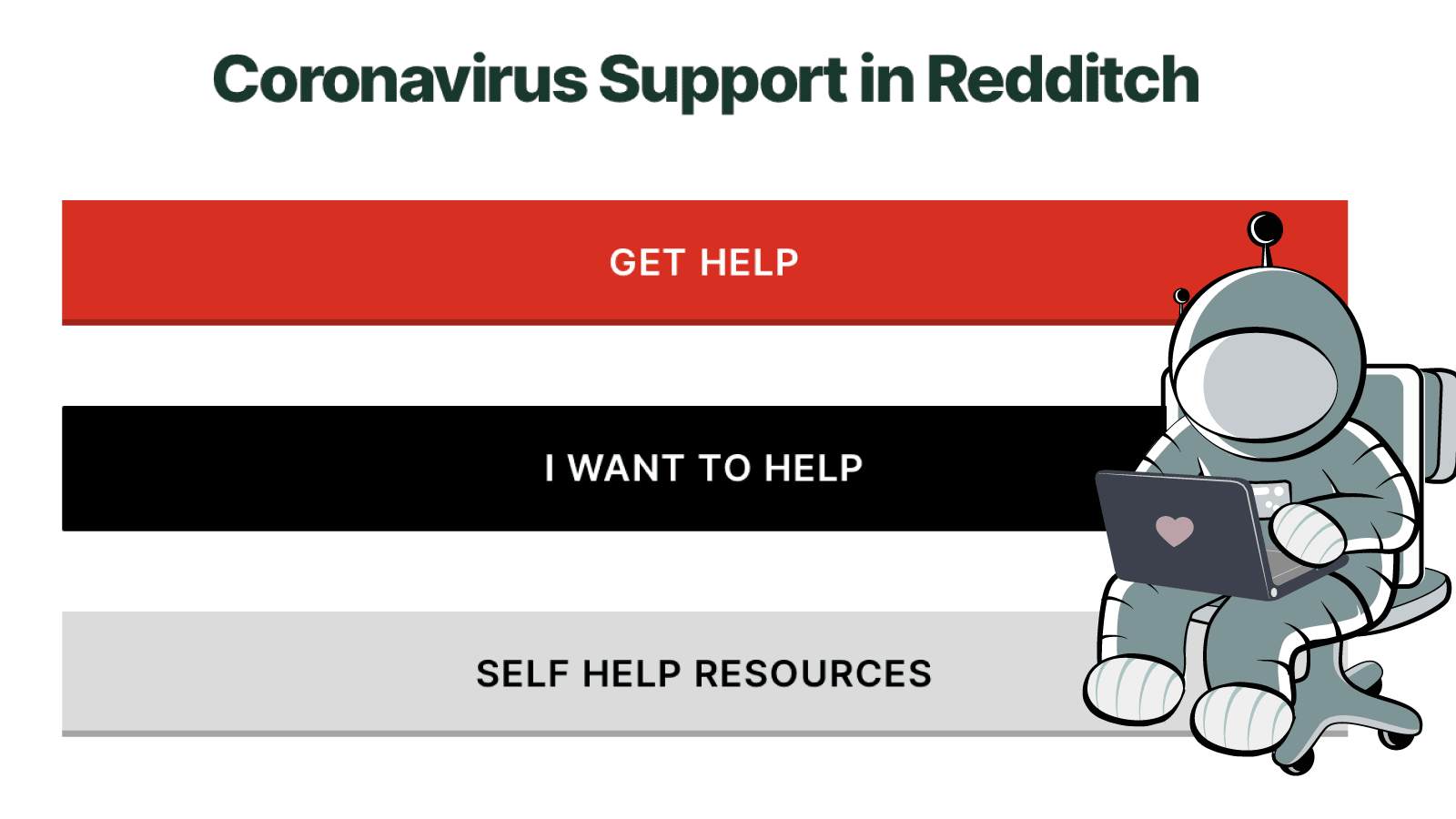
Town Taps GravityView for Community Support Services During COVID-19 Crisis
Case study: How Redditch Borough Council built a COVID-19 community support platform using GravityView and Gravity Forms, connecting residents with local volunteer resources.
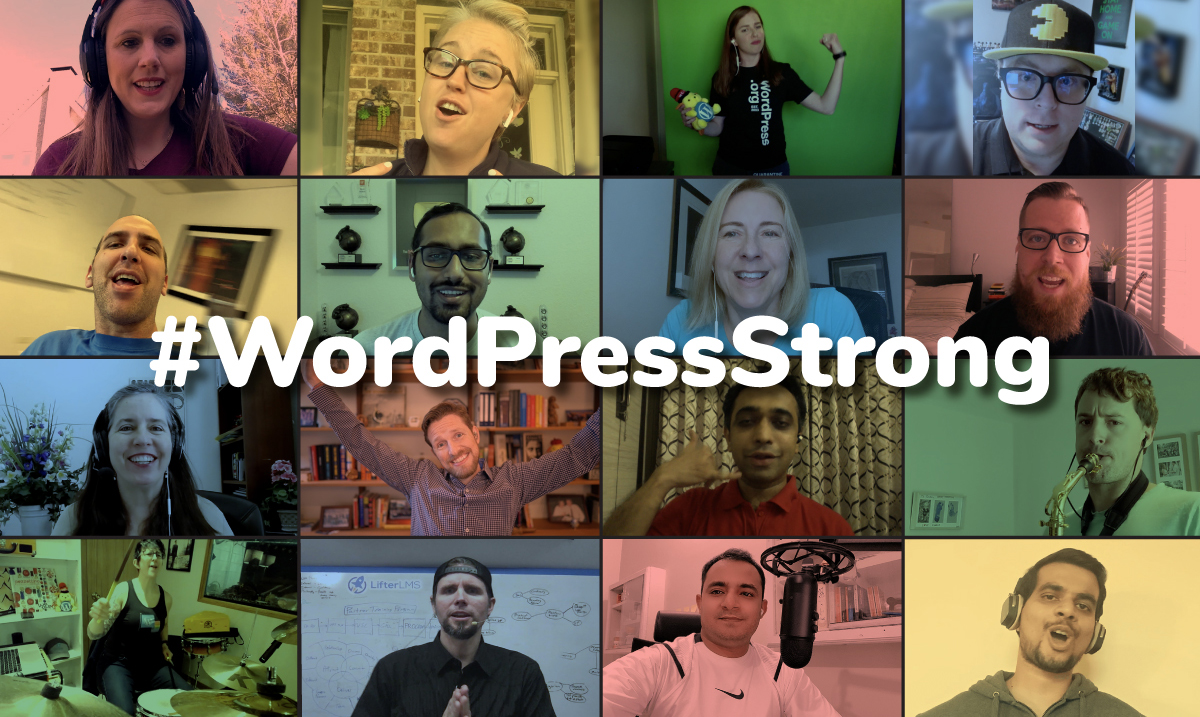
WordPress Strong
WordPress Strong is a community music video featuring 19 WordPress contributors, including co-founder Matt Mullenweg. A message of solidarity from the GravityView team.

Guest Post: Using the Weglot Multilanguage Plugin with Gravity Forms and GravityView
Add multilanguage support to Gravity Forms and GravityView using the Weglot plugin. Reach international audiences and build multilingual directories on WordPress.

GravityView for event planners: How to create a guest list
Turn Gravity Forms RSVP submissions into a front-end guest list using GravityView. Ideal for event planners who need to display registrations and let attendees update their own info.
Thanks Given!
GravityView’s Giving Season sale raised $2,000 for nonprofits including Girls Who Code, Rainforest Trust, and the ASPCA, quadrupling the original fundraising goal.
The 2019 Diversity Grant Winner!
Monique Dubbelman wins the first GravityView Diversity Grant. A WordPress educator and digital strategist, she will attend PressNomics, the premier WordPress business conference.

Introducing GravityImport 2.0
GravityImport 2.0 brings a redesigned interface and dramatically improved performance. Import large CSV files into Gravity Forms reliably, even datasets with 100,000 rows.

Get better at Gravity Forms, one email a week
New GravityKit releases, practical Gravity Forms tutorials, and subscriber-only discounts. One short email every week, unsubscribe anytime.