
Published
•
Updated
How we’re making gravitykit.com agent ready
How we made gravitykit.com agent ready: two MCP servers, Markdown endpoints, llms.txt, and what 149 test questions taught us about answers on your pages.

In August, Cloudflare CEO Matthew Prince told investors that non-human traffic could reach 1,000 times human traffic within five years. “Humans will be a rounding error on the Internet,” he said on their 2026 Q2 earnings call.
Even if that forecast is far off, AI agents are already reading our site for customers. They look up docs, set things up, and write code.
So here’s what we’ve built to make gravitykit.com agent ready.
Why we’re making gravitykit.com agent ready
Agents already read our docs for our customers
Personal agents now come with their own computers. OpenAI’s dots, SpaceXAI’s Grok Bot, and Anthropic’s Claude Duet each get a cloud computer to work on, and they keep going after you close the chat. This is where things are headed: agents that look things up, set things up, and write code on someone’s behalf, reading our site as they go.
We already see this in support:
- We receive tickets written by Claude
- Customers ask their agents to read our plugin builds
- Customers run our Block MCP with Claude on their site
An agent setting up a View in GravityView, extending one of our plugins, or choosing which hook to use needs the right doc, in a format it can read. Without one, it guesses, and the guess ends up on a customer’s site.
People discover us through AI search
AI search is also a way people find us, so we tested how well popular LLMs know us. We took 149 real pre-purchase questions from our DocsBot chats and Help Scout tickets, asked them in ChatGPT and Gemini, and checked every answer against gravitykit.com.
On the 62 questions our site clearly answered, 88% of ChatGPT and Gemini’s answers were correct. On the 87 it didn’t, that fell to 63%.
These tools were clearly reading our pages, and their answers got worse where the pages said nothing or had outdated information. Since then, we’ve been working to ensure site visitors (whether agents or humans) always see helpful, up-to-date content.
1. The Content MCP: live answers in place of old training data
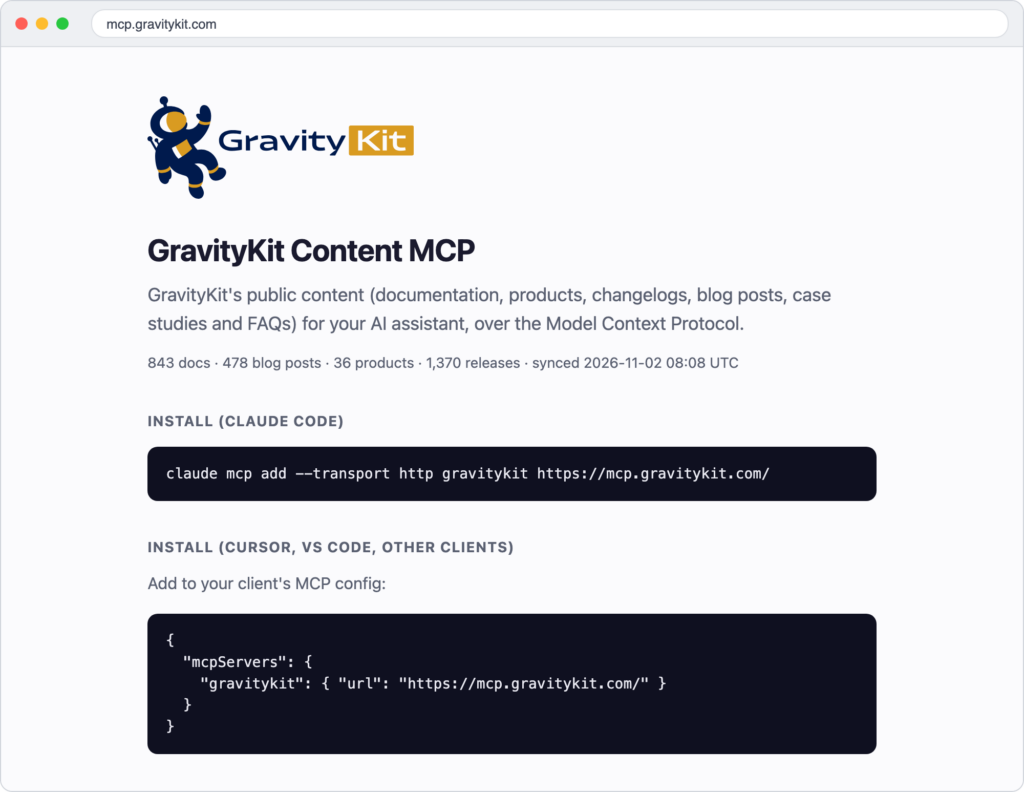
AI assistants answer from what they learned in training, which can be months or years out of date. The Content MCP gives them live access to everything public on gravitykit.com (blogs, docs, FAQs, and more). The Model Context Protocol (MCP) is an open standard that lets an assistant use outside tools and data.
Zack Katz, our founder, built it in September. The server lives at https://mcp.gravitykit.com/, it’s free and read-only, and it needs no account or API key. Its 11 tools cover docs, products, changelogs, the blog, and GravityKit Academy. Search matches on both meaning and exact words across an index on Cloudflare, and pages outside the index get fetched live.
get_changelog uses since_version to tell an agent what changed since the version a customer has installed. When search comes up empty, ask_docsbot sends the question to our AI chatbot.
Someone has to connect the server to their assistant, so it mostly serves people already using our products.
2. The developer docs MCP: real hook names for coding assistants
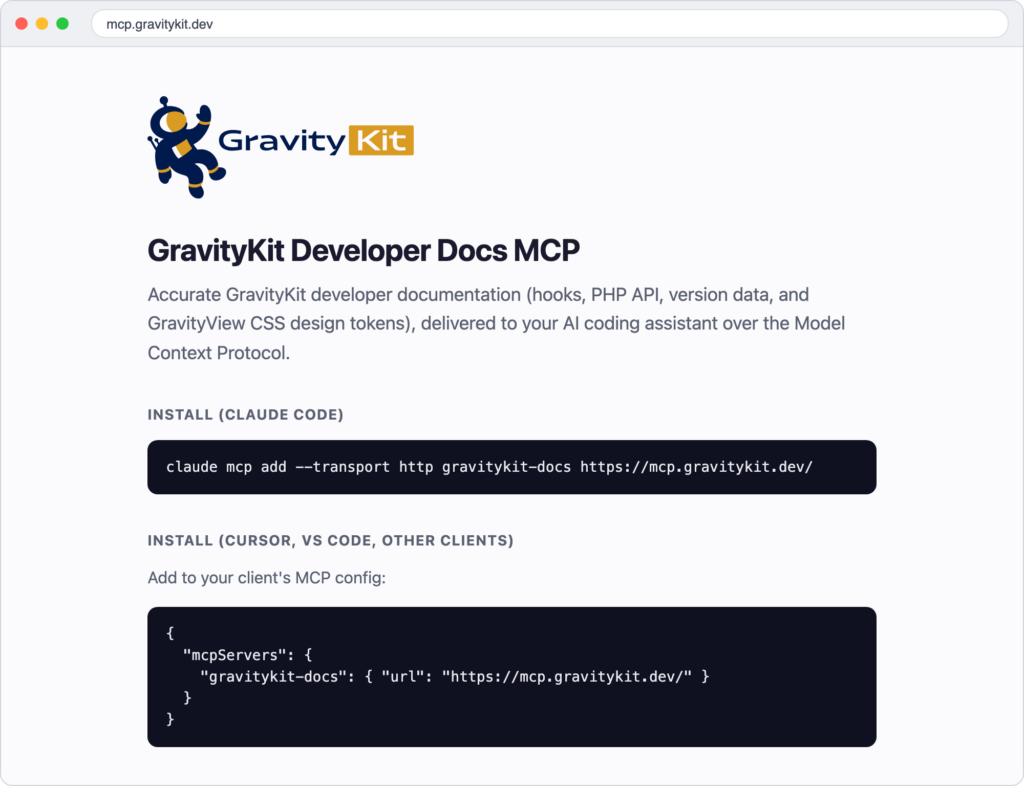
The developer docs MCP is for customers building on or extending GravityKit. It’s also free and read-only, and its 10 tools cover the hooks, PHP API, merge tags, and CSS design tokens documented on gravitykit.dev.
The two servers hold different material. The Content MCP covers what our products do and how to set them up, and this one covers the code. It has exact search for when an assistant knows the name it wants, and semantic search for when it doesn’t.
The tool I like most is get_compat, which reports the version that added a hook. An agent can check it before writing code that won’t run on a customer’s site.
It’s comprehensive as well. Behind the merge tag tools alone, Zack ran over 40 million combinations of tags and modifiers to check how they really behave. Our support team now suggests this server to customers writing their own code.
3. Markdown endpoints: our pages without the HTML
Agents love Markdown because it’s mostly just the words. An HTML page also carries navigation, scripts, and styling, and an agent has to dig through all of that to find the content. Markdown drops the clutter but keeps the structure, like headings and links, so the agent spends less of its limited context on things it doesn’t need.
Add .md to the URL of a docs article, blog post, or product page on gravitykit.com to get a plain-text Markdown version with page metadata at the top. A request with an Accept: text/markdown header gets Markdown back, and each page’s head links to its Markdown version. It runs on a small plugin Zack wrote.
| Page | HTML (KB) | Markdown (KB) | HTML size vs Markdown |
|---|---|---|---|
| Docs article: Build Views with AI | 587 | 10.5 | 56x |
| /mcp/ landing page | 344 | 7.5 | 46x |
| GravityView product page | 584 | 24.5 | 24x |
| Nonprofit apps blog post | 454 | 21.2 | 21x |
Those are raw page sizes from November 2026. Many fetch tools strip HTML before a model sees it, so the real saving is smaller. You don’t need Markdown files to appear in AI Search either. We publish them for the agents fetching our pages.
4. llms.txt: a cheap map for agents
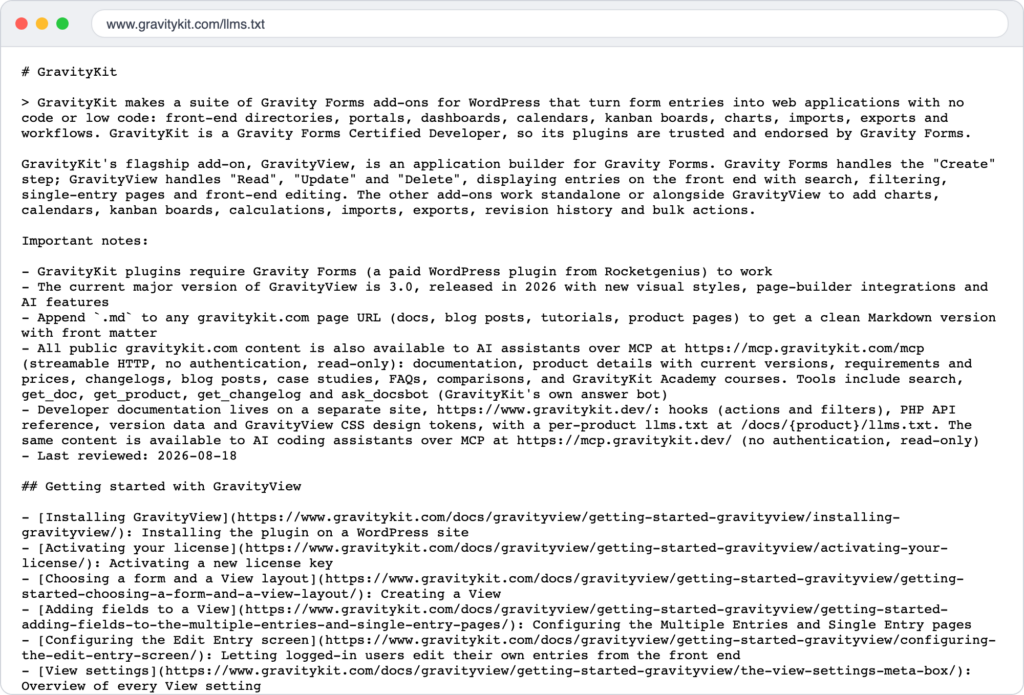
Our llms.txt is a 13 KB file that says what GravityKit is, how to get Markdown, and where the MCP servers live. We also publish a 519 KB llms-full.txt, plus per-product files on gravitykit.dev.
The evidence for these files is thin. Google says Search doesn’t use them. Ahrefs found that 97% of the files it studied got no requests at all in May 2026. Among the fetches that did happen, GPTBot and Claude-Code were the top two named AI tools.
Speakeasy argues the file is worth trying: it takes a few minutes to set up, and it costs little if nobody reads it. We agree.
The real cost is upkeep, because a stale map gives agents wrong answers. We update ours whenever product details change.
5. Block MCP: the one that writes
The first 4 tools are for agents reading our site. Block MCP is what we use to let agents edit and update our site. It’s a custom MCP server we created that lets agents edit WordPress content, one block at a time, so the rest of the page stays intact.
I use it every single day on gravitykit.com to build landing pages and update stale content. It’s a free WordPress plugin, and you can download it here.
What comes next
None of this is settled. The standards for how agents find and use websites are still being written, and we’re keeping tabs on several of them:
- MCP Server Cards – A site can announce its MCP servers in one standard place.
- Web Bot Auth – An agent can prove who it is when it fetches a page.
- NLWeb – A site gets a natural-language interface that agents can query. Microsoft started the project.
We’ll keep updating our website as these mature and as we learn what agents actually use. Some of what we built this year will change, and we’ll add whatever proves useful.
What are you doing to make your site agent ready?
Get better at Gravity Forms, one email a week
New GravityKit releases, practical Gravity Forms tutorials, and subscriber-only discounts. One short email every week, unsubscribe anytime.
More articles

How we’re making gravitykit.com agent ready
How we made gravitykit.com agent ready: two MCP servers, Markdown endpoints, llms.txt, and what 149 test questions taught us about answers on your pages.
Launch Log: Live DataTables totals, a Remove Data option, and rounding for Number field merge tags
This week’s releases add live GravityMath totals to DataTables Views, a Remove Data option in GravityView, and security fixes in five GravityKit products.
Launch Log: A range slider for search, AI-managed calendars, and security updates in ten products
GravityView adds a Slider search input, GravityCalendar lets AI assistants manage calendars, and ten GravityKit products get security fixes. Here’s what shipped.