
Turn form entries into a table people can sort, search and export
The DataTables layout for GravityView enables you to display Gravity Forms entries in a live-updating table with advanced sorting, filtering, and export options.
Turn form entries into live, analysis-ready tables
Display Gravity Forms submissions in interactive, business-ready tables with powerful sorting, search, filtering, and exports—no coding or external spreadsheets required.
- Advanced filtering and search: Get answers instantly and surface the insights that matter.
- Keep data current with interval-based updates for real-time reporting.
- Handles large datasets effortlessly with Responsive, Scroller, and FixedHeader.


Extensive customization options
Give stakeholders fast, accurate, always-current data. DataTables reduces manual work, improves reporting quality, and accelerates decision-making.
- Eliminate manual spreadsheets and reduce reporting errors.
- Deliver fresh, export-ready tables that keep teams aligned.
- Customize behavior, styling, and outputs with developer hooks and multi-language support.


Trusted by thousands of businesses and developers



Simple pricing.
Infinite possibilities.
GravityKit is trusted by agencies, nonprofits, developers, and WordPress users all over the world.
Our complete Kit of essential tools for extending and enhancing Gravity Forms: everything you need to build powerful web apps and workflows.
- All GravityKit Add-Ons
- Every GravityView Pro feature
- Perfect for heavy Gravity Forms users
- Priority support via email
- Save $912 (70%) vs. buying separately
Get Live Filters, Maps, DataTables, the Advanced Elementor Widget and every other Pro feature to build the app your process needs.
- Everything in GravityView
- Live Filters, Connected Views and Edit Window
- DataTables, Maps, Elementor and every other Pro feature
- Perfect for advanced web applications
- Expert email support

We proudly offer a 30-day money-back guarantee
We want you to be 100% happy with your purchase, or we’ll make it right.
Ready to get started?
Add every Pro feature to GravityView.
More features in GravityView Pro

Advanced Filters
The Advanced Filters feature in GravityView Pro lets you apply smart conditional logic for enhanced personalization and finer control over which Gravity Forms entries are displayed in a View.
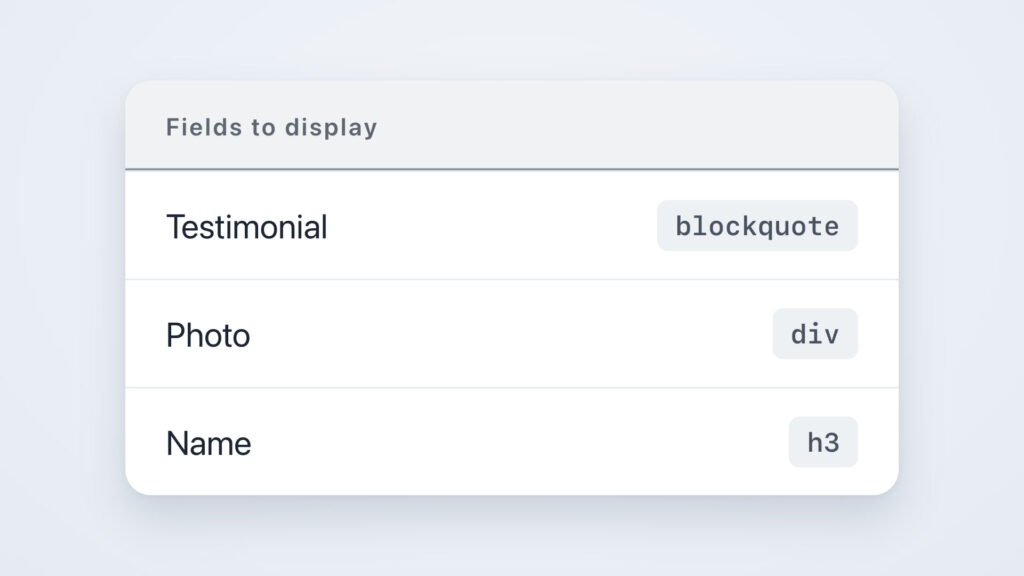
DIY Layout
Design your own layout with HTML, CSS and merge tags, one field at a time.
Magic Links
Email people a secure link to edit their entry, without logging in.
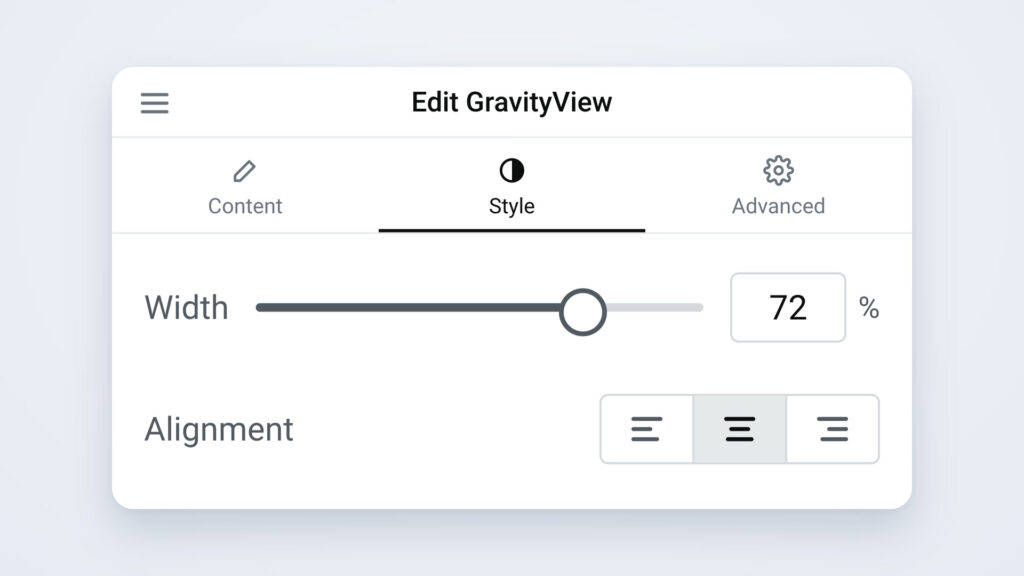
Advanced Elementor Widget
Place a View on an Elementor page and style it with Elementor’s own controls.

Multiple Forms
The Multiple Forms feature in GravityView Pro lets you join related entries from different Gravity Forms forms, or stack entries from multiple forms into one combined View.
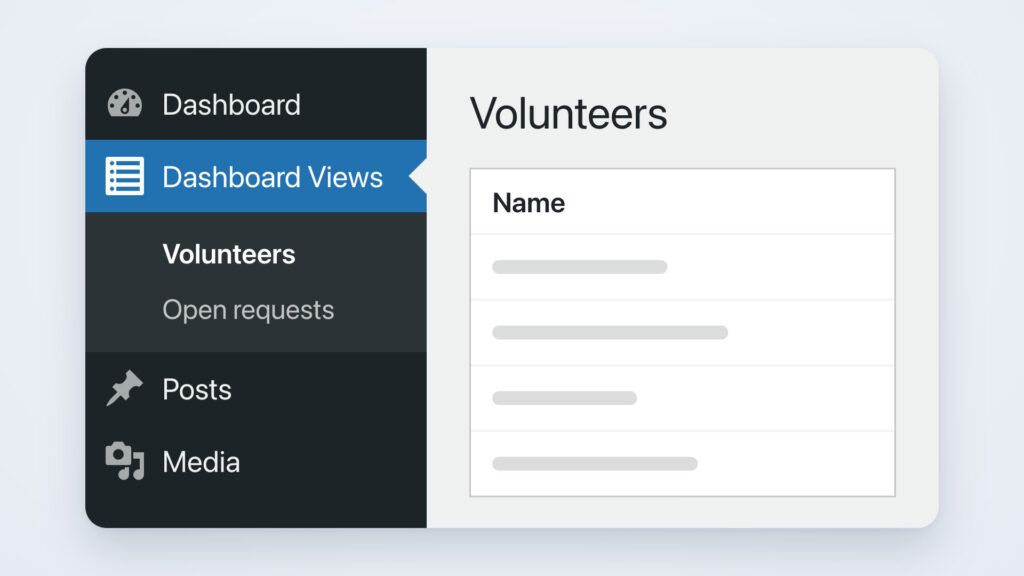
Dashboard Views
The Dashboard Views feature in GravityView Pro lets you embed Views directly inside your WordPress admin dashboard.
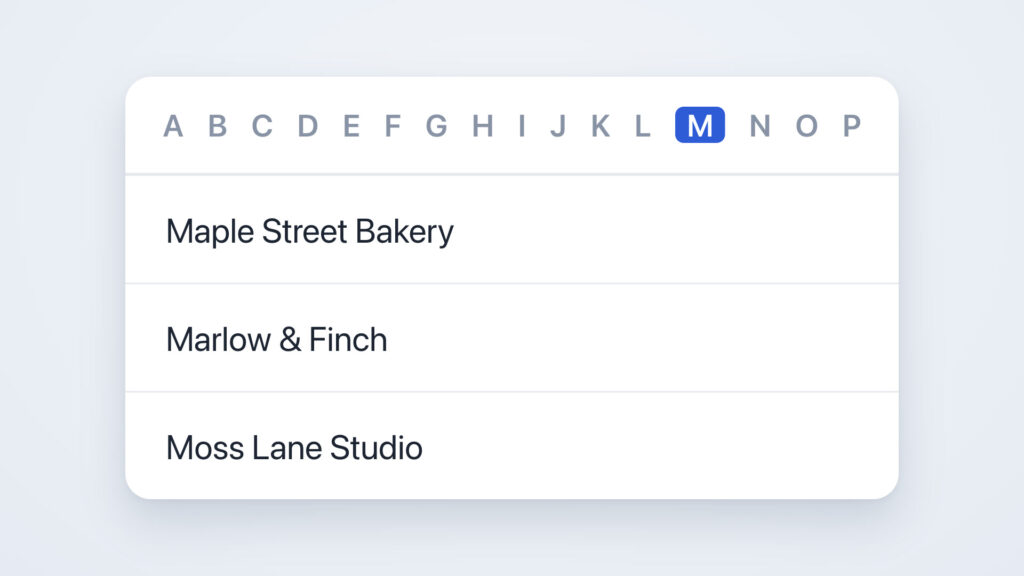
A-Z Filters
The A-Z Filters feature in GravityView Pro lets users filter Gravity Forms form entries alphabetically using a list of links from A to Z.
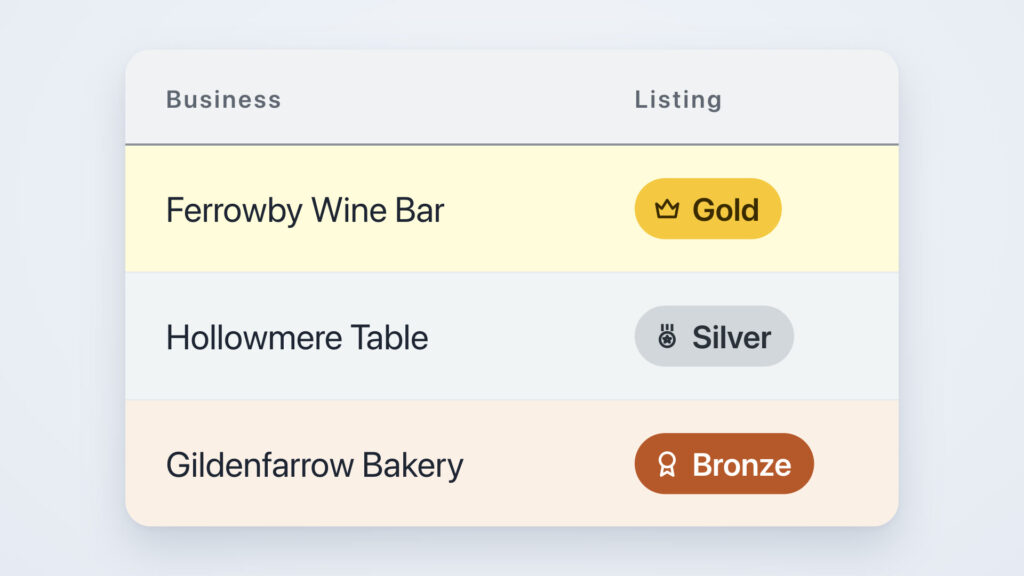
Featured Tiers
Sell featured spots in your directory that end on their own, and rank your plans, such as Gold, Silver and Bronze. In GravityView Pro.
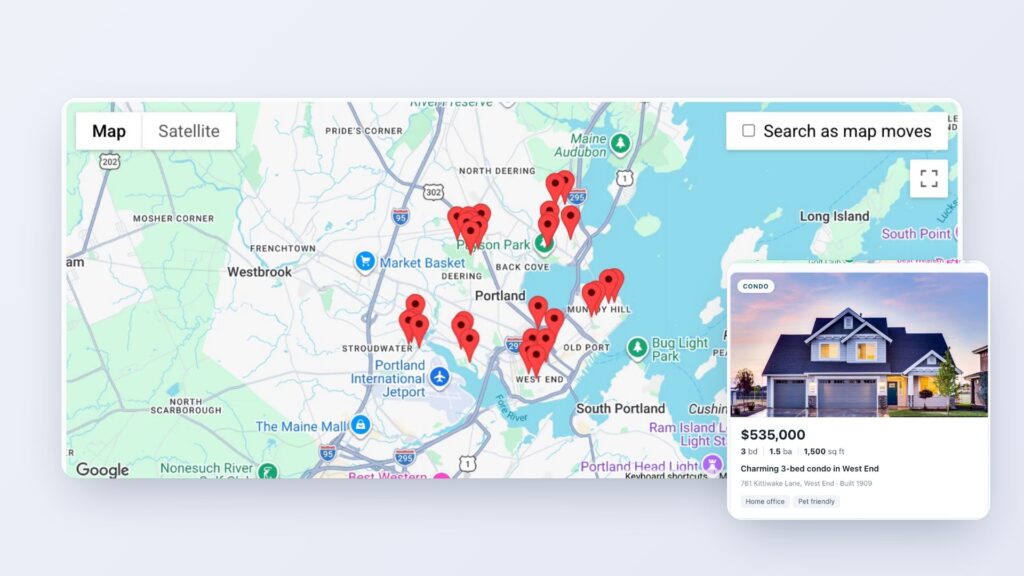
Maps
Put entries on a map, and let visitors search for the ones near them.
Featured Entries
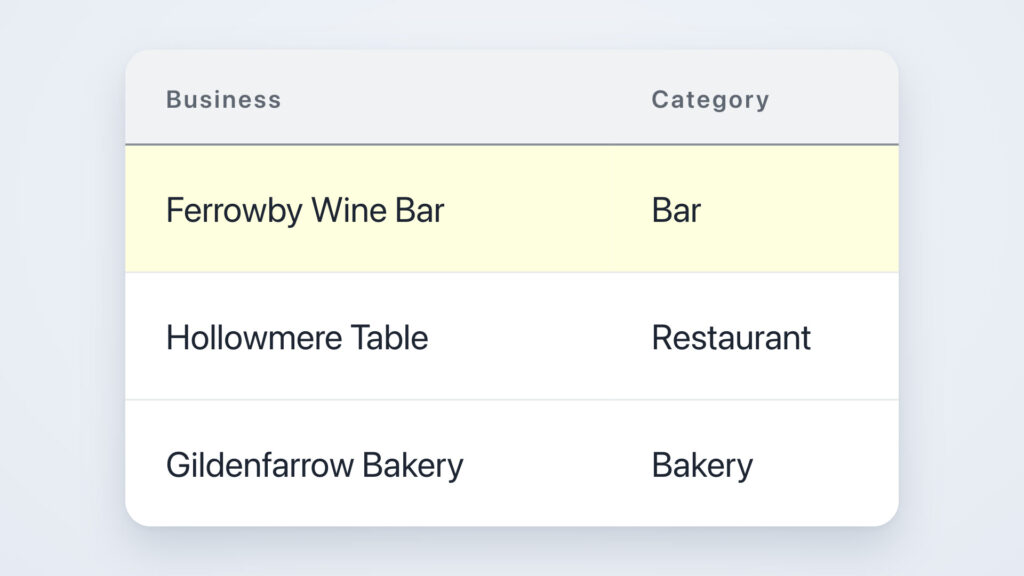
The Featured Entries feature in GravityView Pro lets you mark Gravity Forms entries as “featured” so they appear highlighted and stay pinned to the top of your View.

Ratings & Reviews
The Ratings & Reviews feature in GravityView Pro lets visitors rate, review, and comment on Gravity Forms form entries from the frontend of your site.
Social Sharing & SEO
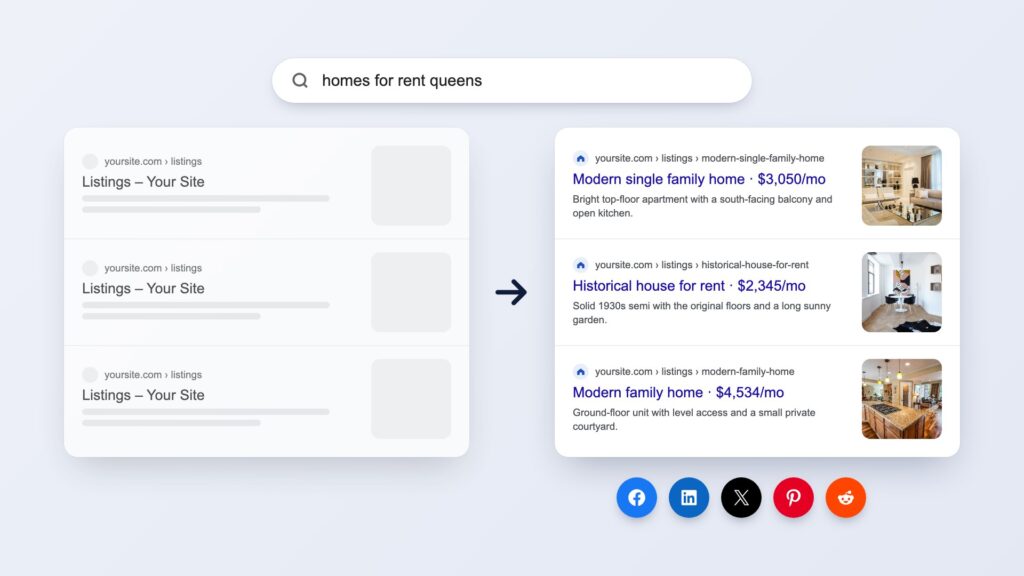
The Social Sharing & SEO feature in GravityView Pro lets you add social sharing buttons to Views and enhance the search engine visibility of Gravity Forms entries.
Live Filters
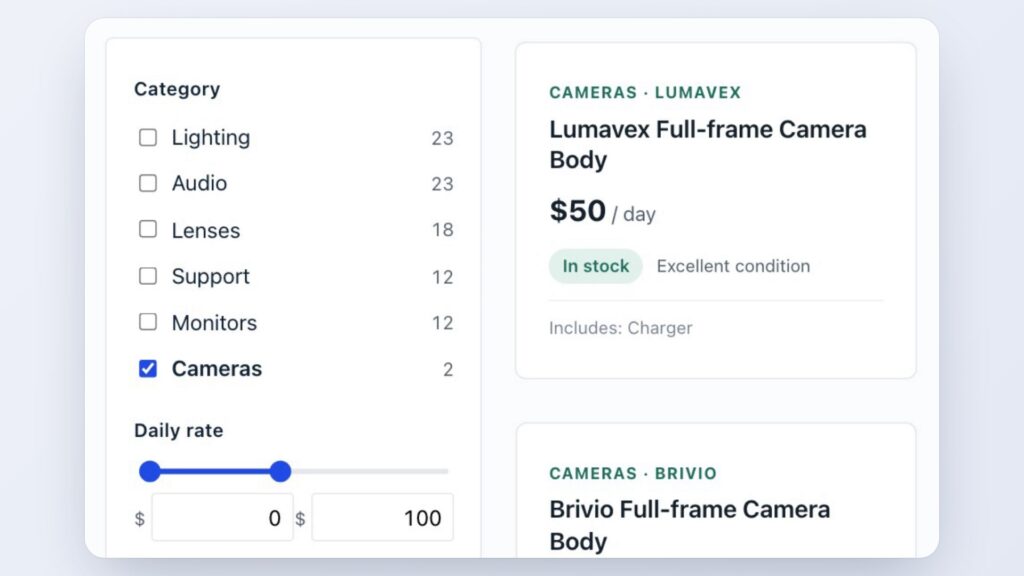
Add a filter panel to your Views. Visitors narrow entries with checkboxes, ranges and star ratings, and the results change with every click. In GravityView Pro.
Connected Views
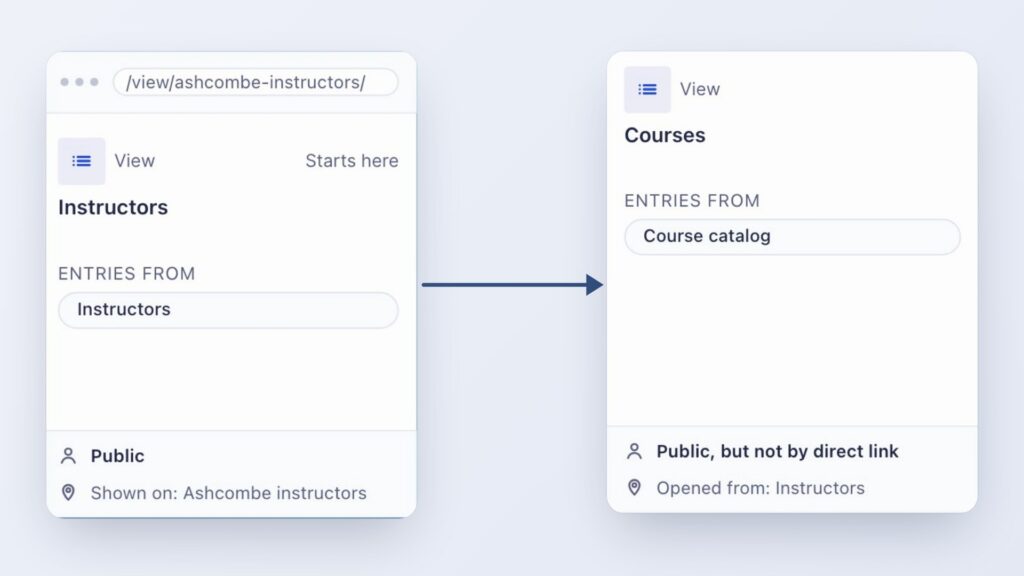
Link your Views so visitors click from an entry to the entries related to it, and back. You set each connection in the View editor. In GravityView Pro.
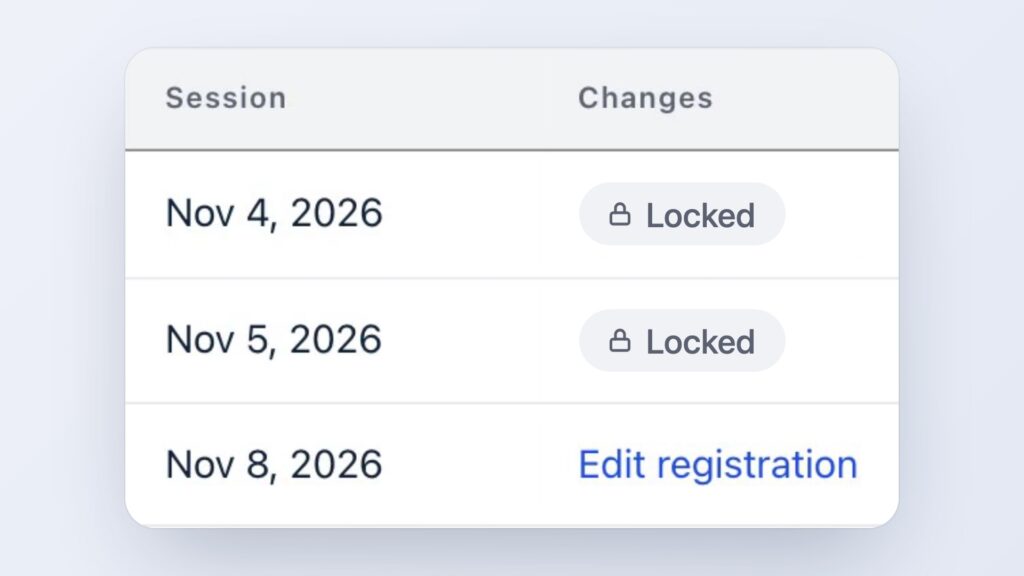
Edit Window
Close editing in a View at the deadline you choose. The Edit link goes away, the entry stays in the View, and staff can still edit it. In GravityView Pro.
Have more questions?
Here are a few common questions that help explain what is possible with the power of GravityKit.