
Show each visitor only the entries meant for them
The Advanced Filters feature in GravityView Pro lets you apply smart conditional logic for enhanced personalization and finer control over which Gravity Forms entries are displayed in a View.
Show the right entries to the right people
Advanced Filtering lets you control exactly which Gravity Forms entries appear in each View, so users only see data that’s relevant, compliant, and actionable. Create precise rules with no code and keep Views focused, private, and easy to manage.
- Display only entries created by the logged-in user to enforce privacy.
- Build role-specific dashboards for admins, managers, and contributors.
- Improve personalization and decision-making with targeted Views.
- Combine multiple conditions for accurate and flexible filtering rules.


Trusted by thousands of businesses and developers



Simple pricing.
Infinite possibilities.
GravityKit is trusted by agencies, nonprofits, developers, and WordPress users all over the world.
Our complete Kit of essential tools for extending and enhancing Gravity Forms—everything you need to build powerful web apps and workflows.
- All GravityKit Add-Ons
- All GravityView Layouts & Features
- Perfect for heavy Gravity Forms users
- Priority support via email
- Save $912 (70%) vs. buying separately
Take GravityView to the next level with every premium layout and feature in one package.
- All premium GravityView Layouts and Features
- Build web apps using drag and drop
- Edit entries from the front end
- Advanced Elementor integration
- Powerful search and filtering

We proudly offer a 30-day money-back guarantee
We want you to be 100% happy with your purchase, or we’ll make it right.
Ready to get started?
Unlock the full power of GravityView.
More features in GravityView Pro
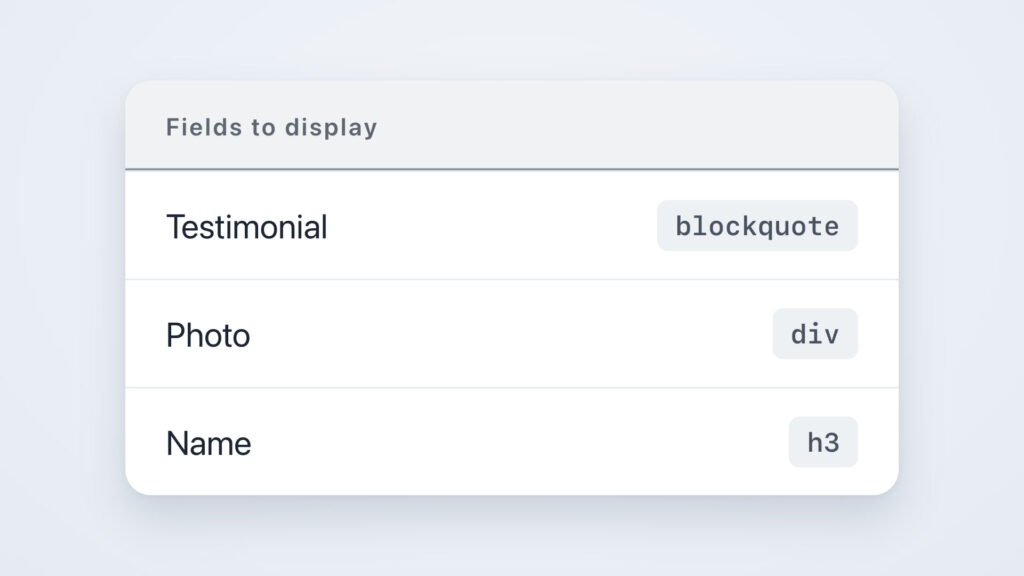
DIY Layout
The DIY layout for GravityView enables you to design your own layouts using HTML and CSS, giving you complete control over how Gravity Forms entries are displayed on the front end.
Magic Links
The Magic Links feature in GravityView Pro lets users update their Gravity Forms entries through secure, time-limited links sent by email—no login required.
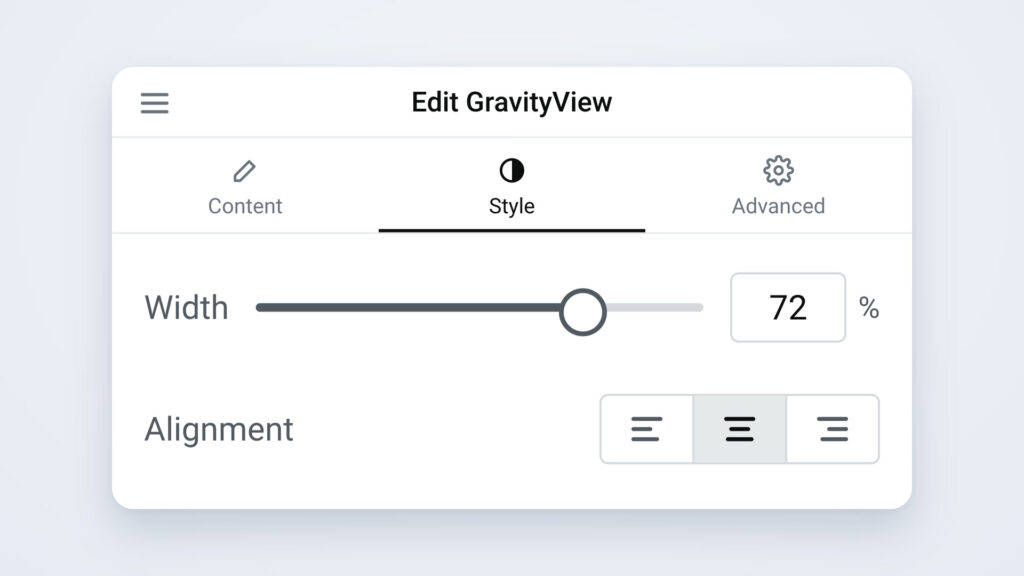
Advanced Elementor Widget
Visually customize your Views using Elementor’s intuitive drag-and-drop interface. Adjust colors, fonts, and layouts in real time—no code required.
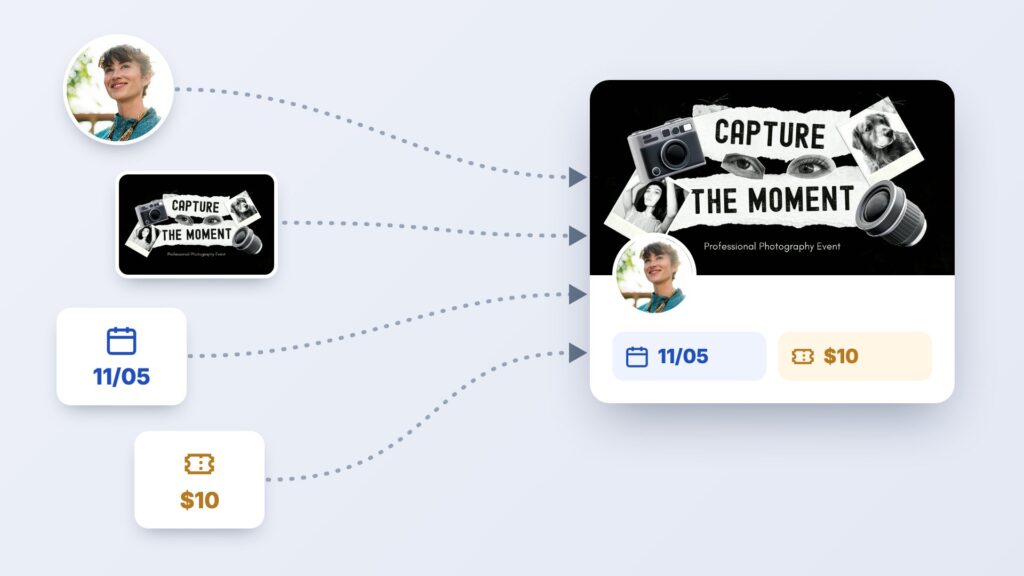
Multiple Forms
The Multiple Forms feature in GravityView Pro lets you join related entries from different Gravity Forms forms, or stack entries from multiple forms into one combined View.
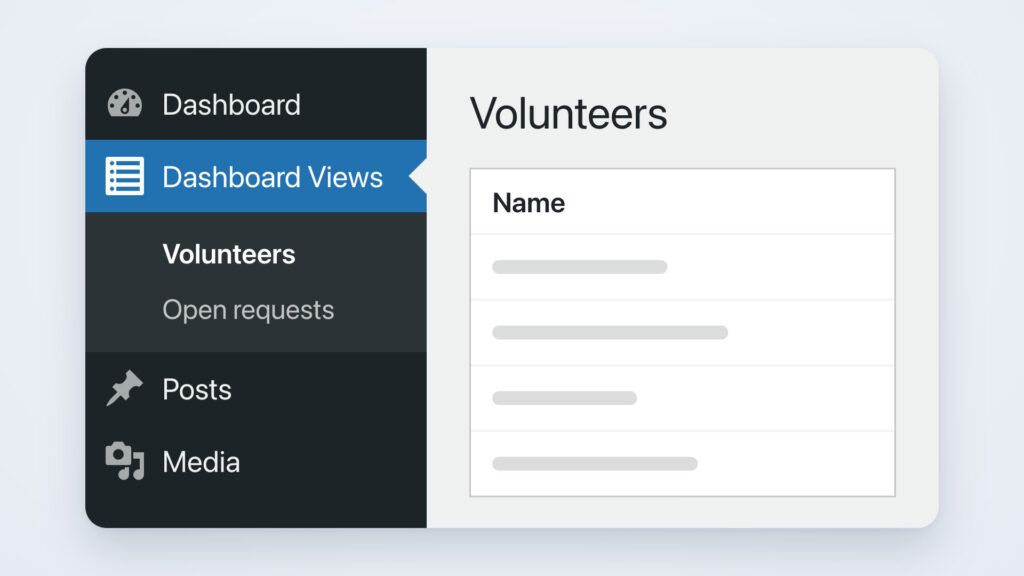
Dashboard Views
The Dashboard Views feature in GravityView Pro lets you embed Views directly inside your WordPress admin dashboard.
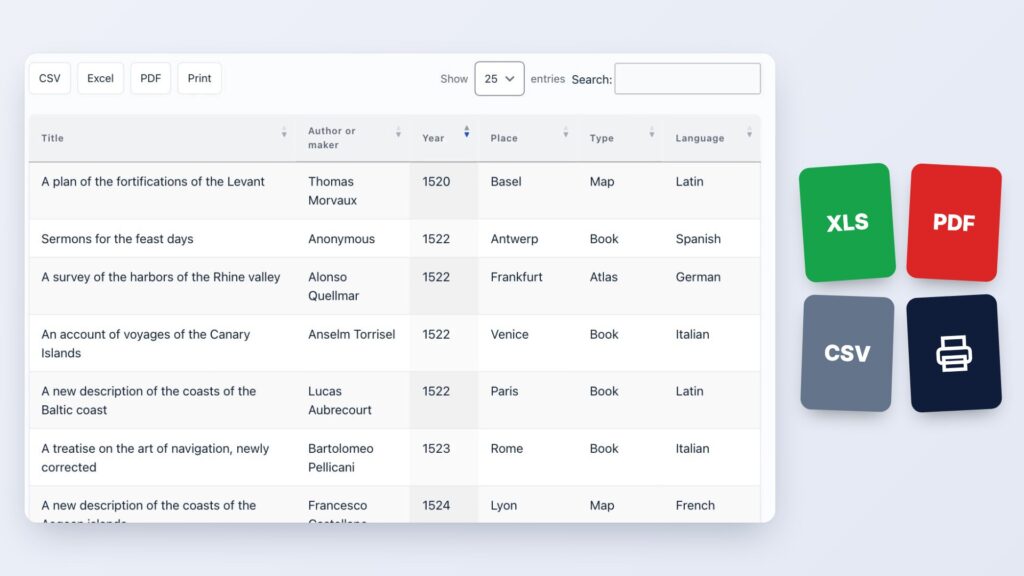
DataTables
The DataTables layout for GravityView enables you to display Gravity Forms entries in a live-updating table with advanced sorting, filtering, and export options.
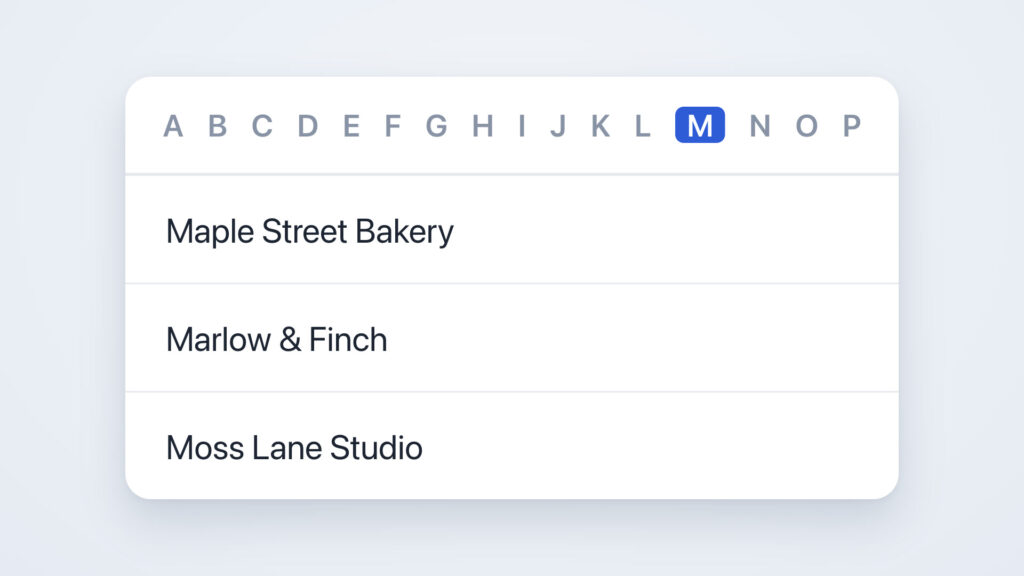
A-Z Filters
The A-Z Filters feature in GravityView Pro lets users filter Gravity Forms form entries alphabetically using a list of links from A to Z.
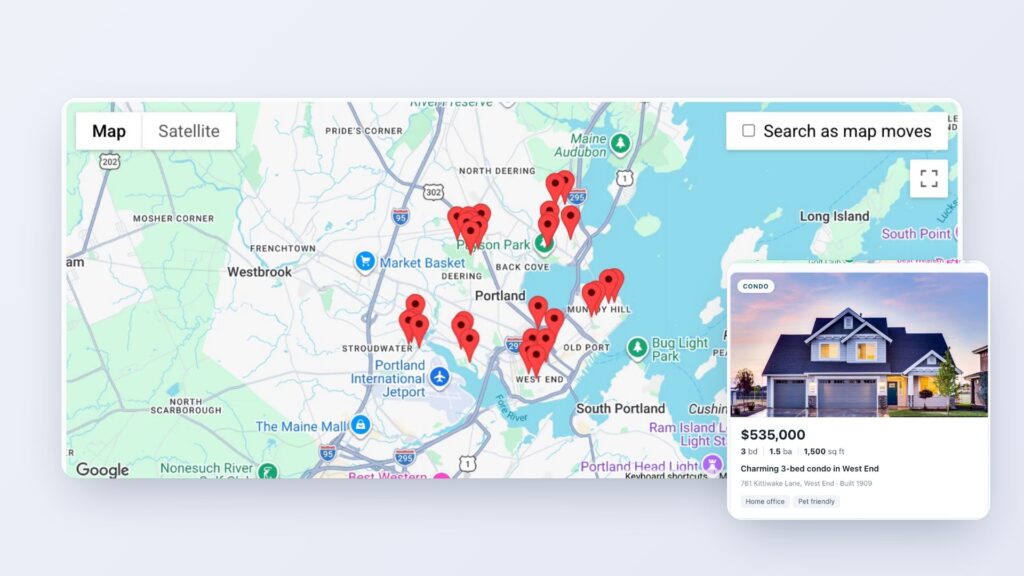
Maps
The Maps layout for GravityView enables you to display Gravity Forms form entries on a Google Map and build powerful geolocation directories similar to Zillow or Yelp.
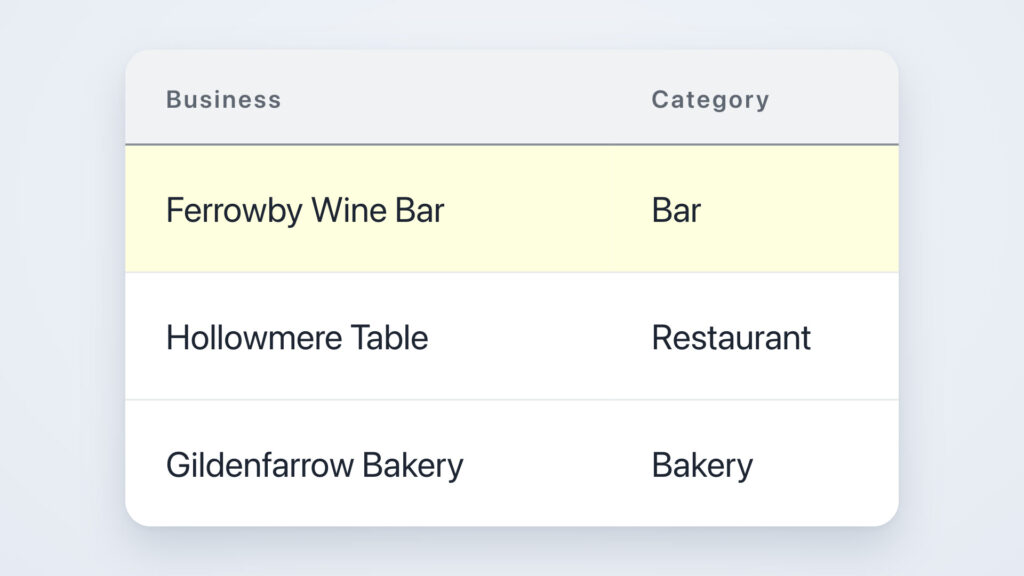
Featured Entries
The Featured Entries feature in GravityView Pro lets you mark Gravity Forms entries as “featured” so they appear highlighted and stay pinned to the top of your View.

Ratings & Reviews
The Ratings & Reviews feature in GravityView Pro lets visitors rate, review, and comment on Gravity Forms form entries from the frontend of your site.
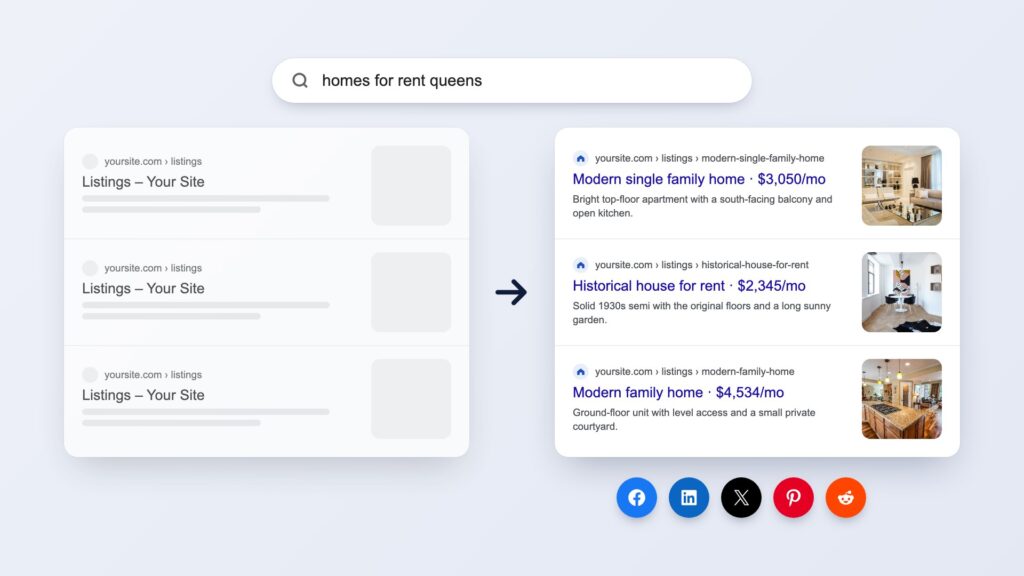
Social Sharing & SEO
The Social Sharing & SEO feature in GravityView Pro lets you add social sharing buttons to Views and enhance the search engine visibility of Gravity Forms entries.
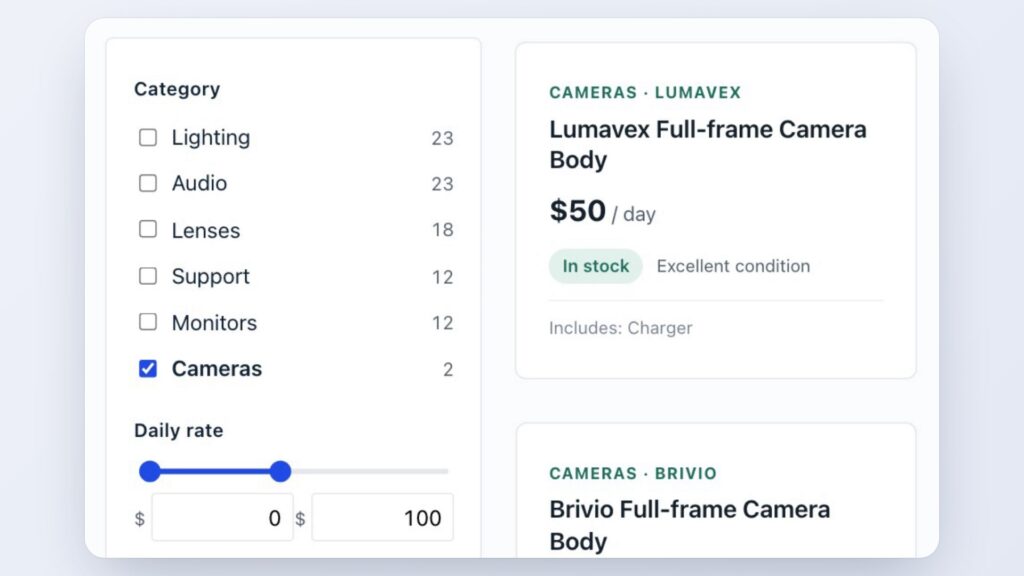
Live Filters
Add a filter panel to your Views. Visitors narrow entries with checkboxes, ranges and star ratings, and the results change with every click. In GravityView Pro.
Have more questions?
Here are a few common questions that help explain what is possible with the power of GravityKit.