
Pro feature
Let people edit their entries until the deadline
Edit Window closes editing in a View at the deadline you choose, such as the day registration ends or a week before the event. The Edit link goes away and old edit links stop working. The entry stays in the View, and staff can still edit it.
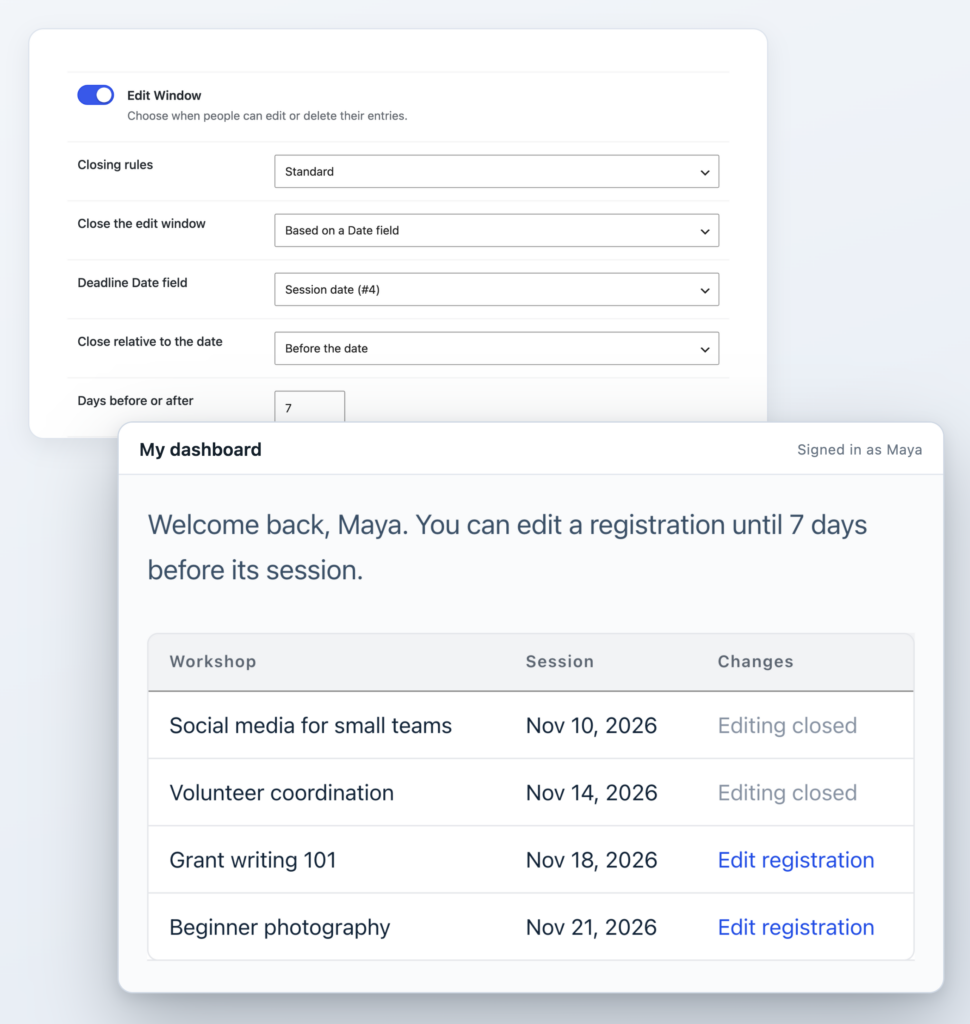
Editing stays open until your cutoff
Registrations, applications and RSVPs usually have a cutoff for edits. Edit Window adds that cutoff to the Views you’ve already built, in each View’s Edit Entry settings, so you aren’t chasing late edits by hand.
Without Edit Window
- Entries stay editable after your cutoff.
- To stop late edits, you hide the entries or write custom code.
- Anyone with an old edit link can still open the form.
With Edit Window
- Editing closes at the deadline you choose.
- The Edit link goes away, and the entry stays in the View.
- An old edit link shows your message instead of the form.
Edit until the deadline, then it closes
Before the deadline, people update their own entries as usual. After it, the Edit link disappears and the entry stays in the View with everything they submitted. Your team can start the next stage knowing people can no longer edit those entries through this View.
- An old edit link shows your message instead of the form.
- A form opened before the deadline and saved after it changes nothing.
- Staff who can edit other people’s entries are never locked out.
Close editing at the deadline you choose
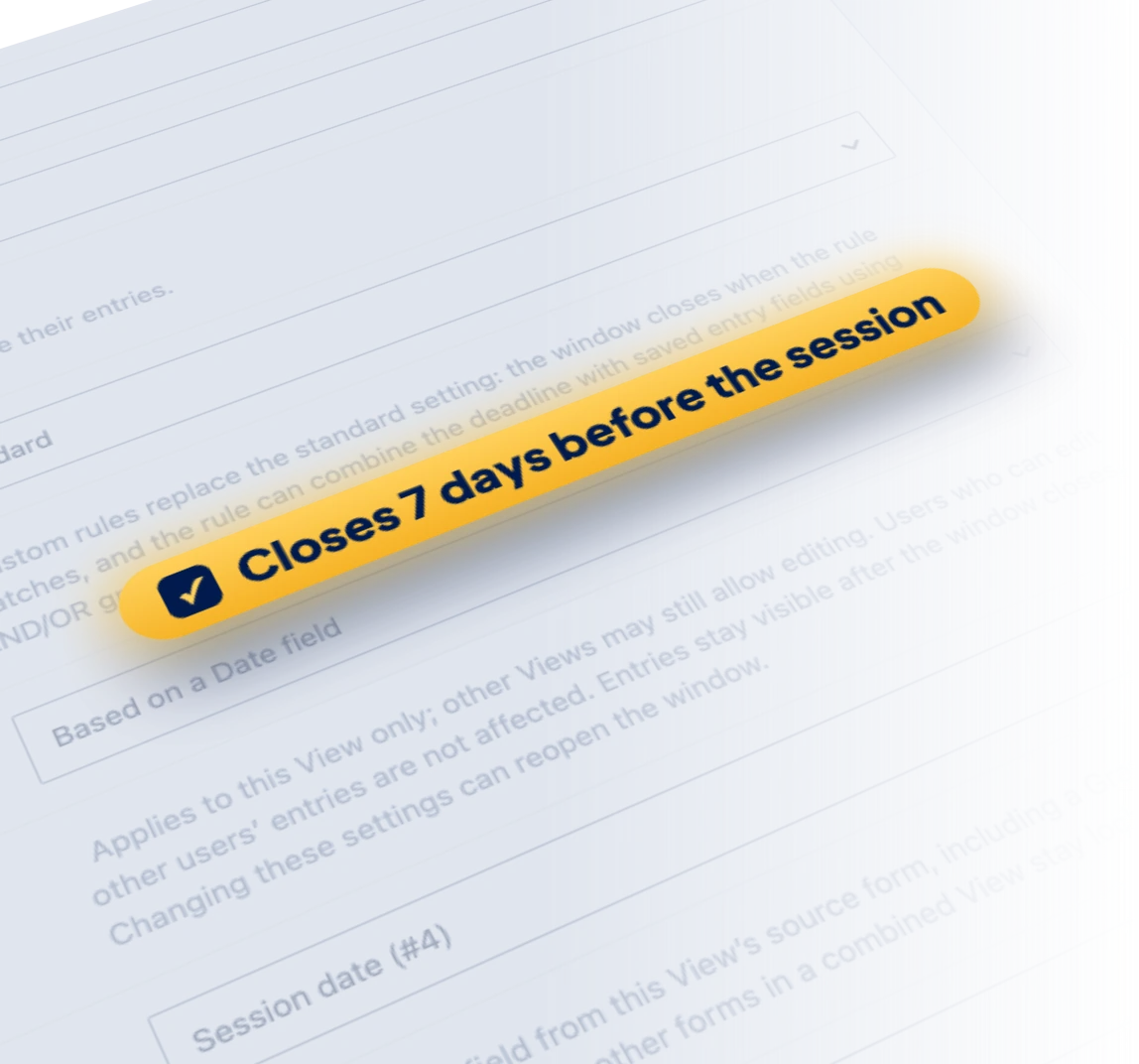
Pick one of four deadlines in the View’s Edit Entry settings. A workshop site, for example, closes editing 7 days before each session, using the session date on each registration.
- Use the form’s schedule end, a set time after submission, a fixed date or a Date field on the entry.
- Close on, before or after an entry’s date, at the time of day you set.
- Editing an entry doesn’t restart the clock.
Close it on your own rules
Custom closing rules combine the deadline with saved entry values in AND and OR groups. On the workshop site, a registration closes at its deadline or as soon as its Status changes to Confirmed, whichever comes first.
- Close on field values alone, like an application moving to Under review, with no date at all.
- Deleting can close too, or the Delete link can stay after editing closes.
- Each View has its own window, so a staff View of the same form can stay open.
Set it up in three steps
It all happens in the View’s Edit Entry settings.
Step 1
Turn on Edit Window
In your View’s settings, click the Edit Entry tab and turn on Edit Window.
Step 2
Choose the deadline
Pick the form’s schedule end, a set time after submission, a fixed date or a Date field on the entry.
Step 3
Update the View
When the deadline passes, the Edit link goes away and the entry stays in the View.
Deadlines that fit the process
Each of these is one View with Edit Window turned on.
Date field
Event registrations
Attendees edit their details until 7 days before their session.
Form schedule
Conference sign-ups
Editing closes when registration closes, using the end date in the form’s schedule.
Fixed date
Grant applications
Applicants polish their application until the review starts on the date you set.
Time after submission
Directory listings
People fix typos for 48 hours after they submit, then the listing is final.
Custom rule
Job applications
Candidates edit their application until its Status changes to Under review.
GravityBoard Due Date
Client requests
Clients edit a request in the View until the Due Date on its board card.
Simple pricing.
Infinite possibilities.
GravityKit is trusted by agencies, nonprofits, developers, and WordPress users all over the world.
Our complete Kit of essential tools for extending and enhancing Gravity Forms: everything you need to build powerful web apps and workflows.
- All GravityKit Add-Ons
- Every GravityView Pro feature
- Perfect for heavy Gravity Forms users
- Priority support via email
- Save $912 (70%) vs. buying separately
Get Maps, DataTables, the Advanced Elementor Widget and every other Pro feature to build the app your process needs.
- Every GravityView Pro feature
- Integrations with DataTables & Google Maps
- Advanced Elementor integration
- Perfect for advanced web applications
- Expert email support

We proudly offer a 30-day money-back guarantee
We want you to be 100% happy with your purchase, or we’ll make it right.
Try Edit Window
Edit Window lets people edit their own entries until a deadline, then closes editing while the entries stay visible.
Have any questions?
Here are a few common questions about Edit Window.