
Published
•
Updated
Decide which entries to show in your directory…from the directory itself!
You have a directory that accepts submissions from anyone. But you want to make sure they’re appropriate for your website. With GravityView, you can now approve those form submissions from the front of your site. This makes it easier than ever to moderate entries: you will see exactly how the entry will look in the…

You have a directory that accepts submissions from anyone. But you want to make sure they’re appropriate for your website. With GravityView, you can now approve those form submissions from the front of your site. 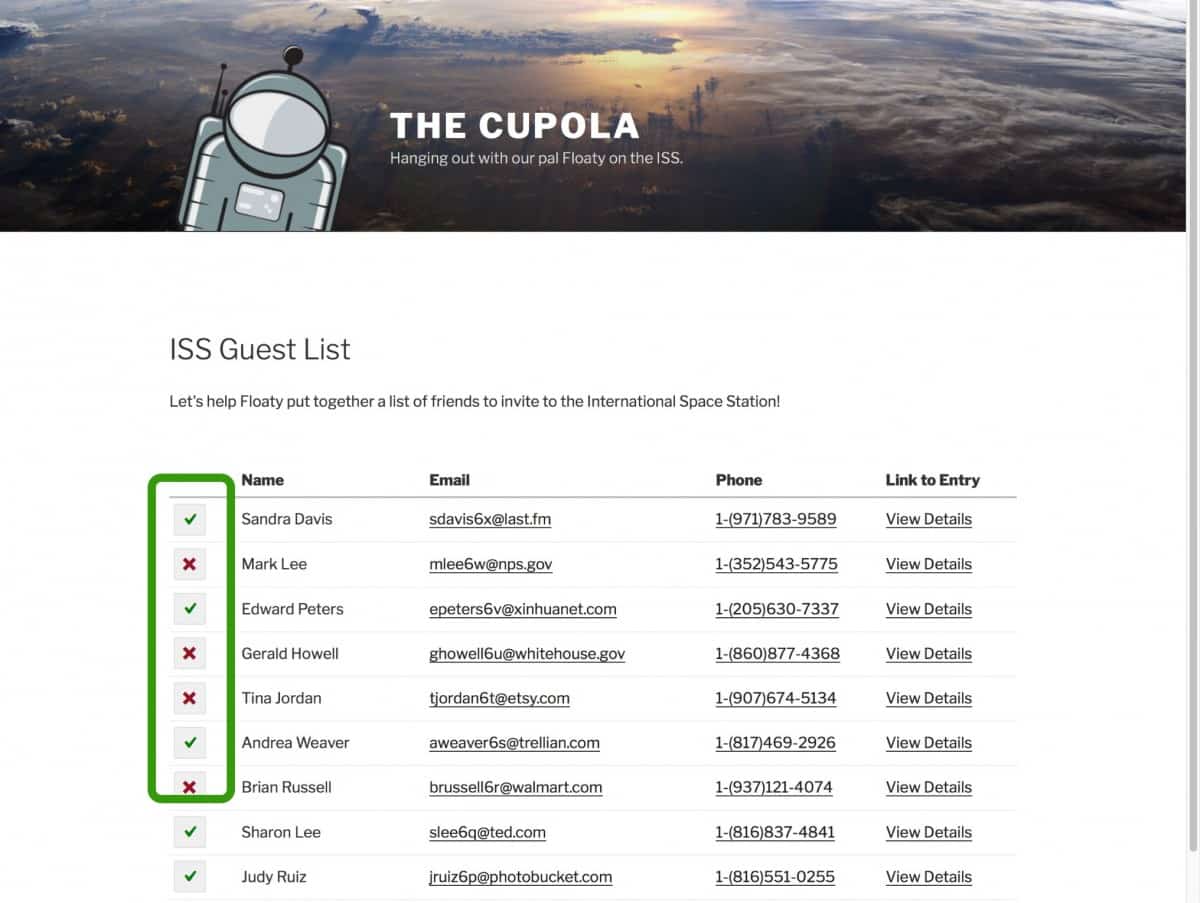 This makes it easier than ever to moderate entries: you will see exactly how the entry will look in the GravityView View layout before you approve it. Just click a button to approve the content. Click it again to disapprove the content.
Meanwhile, logged-out users don’t see the entries until they’re approved!
Only administrators will be able to see the content until it’s approved. 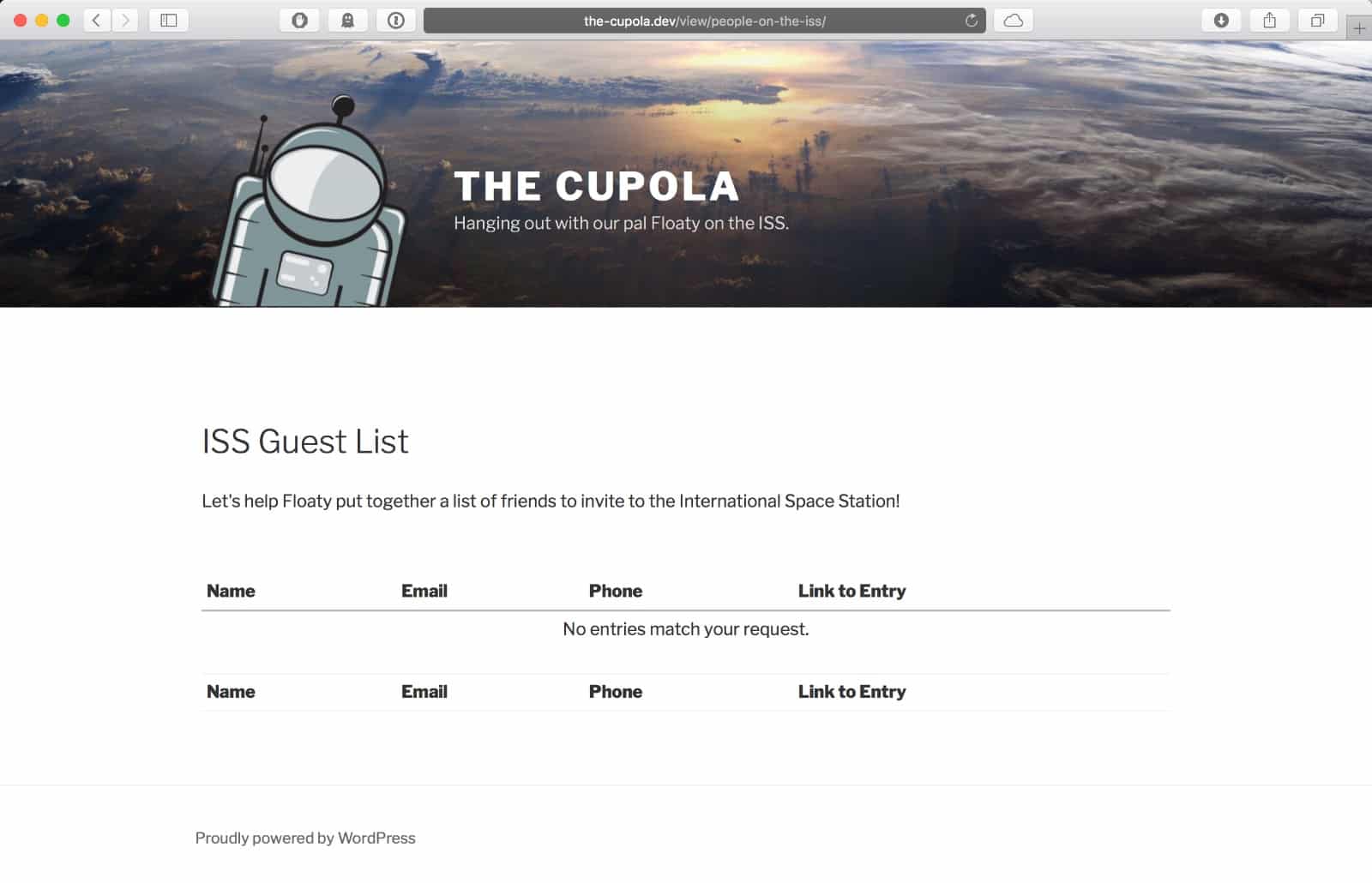 You now have complete control over what entries are shown, all from the front of your site. Learn more about front-end entry approval — available only in GravityView 1.19.

Get better at Gravity Forms, one email a week
New GravityKit releases, practical Gravity Forms tutorials, and subscriber-only discounts. One short email every week, unsubscribe anytime.
More articles

Launch Log: Search Bar default values, Multiple Forms 1.0, and a keyboard-friendly GravityBoard
GravityView adds Search Bar default values, Multiple Forms reaches 1.0 with joined-form search, and GravityBoard gets keyboard, security, and performance fixes.

Launch Log: AI-assisted migrations and a stronger Prevent Direct Access setting
GravityMigrate can now hand a whole migration to an AI assistant, GravityKit MCP installs into Claude Desktop in one click, and GravityView tightens the Prevent Direct Access setting.
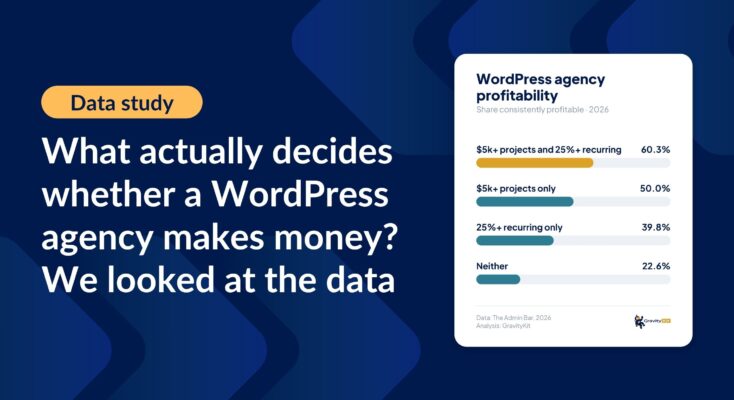
What actually decides whether a WordPress agency makes money? We looked at the data
Two 2026 surveys of 832 WordPress agencies, plus our own analysis of the raw data. What separates the profitable agencies from the rest, and what does not.