
Published
•
Updated
Our docs just moved (and got a lot better!)
GravityKit documentation has a new home at gravitykit.com/docs — with faster search, a sticky table of contents on every article, and easier filtering by product.

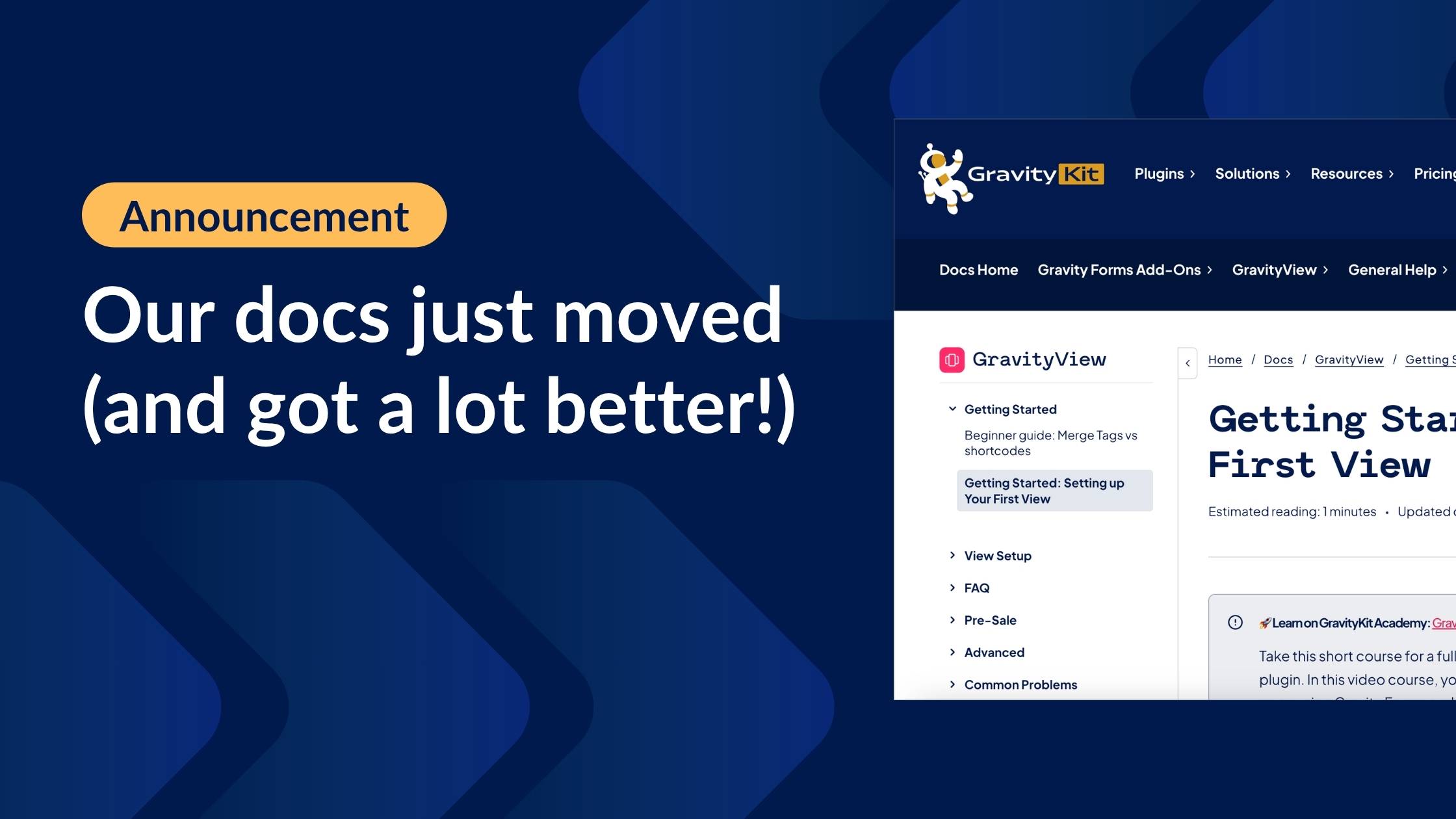
We’re excited to announce that GravityKit documentation now lives at gravitykit.com/docs. The old https://www.gravitykit.com/docs/ URLs still work and redirect automatically, so existing bookmarks and links in forum threads keep working. But the new home is where we’ll be adding everything from here on, and it’s meaningfully better to use.
Here’s what changed.
Search that actually finds what you need
The new docs search is powered by Algolia. Type a misspelled hook name, a half-remembered setting label, or a plain-English question, and you’ll get relevant results ranked by what people click, not just what literally matches. If you’ve been stuck on “I know there’s an article about this” before but could never find it—that’s the problem we wanted to solve.
Easier to find your way around
A persistent docs menu bar sits at the top of every page, breadcrumbs show you exactly where you are in the hierarchy, and a sidebar surfaces related articles so you can follow a thread without bouncing back to search. It’s a small thing, but going from a setup guide to a related hook reference no longer means retracing your steps.
A table of contents on every article
Long articles now have a sticky table of contents. Jump straight to the step, hook, or troubleshooting note you need without scrolling or hitting Cmd+F. This is especially handy for the longer, more technical guides.
Consolidated resources on gravitykit.com
Moving off the subdomain means one site to bookmark and a faster trip between docs, product pages, the blog, and your account. This is part of our intiative to centralize our resources and marketing stack inside WordPress, and we’re loving it so far! Under the hood, the new docs section runs on the excellent BetterDocs plugin.
What this means for you
Nothing to update on your end. Old links redirect to their new homes, and search engines will catch up over the next few weeks.
The bigger picture: we’re centralizing everything on gravitykit.com so our docs, blog, and products live in one coherent place. That includes an intentional investment in docs that read well for humans and for AI assistants. We’re prioritizing clean structure, scannable sections, semantic headings, and predictable URLs. If you use Claude, ChatGPT, or Cursor to work through a GravityKit implementation, you should notice the difference.

Get better at Gravity Forms, one email a week
New GravityKit releases, practical Gravity Forms tutorials, and subscriber-only discounts. One short email every week, unsubscribe anytime.
More articles

Launch Log: A range slider for search, AI-managed calendars, and security updates in ten products
GravityView adds a Slider search input, GravityCalendar lets AI assistants manage calendars, and ten GravityKit products get security fixes. Here’s what shipped.

9 nonprofit apps you can build with Gravity Forms and GravityKit
Nine apps nonprofits build on WordPress from Gravity Forms data: volunteer databases, member directories, client portals, donation pages, grant review and more.
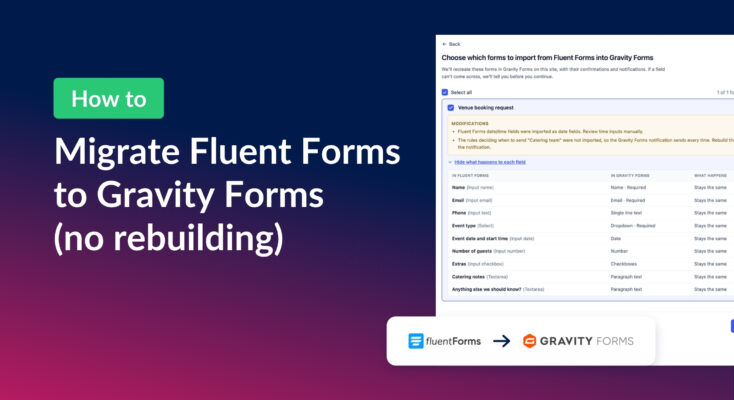
How to migrate from Fluent Forms to Gravity Forms without rebuilding your forms
Move your Fluent Forms forms into Gravity Forms with GravityMigrate, then bring your entries across with GravityImport. Every step was tested on the free version of Fluent Forms.