

GravityKit

Recent Posts

What’s in store for 2018?
We have a huge year lined up for GravityView At our team meeting in the beginning of the year, Rafael, Gennady, and I (Zack) looked at our roadmap for 2018, and agreed that: The roadmap was achievable When the 2018 roadmap is completed, GravityView…

Announcing DIY Layout
I was building a “Testimonials” View and I was getting frustrated by the limitations of the List layout. I didn’t want everything in a Custom Content field, so I created the DIY layout. DIY is for people who can code solutions, but don’t want…
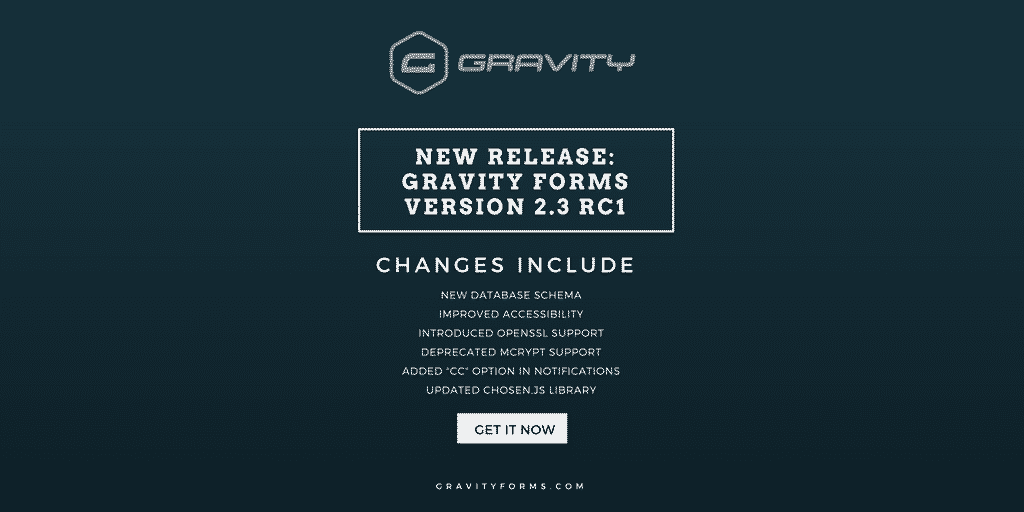
We’re fully ready for Gravity Forms 2.3
As of Version 1.22, GravityView is fully ready for Gravity Forms 2.3, which is getting very close to launch. Gravity Forms 2.3 makes important improvements with how entries are stored. These improvements will allow GravityView to do amazing new things, including showing entries from…
GravityView 1.22.2 & Inline Edit 1.2.2
We’ve been busy working on major updates to GravityView, but we love releasing updates whenever we have improvements to share ? Here are the updates we’ve released in the past three weeks. GravityView Updates 1.22.2 on December 7, 2017 Fixed: Fatal error when running…

Want to edit Gravity Forms entries 340% faster?
Do you edit a lot of Gravity Forms entries? You need our new plugin: Inline Edit. Data entry is a pain. It was one of my first jobs, and I’ll never forget it. If you’ve ever spent hours updating a single value for hundreds or…

GravityView version 1.21.5!
Update GravityView to keep compatible with Gravity Forms 2.2 and newer GravityView 1.21 included an important update to make GravityView’s Edit Entry functionality work properly with Gravity Forms 2.2 or newer. If you haven’t yet updated, update GravityView now to keep everything working smoothly….
Version 1.20: Edit Product & Pricing Fields
Edit existing entry in Gravity Forms Gravity Forms doesn’t allow you to edit any order information (product options, or quantity, for example). If you try, you’ll see “Product fields are not editable”. This is a problem for many of our customers—there are valid reasons…

Add “Claim Entry” functionality in GravityView
TLDR: You can claim an entry in GravityView using the Gravity Flow plugin as described in this how-to article. What’s “Claim Entry”? Many of our customers use GravityView to display a list of businesses (a directory). They add the businesses and then want the…
Whoops! We sent incorrect license renewal emails ✉️
Are you a customer? If you have purchased GravityView or Entry Importer, you may have received an inaccurate license renewal email today. If you have already renewed and you got an email saying you didn’t: sorry about that! Your renewed license is valid. You…