
Published
•
Updated
GravityView version 1.21.5!
Update GravityView to keep compatible with Gravity Forms 2.2 and newer GravityView 1.21 included an important update to make GravityView’s Edit Entry functionality work properly with Gravity Forms 2.2 or newer. If you haven’t yet updated, update GravityView now to keep everything working smoothly. If you’re running an earlier version of GravityView and you don’t…

Update GravityView to keep compatible with Gravity Forms 2.2 and newer
GravityView 1.21 included an important update to make GravityView’s Edit Entry functionality work properly with Gravity Forms 2.2 or newer. If you haven’t yet updated, update GravityView now to keep everything working smoothly.
If you’re running an earlier version of GravityView and you don’t see an update available, let us know.
What’s new in the latest GravityView releases?
- A new Merge Tag:
{current_post}
The{current_post}Merge Tag adds information about the current post. Read more about it. - Edit order details in Gravity Forms
Gravity Forms doesn’t allow you to edit any order information (product options, or quantity, for example). If you try, you’ll see “Product fields are not editable”. This is a problem for many of our customers—there are valid reasons to edit this information. - Improved WPML support
I want to make sure GravityView works well in all languages, and in Version 1.20, we improved compatibility with WPML links when using different WPML URL formats. - A new Beta Testing program
We recently added new Beta Tester setting in GravityView—this will grant you early access to pre-release versions of the plugin. We’ve been hard at work on a major update that will be available to our Beta Testers in the coming weeks.You can opt-in by going to GravityView settings page (Views > Settings) and checking this box:
We don’t recommend enabling Beta Testing on production websites (there may be bugs), but we’d love for you to take part in early releases on your development sites!

That’s a (very) short summary of changes For a full list of recent changes, visit our changelog.

Get better at Gravity Forms, one email a week
New GravityKit releases, practical Gravity Forms tutorials, and subscriber-only discounts. One short email every week, unsubscribe anytime.
More articles

Launch Log: A range slider for search, AI-managed calendars, and security updates in ten products
GravityView adds a Slider search input, GravityCalendar lets AI assistants manage calendars, and ten GravityKit products get security fixes. Here’s what shipped.

9 nonprofit apps you can build with Gravity Forms and GravityKit
Nine apps nonprofits build on WordPress from Gravity Forms data: volunteer databases, member directories, client portals, donation pages, grant review and more.
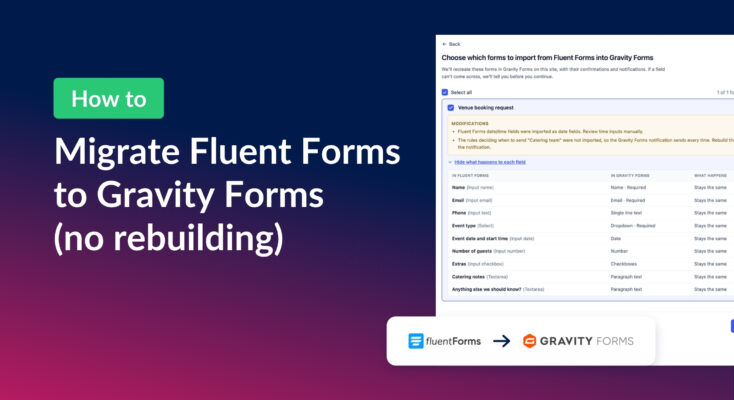
How to migrate from Fluent Forms to Gravity Forms without rebuilding your forms
Move your Fluent Forms forms into Gravity Forms with GravityMigrate, then bring your entries across with GravityImport. Every step was tested on the free version of Fluent Forms.