
Published
•
Updated
Announcing unions for Multiple Forms: stack entries from many forms in one View
Unions are here: Multiple Forms 0.7.0 lets you stack entries from many Gravity Forms forms into one searchable View. No shared field or code required.

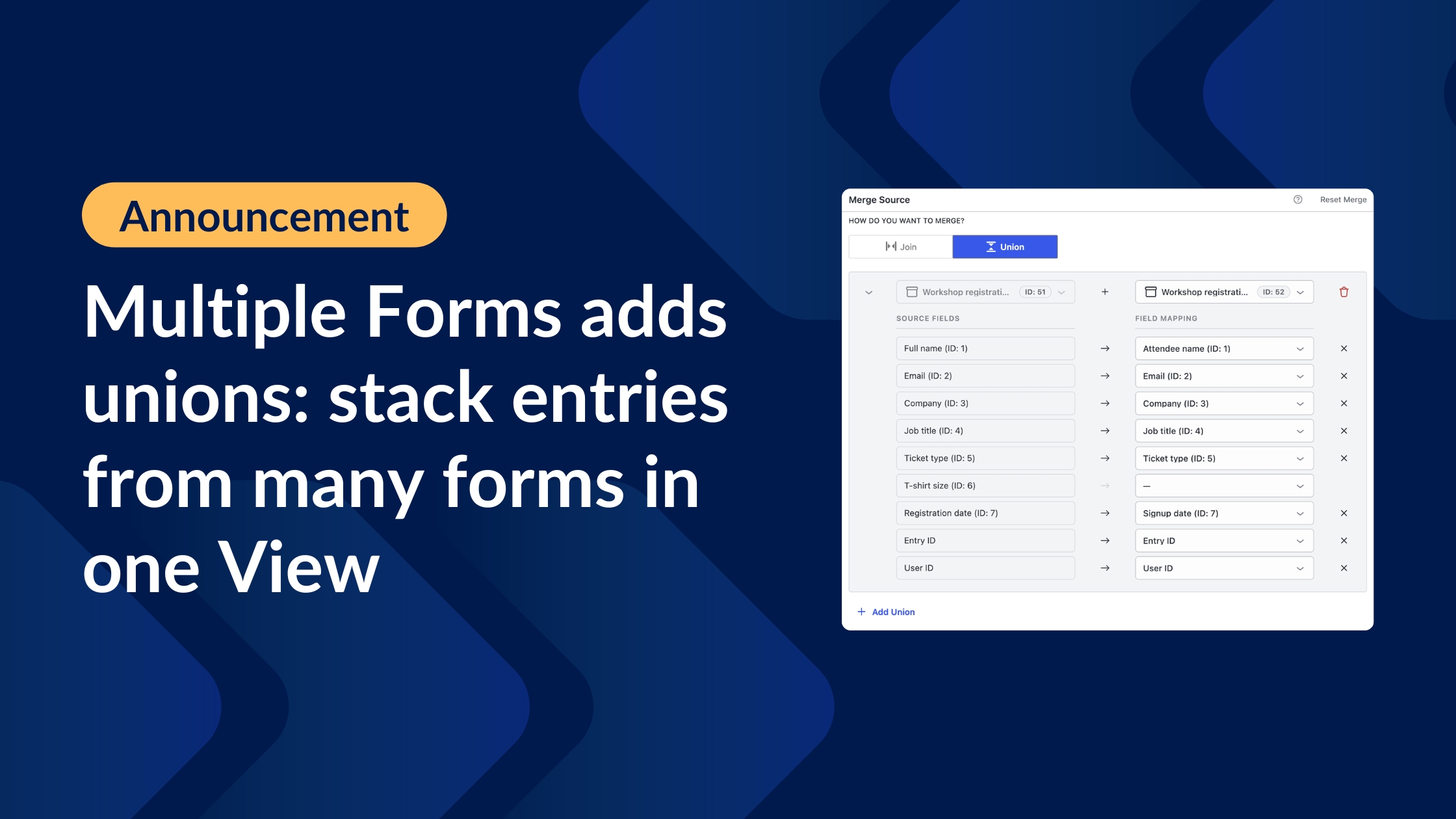
You can now stack entries from many Gravity Forms forms into a single, searchable View, with no shared field or custom code required. This is called a union and it’s one of the most-requested features in the history of the Multiple Forms extension for GravityView!
Until now, Multiple Forms combined data in one way: joins, which match related entries across forms using a shared field. Unions complete the picture. Whether you collect registrations through three different forms or track requests across separate departments, you can now bring every entry together in one place.
Prefer to see it in action? Watch Casey and Zack walk through unions on a recent GravityKit livestream:
Two ways to combine forms: joins and unions
Multiple Forms now gives you two ways to combine your forms’ data:
- Joins – Match related entries using a shared field, like an email address or ID, and display them side by side in one row. Use joins when different forms hold information about the same person or thing.
- Unions – Stack complete entries from several forms into one list, one row per entry, with no shared field required. Use unions when you want everything in one place.
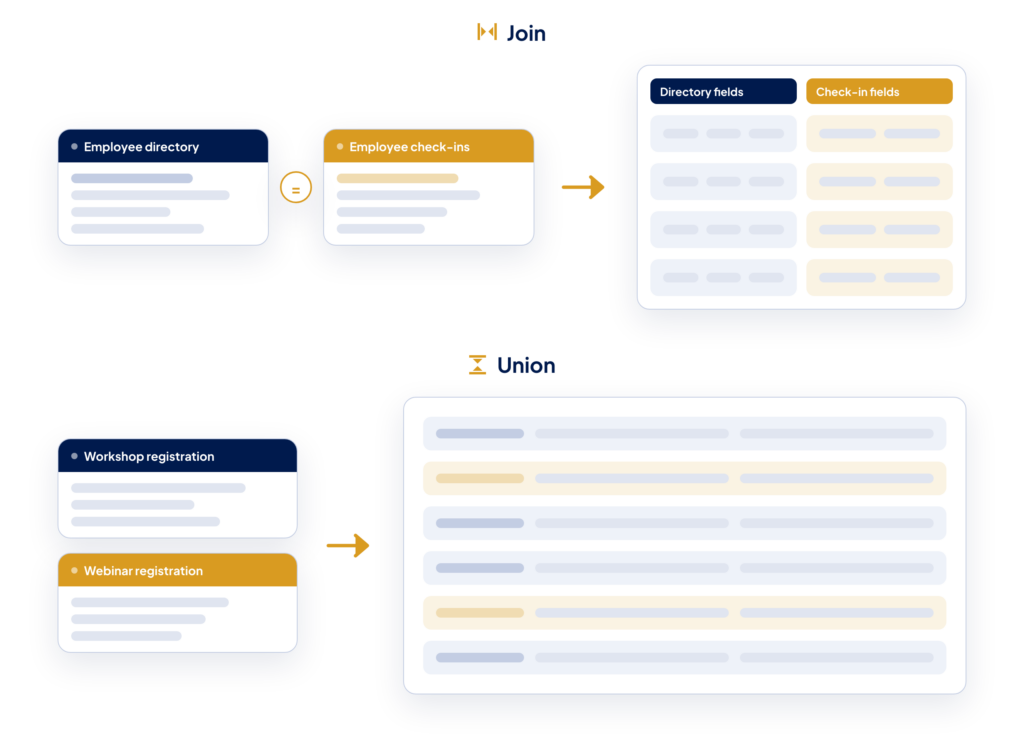
If the difference still feels abstract, our joins and unions page animates both, so you can watch each one happen.
Set up a union in a few clicks
Creating a union happens right in the View editor. Click + Add Merge Condition under the Data Source meta box, select Union, and choose a form to combine.
A mapping screen then aligns the form’s fields into your primary form’s columns. Fields with identical labels connect automatically, and you can map differently-named fields, like “Full name” and “Attendee name”, with a couple of clicks.
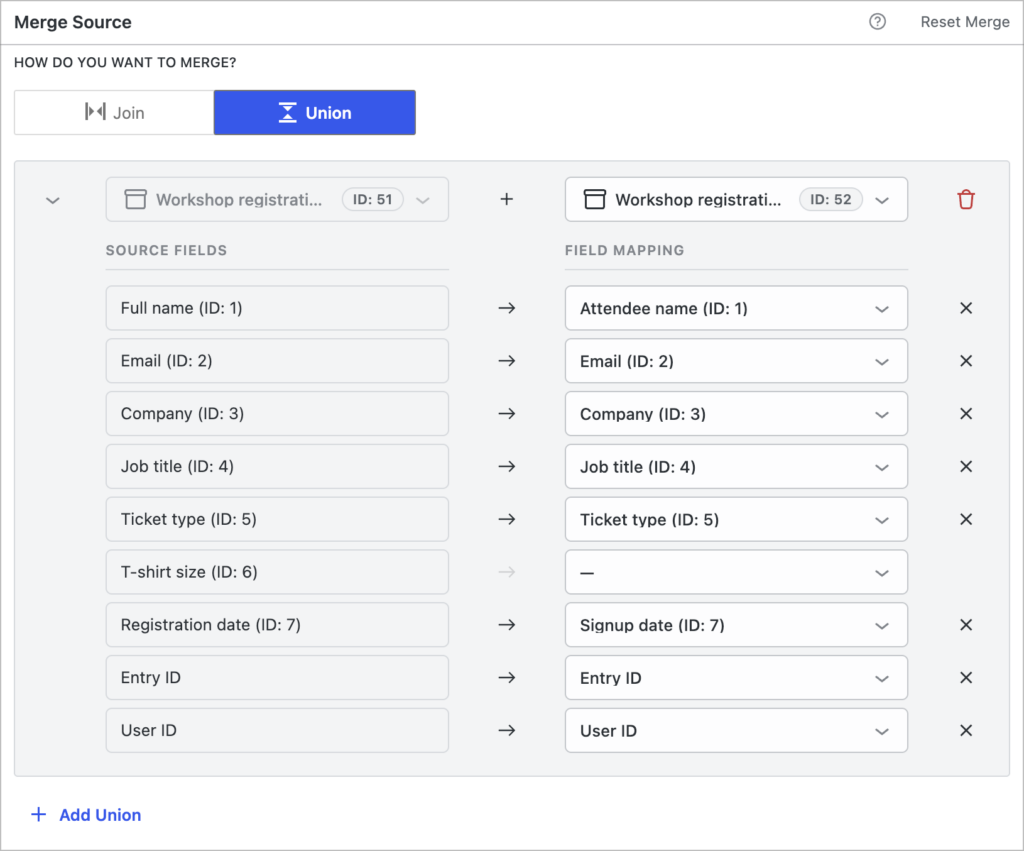
You don’t need to map every field. If a form has no equivalent for a column, leave it unmapped and that form’s rows simply show an empty value there.
For the full walkthrough, read Using unions in Multiple Forms.
One dataset you can search, sort, and edit
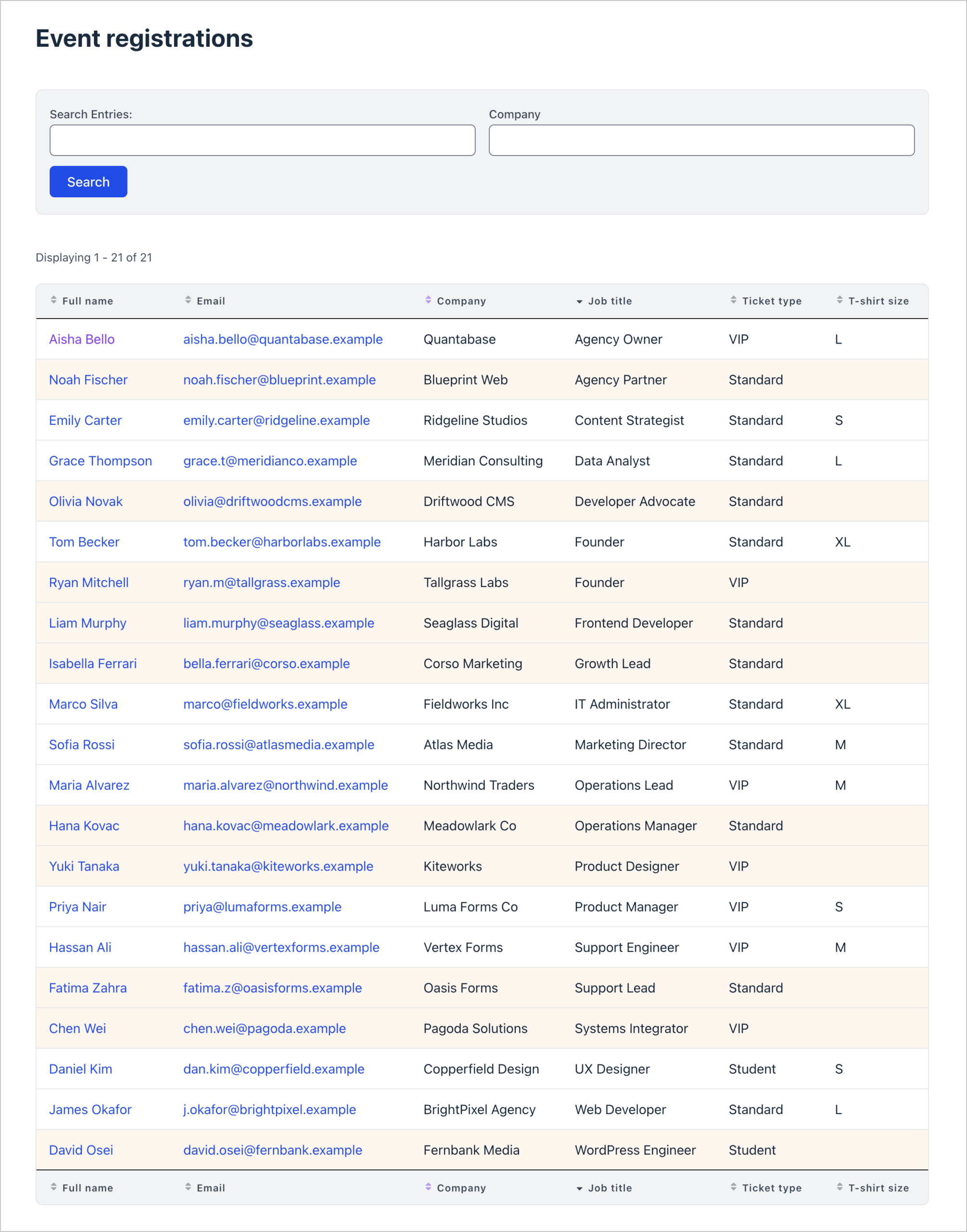
A union View behaves like a single dataset. Entries from different forms are interleaved and sorted together, and searching works through your mapped columns, so one search field covers every combined form.
Single Entry pages work for every row, and Edit Entry uses each entry’s own form, so you can view and update any entry no matter which form it came from.
A redesigned merge editor, with multi-field joins
Unions arrive alongside a rebuilt merge editor. Each join or union now lives in its own collapsible block, switching between the two takes a single click, and the form and field dropdowns are searchable and show field IDs.
Joins got their own upgrade too: you can now match on several fields in a single join block, like joining on both first and last name. The editor’s controls are also properly named for screen readers, and the arrow keys move between merge blocks.
Get unions today
Unions are available in Multiple Forms 0.7.0 and require GravityView 3.3.0 or newer. To start using them, update both plugins from the GravityKit “Manage Your Kit” screen.
Multiple Forms is included in GravityView Pro and All Access. Want to try unions before updating? Take them for a spin on our demo site.
For setup details, read Using unions in Multiple Forms, and see the full changelog for everything new in this release.

Get better at Gravity Forms, one email a week
New GravityKit releases, practical Gravity Forms tutorials, and subscriber-only discounts. One short email every week, unsubscribe anytime.
More articles

Launch Log: Search Bar default values, Multiple Forms 1.0, and a keyboard-friendly GravityBoard
GravityView adds Search Bar default values, Multiple Forms reaches 1.0 with joined-form search, and GravityBoard gets keyboard, security, and performance fixes.

Launch Log: AI-assisted migrations and a stronger Prevent Direct Access setting
GravityMigrate can now hand a whole migration to an AI assistant, GravityKit MCP installs into Claude Desktop in one click, and GravityView tightens the Prevent Direct Access setting.
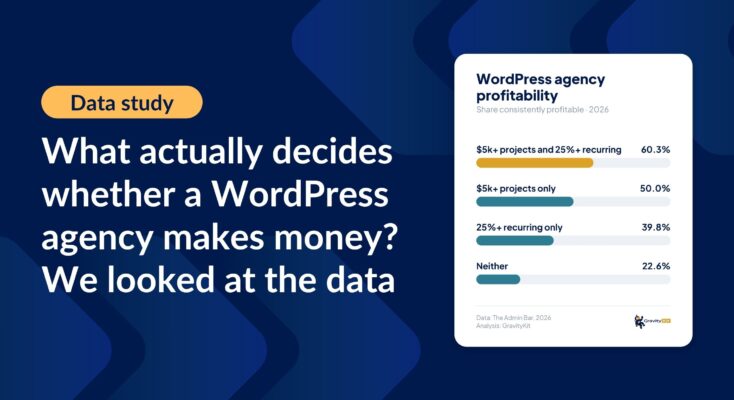
What actually decides whether a WordPress agency makes money? We looked at the data
Two 2026 surveys of 832 WordPress agencies, plus our own analysis of the raw data. What separates the profitable agencies from the rest, and what does not.