
Published
•
Updated
GravityView version 1.12
A release with many fixes We’re working on a new Math extension that allows for calculating entry and column values. Stay tuned for that release! Until then, may I present: Version 1.12! Version 1.12 focuses on fixing some issues that users have reported. No new features to report, just an improved plugin! 1.12 on August…

A release with many fixes
We’re working on a new Math extension that allows for calculating entry and column values. Stay tuned for that release! Until then, may I present: Version 1.12!
Version 1.12 focuses on fixing some issues that users have reported. No new features to report, just an improved plugin!
1.12 on August 5
- Fixed: Conflicts with Advanced Filter extension when using the Recent Entries widget
- Fixed: Sorting icons were being added to List template fields when embedded on the same page as Table templates
- Fixed: Empty Product fields would show a string (“, Qty: , Price:”) instead of being empty. This prevented “Hide empty fields” from working
- Fixed: When searching on the Entry Created date, the date used GMT, not blog timezone
- Fixed: Issue accessing settings page on Multisite
- Fixed: Don’t show View post types if GravityView isn’t valid
- Fixed: Don’t redirect to the List of Changes screen if you’ve already seen the screen for the current version
- Fixed: When checking license status, the plugin can now fix PHP warnings caused by other plugins that messed up the requests
- Fixed: In Multisite, only show notices when it makes sense to
- Added:
gravityview/common/sortable_fieldsfilter to override which fields are sortable - Tweak: Extension class added ability to check for required minimum PHP versions
- Tweak: Made the
GravityView_Plugin::$theInstanceprivate and renamed it toGravityView_Plugin::$instance. If you’re a developer using this, please useGravityView_Plugin::getInstance()instead. - Updated: French translation

Get better at Gravity Forms, one email a week
New GravityKit releases, practical Gravity Forms tutorials, and subscriber-only discounts. One short email every week, unsubscribe anytime.
More articles

Launch Log: A range slider for search, AI-managed calendars, and security updates in ten products
GravityView adds a Slider search input, GravityCalendar lets AI assistants manage calendars, and ten GravityKit products get security fixes. Here’s what shipped.

9 nonprofit apps you can build with Gravity Forms and GravityKit
Nine apps nonprofits build on WordPress from Gravity Forms data: volunteer databases, member directories, client portals, donation pages, grant review and more.
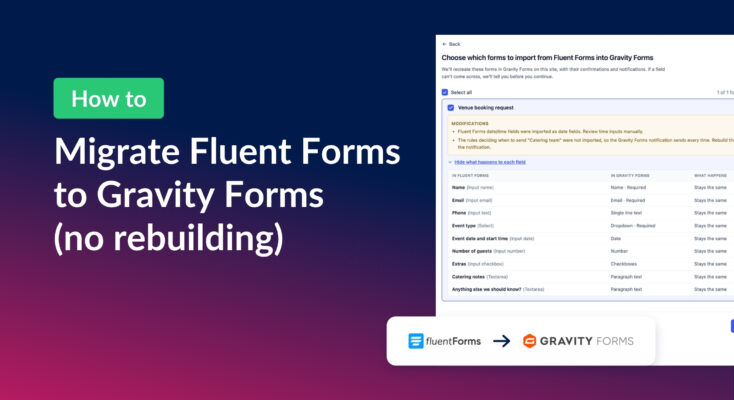
How to migrate from Fluent Forms to Gravity Forms without rebuilding your forms
Move your Fluent Forms forms into Gravity Forms with GravityMigrate, then bring your entries across with GravityImport. Every step was tested on the free version of Fluent Forms.