
Published
•
Updated
We have new license names!
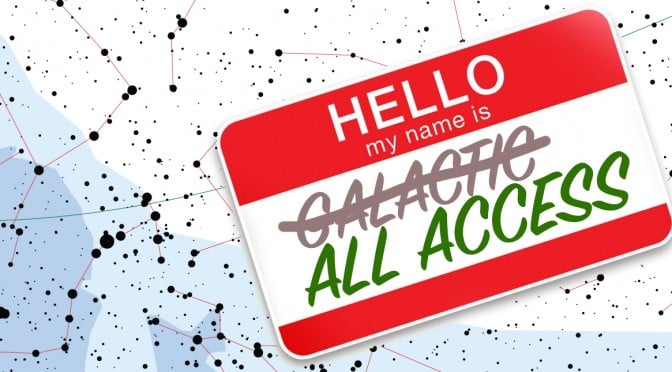
Introducing our new plan names Today, we’re changing our plan names to be clearer: GravityView Core – Access to the GravityView plugin. Previously known as “Sol”. Core + Extensions – GravityView Core, plus our Premium Extensions. Previously known as “Interstellar”. All Access – Full access to all the plugins we make here at GravityView. Previously…

Introducing our new plan names
Today, we’re changing our plan names to be clearer:
- GravityView Core – Access to the GravityView plugin. Previously known as “Sol”.
- Core + Extensions – GravityView Core, plus our Premium Extensions. Previously known as “Interstellar”.
- All Access – Full access to all the plugins we make here at GravityView. Previously known as “Galactic”.
The plans haven’t changed
Today’s re-naming of the plans does not affect what is included in the plan. The only thing that has changed is the names. If you have a GravityView license, you will continue to have access to the same downloads you did before.
Why change the names?
When we launched GravityView in 2014, we had license names we thought were fun:
- “Sol” was just GravityView for a single site, and the name of our sun
- “Interstellar” was for multiple sites, also multiple stars
- “Galactic” included everything we offered, just as galaxies include many stars
We thought that was clever, but our license names weren’t clear. As a company, we strive to make our product easier to use, so when we realized the names were confusing (I’m sorry it took us four years!), we updated the names. If you have any questions about the name change (or anything else!), get in touch with us at hello@gravitykit.com. I’d love to hear from you.

Get better at Gravity Forms, one email a week
New GravityKit releases, practical Gravity Forms tutorials, and subscriber-only discounts. One short email every week, unsubscribe anytime.
More articles

Launch Log: A range slider for search, AI-managed calendars, and security updates in ten products
GravityView adds a Slider search input, GravityCalendar lets AI assistants manage calendars, and ten GravityKit products get security fixes. Here’s what shipped.

9 nonprofit apps you can build with Gravity Forms and GravityKit
Nine apps nonprofits build on WordPress from Gravity Forms data: volunteer databases, member directories, client portals, donation pages, grant review and more.
How to migrate from Fluent Forms to Gravity Forms without rebuilding your forms
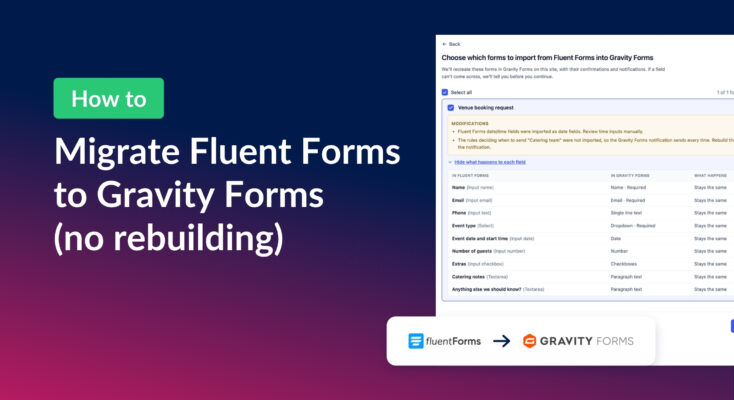
Move your Fluent Forms forms into Gravity Forms with GravityMigrate, then bring your entries across with GravityImport. Every step was tested on the free version of Fluent Forms.