
Published
•
Updated
Launch Log: Reusable import profiles, Edit Entry fixes, and bulk actions in GravityView 3.0 beta
GravityImport gains reusable import configurations and WP-CLI support, GravityView ships fixes to interactive features and Edit Entry, and the GravityView 3.0 beta previews frontend bulk actions.


This week brings updates across two products, plus an early look at a major feature landing in the GravityView 3.0 beta! GravityImport gains reusable import configurations and WP-CLI support, GravityView ships fixes to interactive features and Edit Entry, and the GravityView 3.0 beta introduces frontend bulk actions for Table layouts.
GravityImport v2.11.0
This update to GravityImport introduces the ability to save your field mappings and import options as a downloadable configuration file. You can load that file on subsequent imports to restore the field mappings without configuring them again from scratch—useful for recurring imports against the same form.
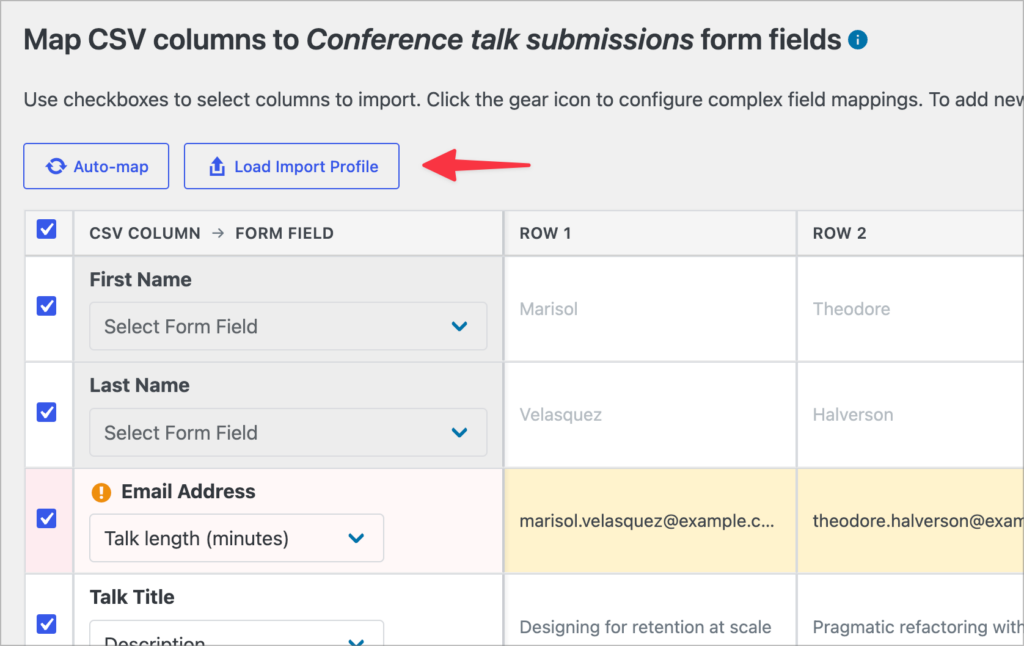
Imports can now also be triggered from the command line via WP-CLI, making it easier to script bulk operations or integrate imports into a deployment workflow. A new “Enable Background Processing” setting (under GravityKit > Settings > GravityImport) lets you turn off background imports site-wide and force synchronous processing instead.
The import completion screen has been refined as well. The “Modify Import Configuration” and “Change Field Mapping” buttons are now labeled “Retry N Failed Records” and “Remap & Retry N Failed Records” to make it clearer that the retry action applies only to failed rows. The form picker on the importer page also loads faster.
Developer updates
- Added the
gk/gravityimport/processor/background/enabledfilter to programmatically control whether background processing runs for an import, either site-wide or per form. The filter receives the resolved boolean and an optional form ID.
GravityView v2.60.2
This update to GravityView resolves a JavaScript error that, in certain plugin or optimizer configurations, could disable interactive features on View pages—including datepickers, the Search Bar widget, sorting, and multi-page Edit Entry forms.
Two Edit Entry issues with single-file upload fields have also been fixed. Required fields could fail validation on submit, and optional fields could silently clear an existing file even when no new file was uploaded. Both scenarios now behave as expected.
We also addressed an Unapproved entries filter on the Gravity Forms Entries list that returned all entries when combined with a search query, and we removed an incorrect check that was blocking updates to Gravity PDF by misidentifying it as a GravityKit product.
Developer updates
- Added the
gravityview/approve-entries/refreshJavaScript event ondocument. Trigger it after the Gravity Forms Entries list table is re-rendered (e.g., AJAX updates) to re-inject the approval column and re-bind the approval controls.
GravityView 3.0.0-beta.2
A larger update is in beta: GravityView 3.0.0-beta.2 introduces frontend bulk actions for the Table layout. Visitors with the right permissions can select multiple entries directly from a View and run actions against them without leaving the page.
A new Bulk Actions widget adds row checkboxes to table Views and a toolbar of actions you choose to enable. Selection works the way users expect: a header checkbox toggles the current page, shift-click selects ranges, and an optional “Select all X entries” mode extends selection across pages. You can configure whether selection persists between page loads or resets, and where the checkbox column appears.
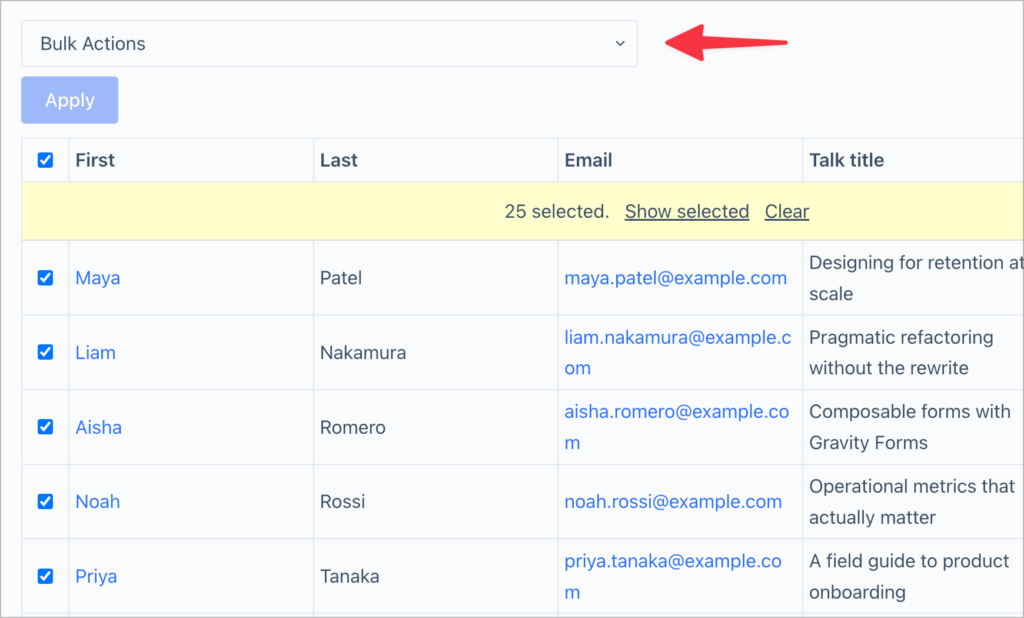
The built-in actions cover approve, disapprove, reset approval, delete, bulk edit, and export. Approvals and deletes respect existing per-entry capabilities, large destructive actions show a typed confirmation, and partial failures report processed and skipped counts. Exports support CSV and TSV, single-file or separate-files-in-ZIP, and deliver results through a secure download link in a sticky notice that cleans up generated files when dismissed.
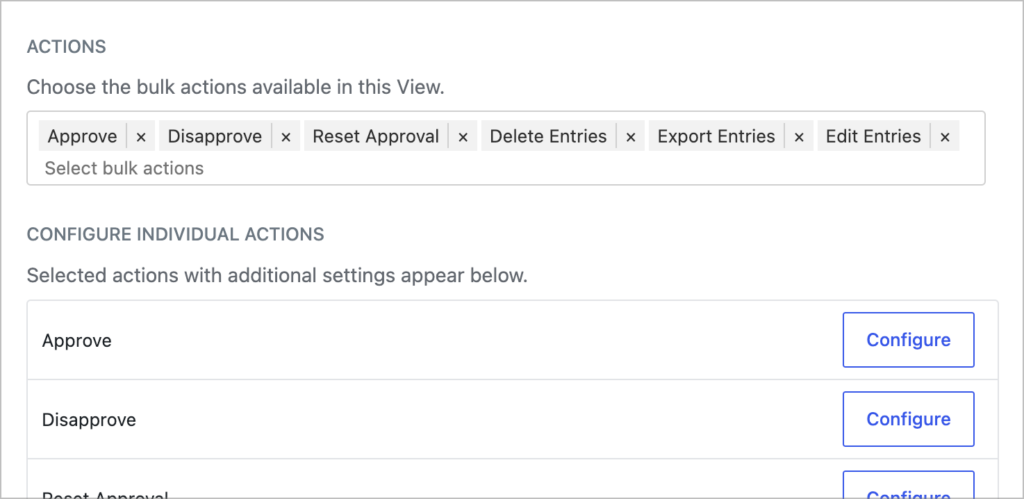
Larger jobs run in the background. Each action has its own threshold for switching to background processing, and the widget shows a live progress notice with a cancel button while the job runs. Conflict locking prevents two users from running mutating actions on the same View at the same time, while non-mutating exports can run alongside if configured.
Bulk Edit Entries is opt-in and only appears when the View’s Edit Entry layout includes supported field types. Excluded types (file upload, post, product/quantity/option/shipping/total, multi-input, and calculated fields) never appear, conditional logic forms are not supported, and a review acknowledgement step gates large or destructive changes.
GravityView 3.0 is in active development with more features still to come. Learn how to try the current beta and share feedback by reading the GravityView 3.0 beta announcement.
In summary
GravityImport gains reusable import configurations, WP-CLI support, and a site-wide toggle for background processing. GravityView resolves a JavaScript error affecting interactive features, two Edit Entry file-upload regressions, an Unapproved filter bug, and an incorrect block on Gravity PDF updates. And the GravityView 3.0 beta previews frontend bulk actions for the Table layout, with approvals, deletes, edits, and exports all available directly from a View.
As always, we recommend updating to the latest stable versions to benefit from these improvements and to ensure compatibility across the GravityKit suite!

Get better at Gravity Forms, one email a week
New GravityKit releases, practical Gravity Forms tutorials, and subscriber-only discounts. One short email every week, unsubscribe anytime.
More articles
How to build a WordPress client portal with Gravity Forms
Build a client portal on WordPress where each client logs in to see their profile, their requests, and the documents they’ve shared, using Gravity Forms and GravityView.
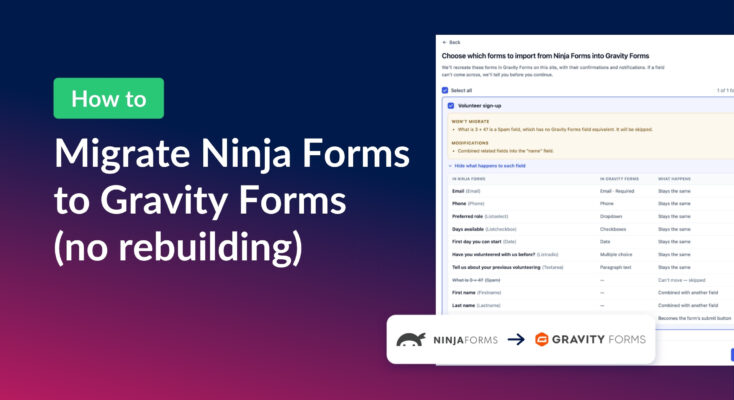
How to migrate from Ninja Forms to Gravity Forms without rebuilding your forms
Move your Ninja Forms forms into Gravity Forms with their fields, conditional logic, and notifications using GravityMigrate, then bring your submissions across with GravityImport.
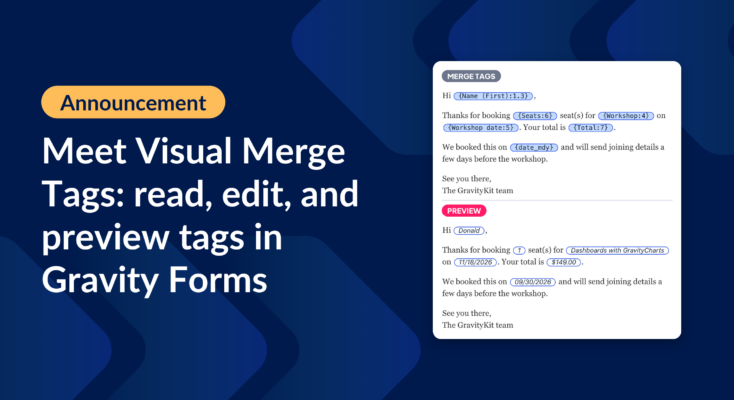
Announcing Visual Merge Tags: tags you can read, edit, and preview in Gravity Forms
Visual Merge Tags turns Gravity Forms merge tags into chips you can read, change from a settings panel, and preview with real entries before you save.