

Casey Burridge
Recent Posts

WordPress powers 33% of the web in 2026 (down from 36% at its peak): CMS market share report
Updated WordPress CMS market share figures using HTTP Archive data, picking up where Joost de Valk’s foundational research left off.

Launch Log: WordPress 7 polish, cloud storage monitoring, and a GravityView 3.0 beta update
GravityView 2.61.0 adapts to WordPress 7, GravityExport adds cloud storage monitoring, plus fixes across GravityImport, Maps, and a GravityView 3.0 beta update.
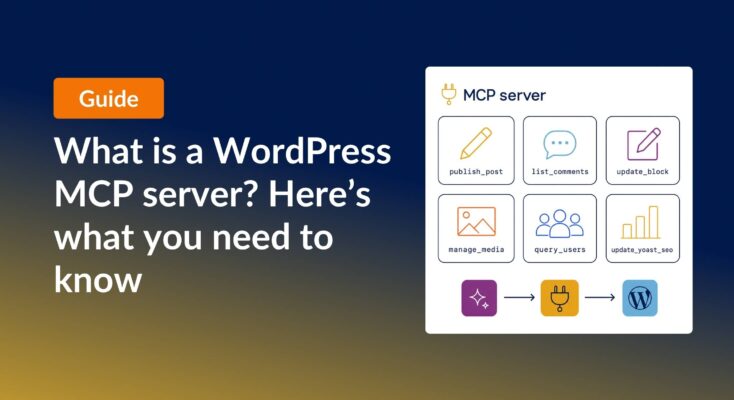
What is a WordPress MCP server? (And which ones are worth using)
A WordPress MCP server lets AI agents read and edit your site through a standardized protocol. Here is what they do, why they matter, and how six popular options compare.
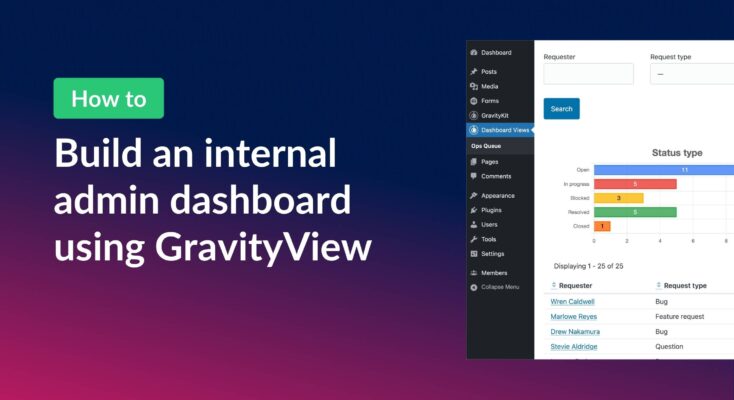
How to build an internal admin dashboard on WordPress without code
Build an internal WordPress admin dashboard with GravityView Dashboard Views. Embed forms data, charts, and KPIs inside wp-admin with role-based access.

Launch Log: Reusable import profiles, Edit Entry fixes, and bulk actions in GravityView 3.0 beta
GravityImport gains reusable import configurations and WP-CLI support, GravityView ships fixes to interactive features and Edit Entry, and the GravityView 3.0 beta previews frontend bulk actions.
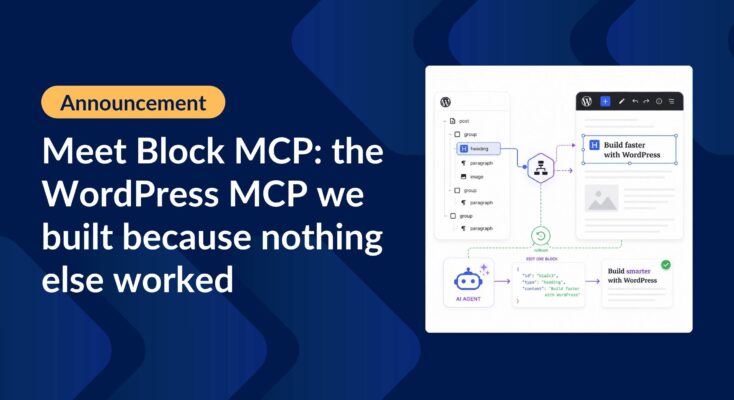
Introducing Block MCP: the WordPress MCP we built because nothing else worked
Block MCP is the WordPress MCP server we built to let AI agents edit posts at the block level without breaking the block structure. It’s now open source and available on GitHub.

7 takeaways from Ahrefs Evolve 2026 for WordPress professionals
Seven takeaways from Ahrefs Evolve 2026 for WordPress builders, covering AI discoverability, customer-led content, the adoption gap, and where the real opportunity sits.

Launch Log: GravityView search fixes, DataTables column filtering
Last week’s releases landed on a single day, May 14, 2026. Five products shipped updates including GravityView Search Bar fixes, DataTables per-column filtering, and stable export ordering.

Launch Log: Faster Views list, calendar tooltip fix
GravityCalendar 2.16.2 restores missing conditional logic controls in “No Conflict” mode and fixes a tooltip layering bug. GravityView 2.60.0 speeds up the Views list page on form-heavy sites and fixes File Upload fields rendering blank on Gravity Forms 2.10.0+.