
Published
•
Updated
The GravityKit team will be attending WordCamp Europe 2024
The GravityKit team is attending WordCamp Europe 2024 in Torino, Italy, June 13 to 15. Learn what sessions to attend and how to connect with the team in person.

We’re excited to be attending WordCamp Europe 2024 in beautiful Torino, Italy. One of the biggest WordPress events of the year, WordCamp Europe presents an exciting opportunity for learning, networking, and fun.
The event will take place from June 13–15 in Torino, Italy at the Lingotto Conference and Exhibition Center, a historic building that once served as Fiat’s first major car factory! If you’re planning to attend the conference, we’d love to meet up.
About WordCamp Europe 2024
WordCamp Europe is a three-day event. The first day, Contributor Day, gives participants a chance to contribute to the open-source WordPress project. The next two days feature a range of talks and workshops delivered by industry experts. These sessions typically relate to topics such as WordPress development, design, SEO, content creation, and more.
Expect delayed support
From June 10–14, our support team will be taking a well-deserved break. We ask you to kindly anticipate delayed response times during this period. If you need assistance, submit a support request as usual, and our support team will address it when they’re back. Our regular operations will resume on Monday, June 17.
See you there?
If you’re attending WordCamp Europe, we’d love to meet up and chat about anything that’s on your mind. You’ll find us hanging out at the Gravity Forms booth in the sponsor hall wearing GravityKit T-shirts!
Tickets are still available for those who would like to attend, but hurry, they’re disappearing fast.

Get better at Gravity Forms, one email a week
New GravityKit releases, practical Gravity Forms tutorials, and subscriber-only discounts. One short email every week, unsubscribe anytime.
More articles

Launch Log: A range slider for search, AI-managed calendars, and security updates in ten products
GravityView adds a Slider search input, GravityCalendar lets AI assistants manage calendars, and ten GravityKit products get security fixes. Here’s what shipped.

9 nonprofit apps you can build with Gravity Forms and GravityKit
Nine apps nonprofits build on WordPress from Gravity Forms data: volunteer databases, member directories, client portals, donation pages, grant review and more.
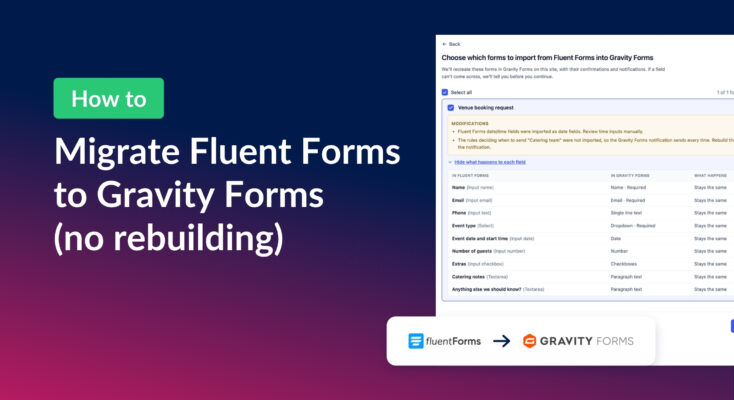
How to migrate from Fluent Forms to Gravity Forms without rebuilding your forms
Move your Fluent Forms forms into Gravity Forms with GravityMigrate, then bring your entries across with GravityImport. Every step was tested on the free version of Fluent Forms.