
Published
•
Updated
GravityKit Live #2: Importing ready-made applications, DataTables upgrade, live Q&A
Watch GravityKit Live #2, a free training covering ready-made application templates, the DataTables 3.3 upgrade, and a live Q&A session with the GravityKit founders.

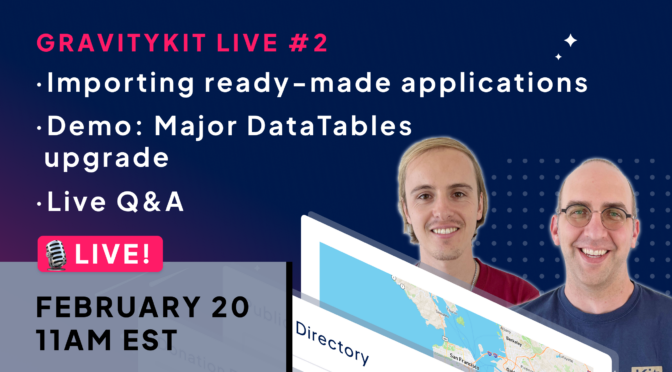
Join us on February 20, at 11am EST for a free live training session and Q&A! Here’s what we’ll be covering:
- Leveraging GravityMigrate and our ready-made templates for rapid development
- A major upgrade to the GravityView DataTables layout
- Answering your questions live
- Special swag giveaway 😎
Whether you’re new to GravityKit or an experienced user, your success matters to us! Join our FREE live session, where you will gain valuable insights and have the opportunity to ask us questions (register below).
Important details
🗓️ Date: February 20 (Google | iCal)
🕛 Time: 11am EST / 5pm CET (check time in your timezone)
📣 Speakers: Zack Katz & Casey Burridge
Additional must-know information:
- We will be streaming live on YouTube and Facebook
- No login is required to join! Just sign-up using the form below and we’ll send you a link when it starts
- If you have questions, submit them through the form below
- If you can’t make the live session, sign up anyway to receive a link to the recording afterward
Save your spot
Fill out the form below to submit your questions and save your spot. We hope to see you there 👋

Get better at Gravity Forms, one email a week
New GravityKit releases, practical Gravity Forms tutorials, and subscriber-only discounts. One short email every week, unsubscribe anytime.
More articles

9 nonprofit apps you can build with Gravity Forms and GravityKit
Nine apps nonprofits build on WordPress from Gravity Forms data: volunteer databases, member directories, client portals, donation pages, grant review and more.
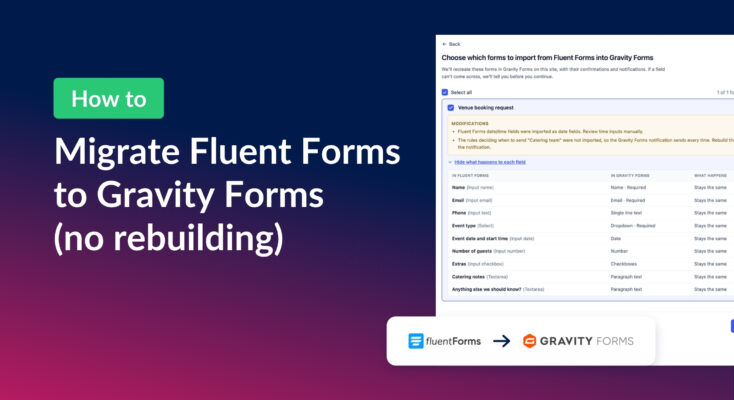
How to migrate from Fluent Forms to Gravity Forms without rebuilding your forms
Move your Fluent Forms forms into Gravity Forms with GravityMigrate, then bring your entries across with GravityImport. Every step was tested on the free version of Fluent Forms.
Launch Log: AI-built boards, inline Entry Tags editing, and Views kept on uninstall
This week: AI-built GravityBoard boards, inline Entry Tags editing in Views, Views kept when GravityView is deleted, and security fixes we recommend installing.