
Published
•
Updated
Announcing GravityView 2.34: All new Layout Builder for custom designs
GravityView 2.34 introduces a drag-and-drop Layout Builder. Create custom rows, columns, and precision layouts for your Gravity Forms data without writing code.

We’ve taken the GravityView experience to the next level—introducing our brand new Layout Builder!
Now, you can create custom layouts with rows and columns directly in the View editor. Think of it as a page builder, but tailored for your Gravity Forms data.
Why the Layout Builder is a game-changer for GravityView
The Layout Builder is guaranteed to save you time with a streamlined editing experience. Gain greater control over how your data is displayed by selecting rows with different column structures, and building precision layouts using drag and drop.
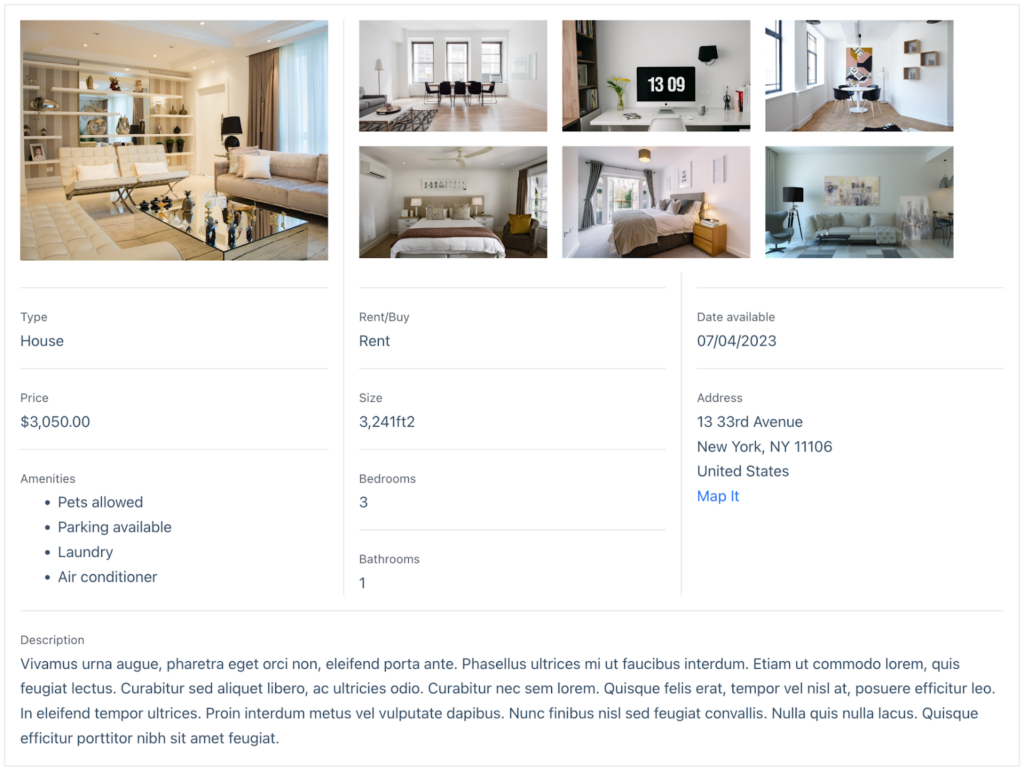
With the Layout Builder, you can move beyond GravityView’s preset templates, and create custom layouts for your entry data that meet the unique needs of your project.
How it works
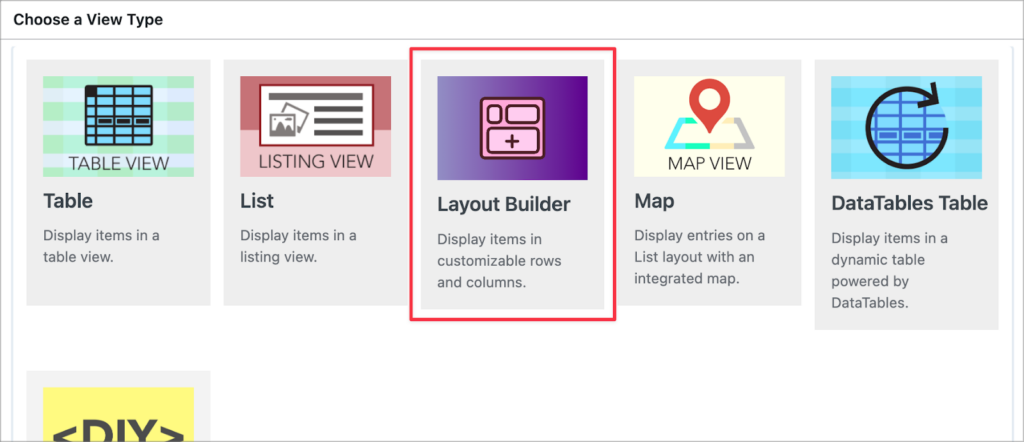
The Layout Builder is a View Type included in the core GravityView plugin. When you create a new View, you can choose to either use one of GravityView’s preset layouts or the Layout Builder.
After choosing the Layout Builder as your View Type, you can add rows by clicking the “Add Row” button. You can then choose a column layout for that row. There are various options to choose from ranging from single to three column layouts.
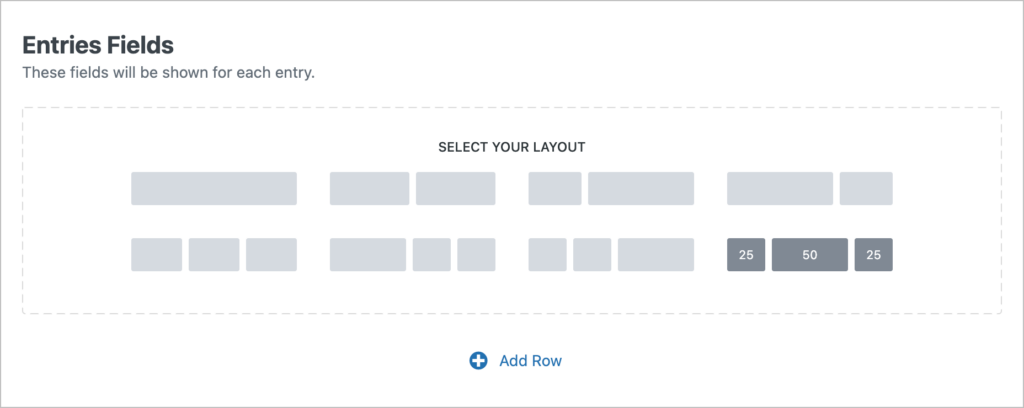
You can add multiple rows with different numbers of columns and different column widths. This enables you to construct complex layouts for your data—no code necessary.
You can also drag and drop entire rows, making it easy to reposition different sections of your View.
Get started with the new Layout Builder!
No matter how GravityKit fits into your workflow, we’re confident the Layout Builder will help you save time, build better front-end designs, and tailor your layouts with minimal effort!
Ready to take your Views to the next level? Update GravityView today and experience the Layout Builder for yourself.

Get better at Gravity Forms, one email a week
New GravityKit releases, practical Gravity Forms tutorials, and subscriber-only discounts. One short email every week, unsubscribe anytime.
More articles

Launch Log: A range slider for search, AI-managed calendars, and security updates in ten products
GravityView adds a Slider search input, GravityCalendar lets AI assistants manage calendars, and ten GravityKit products get security fixes. Here’s what shipped.

9 nonprofit apps you can build with Gravity Forms and GravityKit
Nine apps nonprofits build on WordPress from Gravity Forms data: volunteer databases, member directories, client portals, donation pages, grant review and more.
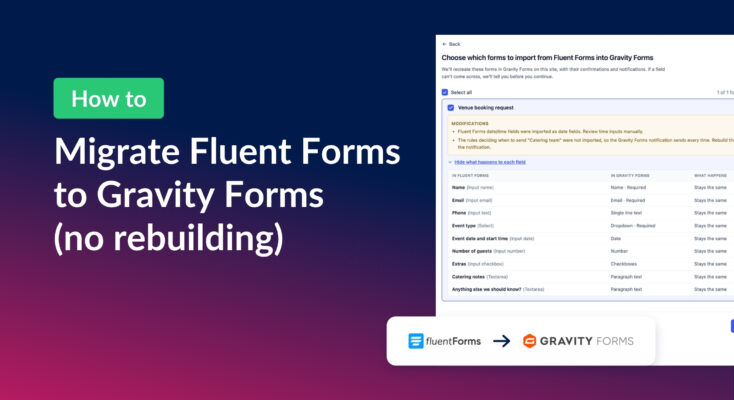
How to migrate from Fluent Forms to Gravity Forms without rebuilding your forms
Move your Fluent Forms forms into Gravity Forms with GravityMigrate, then bring your entries across with GravityImport. Every step was tested on the free version of Fluent Forms.