How to enable duration calculations in Gravity Forms with GravityMath
GravityMath allows durations to be calculated. You can calculate average time, fastest time, and slowest time.
In order to calculate time, a Single Line Text field must be modified to use an Input Mask set to either “Duration (HH:MM:SS)” or “Duration (MM:SS)”.
Here’s how to set the appropriate Input Mask:
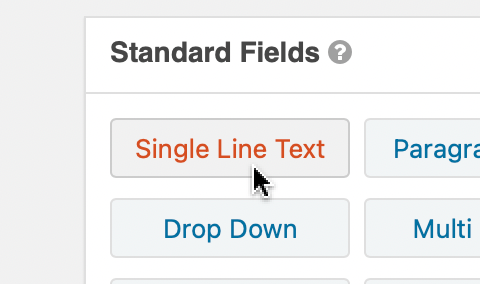
Click the “Single Line Text” button to add a text field #
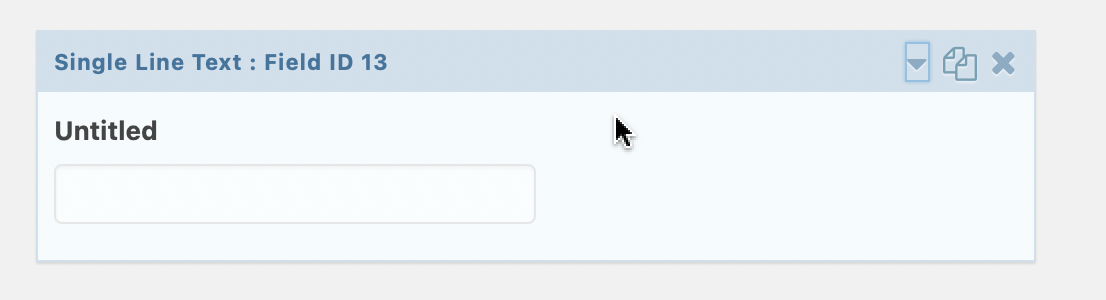
Click the new field to access the field settings #
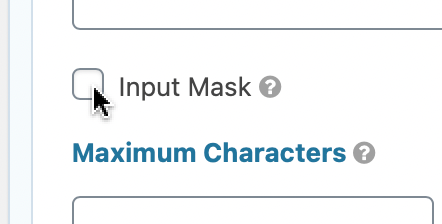
Check the box titled Input Mask #
Choose a Duration format from the “Select a Mask” dropdown #
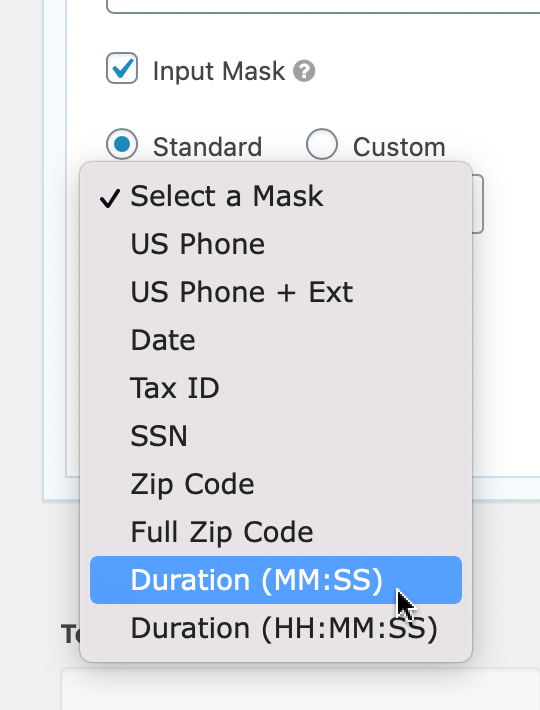
“Duration (MM:SS)” will allow users to enter values in minute/second format.
“Duration (HH:MM:SS)” will allow users to enter values in hour/minute/second format.
Save the form #