
Migrating Zapier feeds
GravityMigrate migrates Zapier feeds with the form they belong to. A Zap, though, stores the address of the site it was connected to, so after the migration each Zap still points at the old site until you update it inside Zapier.
Open the Zap in Zapier and select its Gravity Forms trigger step. Under App & event, the connection row beneath the event names the site the Zap is connected to, which is still the old one. Select that row and change the connection to the new site’s address.
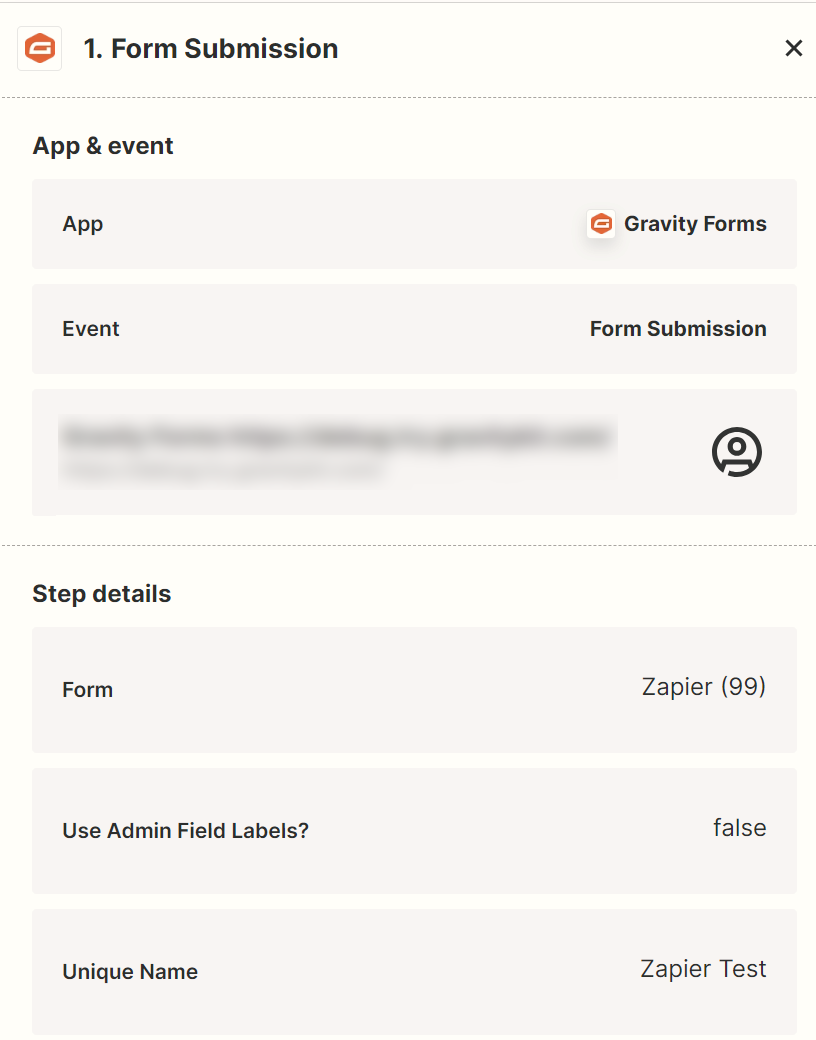
Once the connection points at the new site, the Zap picks up new submissions from the migrated form.

