
Getting started with the Gravity Forms Event field
In this article, we will walk you through configuring the Gravity Forms “Event” field.
The Event field is a free add-on that we developed for use with our GravityCalendar add-on. The Event field makes it easier to create events in Gravity Forms by bundling multiple input fields into a single form field.
Prefer to watch the video?
The Event field can be found under “Advanced Fields” in the form editor.
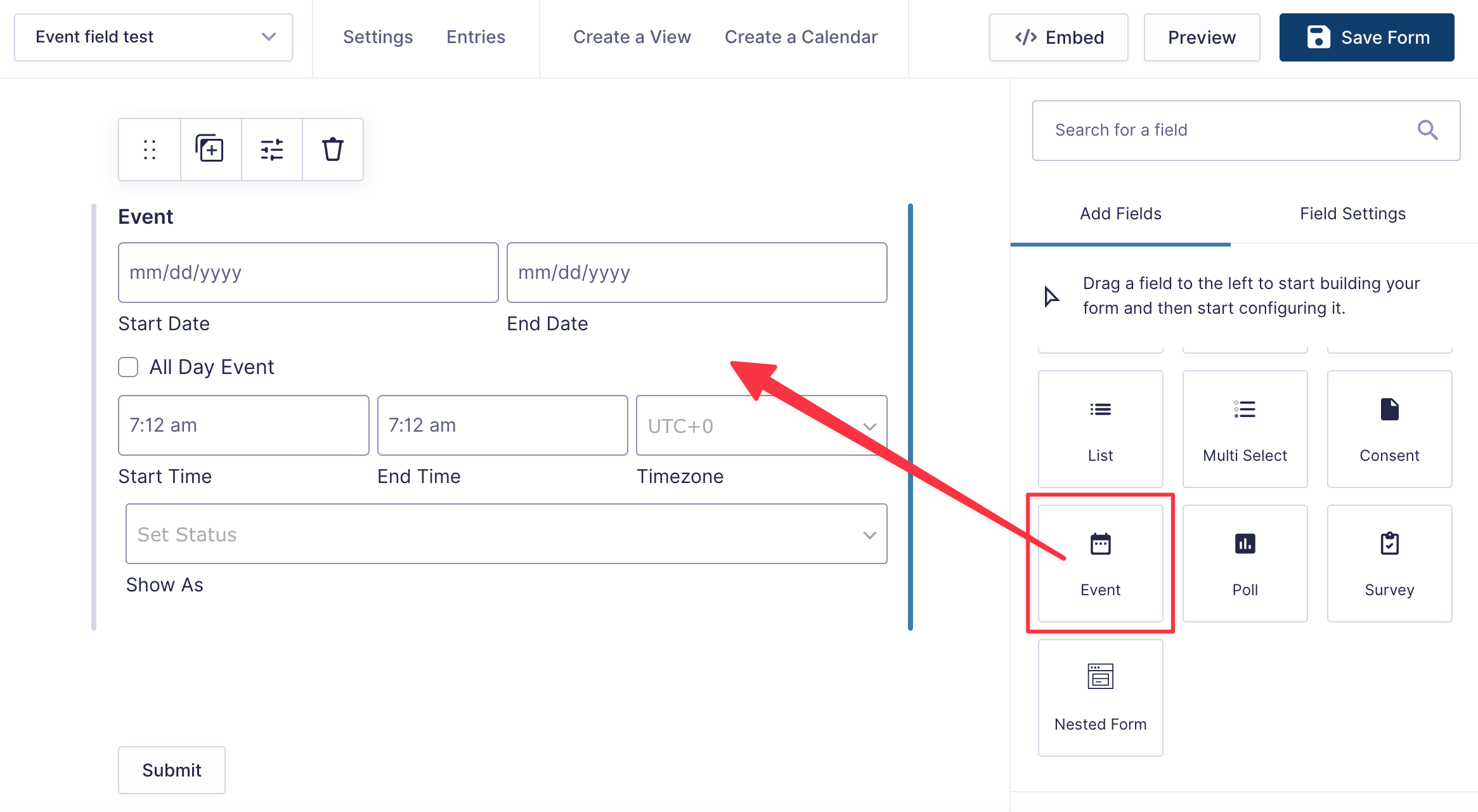
By default, the Event field consists of the following inputs:
- Start Date: The date this single event starts.
- End Date: The date this single event ends.
- All Day Event: Check this if the event lasts all day. If checked, there is no need to select a start and end time.
- Start Time: The time the event starts.
- End Time: The time the event ends.
- Timezone: The timezone for the event (e.g. if the event is happening in New York, you would set the timezone to UTC-4).
- Show As: Sets the event’s availability status in calendar apps (for example, Busy/Free/Tentative). This controls whether the event blocks your time for scheduling when connected to services like Google Calendar or Apple Calendar.
In the field settings, the Event Fields table has a Show switch for the All Day Event, End Date, Timezone, and Show As inputs, so you can hide any of them that you don’t need. With End Date turned off, each event ends on the day it starts. The Start Date, Start Time, and End Time inputs can’t be turned off.
The Event field also supports repeating events! You can enable this functionality in the field settings.
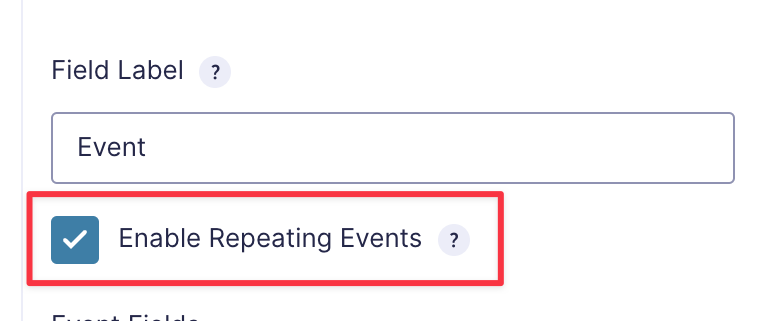
By checking this box, a new input box will appear labeled “Repeat Frequency”—This allows users to choose how often a given event should repeat (every day, week, month or year).
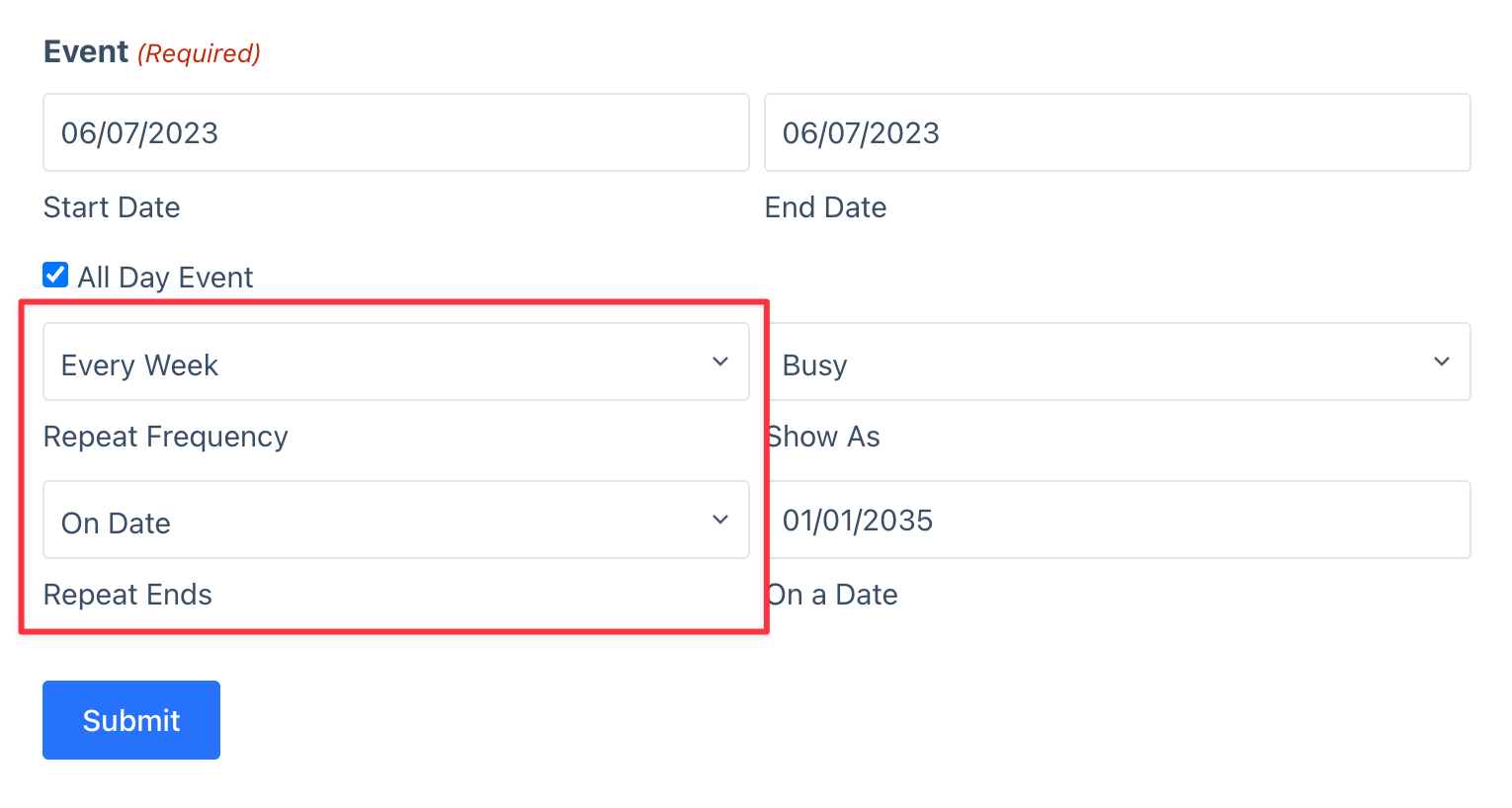
After selecting the frequency, another input will appear labeled “Repeat End”, allowing users to choose when the event should cease repeating (either on a fixed date, or after a specified number of occurrences).

