

9 nonprofit apps you can build with Gravity Forms and GravityKit
Nine apps nonprofits build on WordPress from Gravity Forms data: volunteer databases, member directories, client portals, donation pages, grant review and more.
Product updates
Launch Log: Live DataTables totals, a Remove Data option, and rounding for Number field merge tags
This week’s releases add live GravityMath totals to DataTables Views, a Remove Data option in GravityView, and security fixes in five GravityKit products.

Launch Log: A range slider for search, AI-managed calendars, and security updates in ten products
GravityView adds a Slider search input, GravityCalendar lets AI assistants manage calendars, and ten GravityKit products get security fixes. Here’s what shipped.
Latest Posts
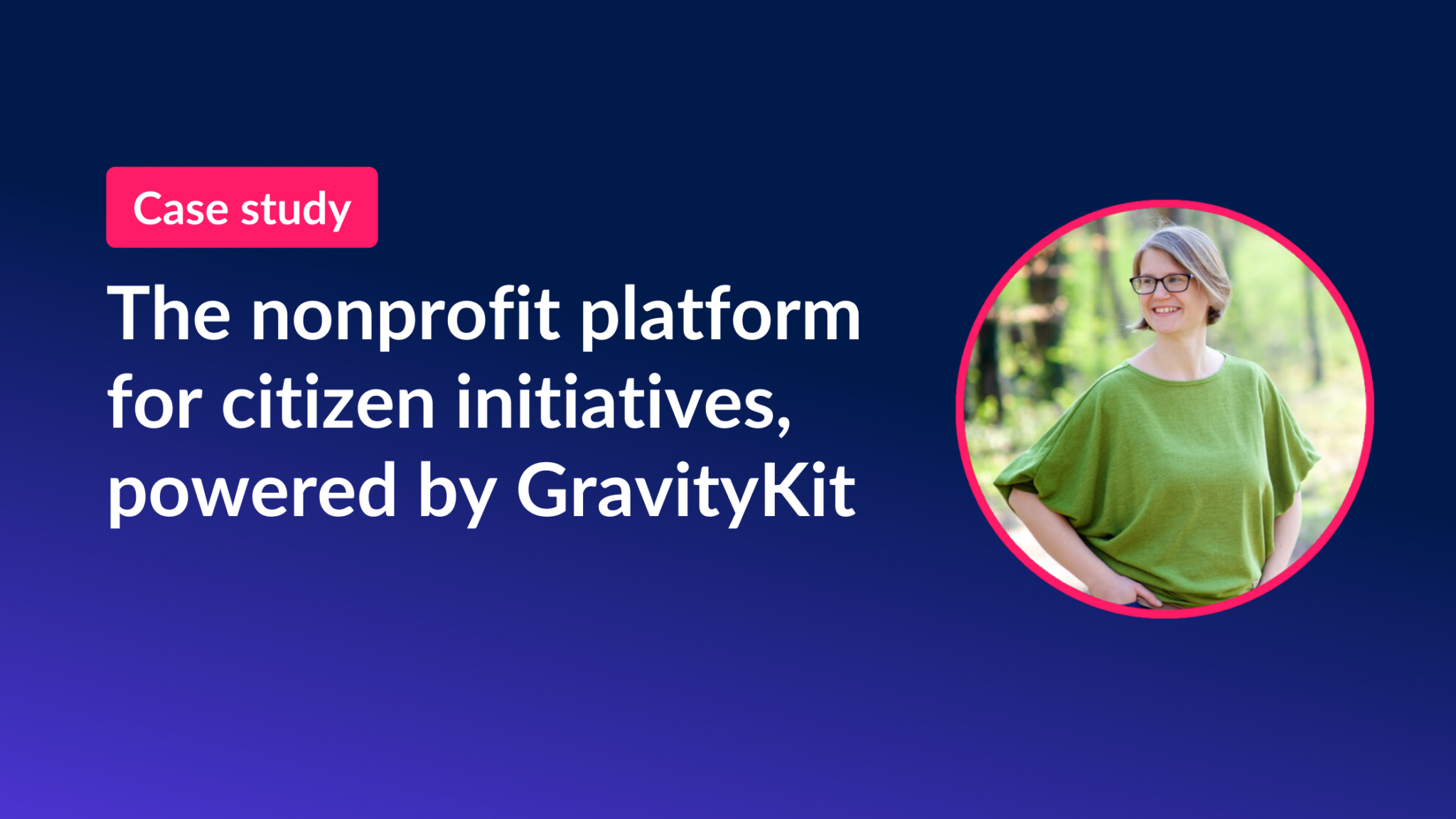
From ideas to action: The GravityKit-powered platform for citizens’ initiatives
Case study: See how HappyTree IT used GravityKit to build Wir Machen Wien, a platform helping Vienna activists submit initiatives, collaborate, and share resources online.

How to build a photo contest site on WordPress using Gravity Forms and GravityView
Build a photo contest website on WordPress using Gravity Forms and GravityView. Let participants submit photos, let judges rate entries, and display results on the front end.
Announcing GravityMath 2.4: New options for footer calculations
GravityMath 2.4 adds new footer calculation options for Multi-Select fields, letting you count each choice individually in GravityView table footers plus performance improvements.

5 Innovative user-generated content examples for your WordPress website
Discover 5 user-generated content examples and learn how to build them on your WordPress website using Gravity Forms and GravityView for reviews, directories, and showcases.
How to easily display WordPress form submissions on your website (3 simple steps)
Display Gravity Forms submissions on the front end of your WordPress site in three steps. Covers multiple layouts and form plugins, with a full walkthrough using GravityView.

GravityKit 2023 in review: Charting new frontiers
A look back at GravityKit’s 2023 highlights, from attending WordCamp US in Maryland to launching new products and growing the team, plus a preview of what comes next.
How to build a knowledge base on WordPress (without code)
Build a searchable knowledge base on WordPress using Gravity Forms and GravityView. Add categories, a search bar, and front-end article submission without writing any code.
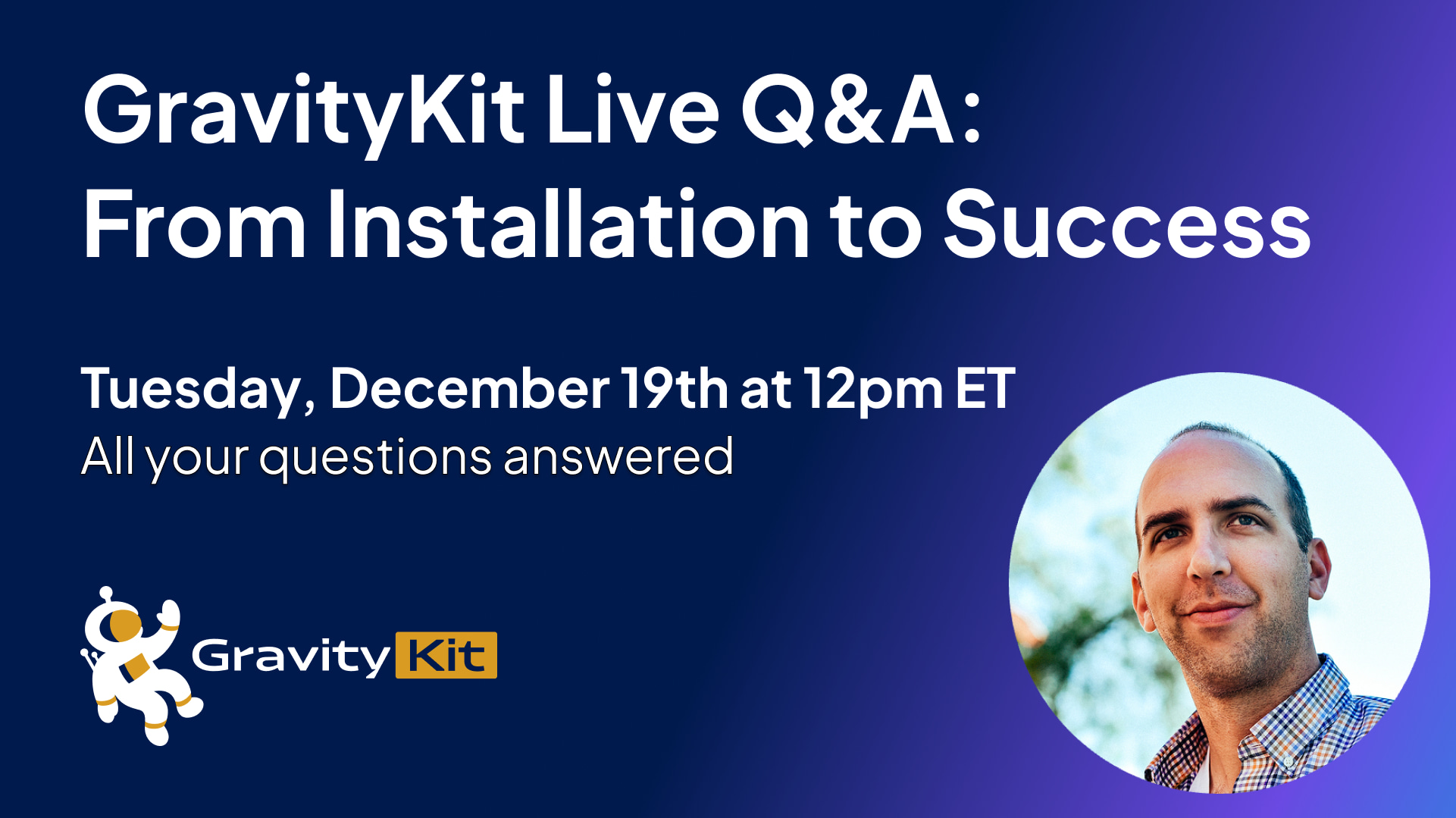
GravityKit Live: Join us for our first ever live Q&A!
Watch GravityKit’s first ever live Q&A with founder Zack Katz. Free 45-minute session covering Gravity Forms tips, GravityKit use cases, and questions answered live.

Get better at Gravity Forms, one email a week
New GravityKit releases, practical Gravity Forms tutorials, and subscriber-only discounts. One short email every week, unsubscribe anytime.