
Published
•
Updated
Meet info boxes for GravityView Maps
Good morning, info boxes! Sometimes it’s hard to get out of beta bed, but not when you have a release this good! Our Maps Premium View got a great update with Version 1.4: info boxes. Info boxes allow you to display information about an entry on a map by clicking the entry’s marker. When you…

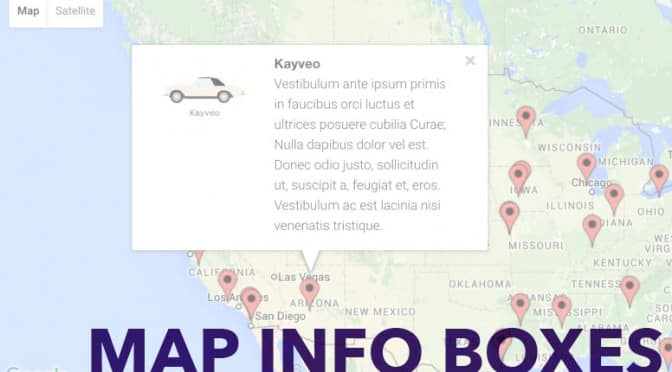
Good morning, info boxes!
Sometimes it’s hard to get out of beta bed, but not when you have a release this good! Our Maps Premium View got a great update with Version 1.4: info boxes. Info boxes allow you to display information about an entry on a map by clicking the entry’s marker. When you click the marker, an info box pops up.
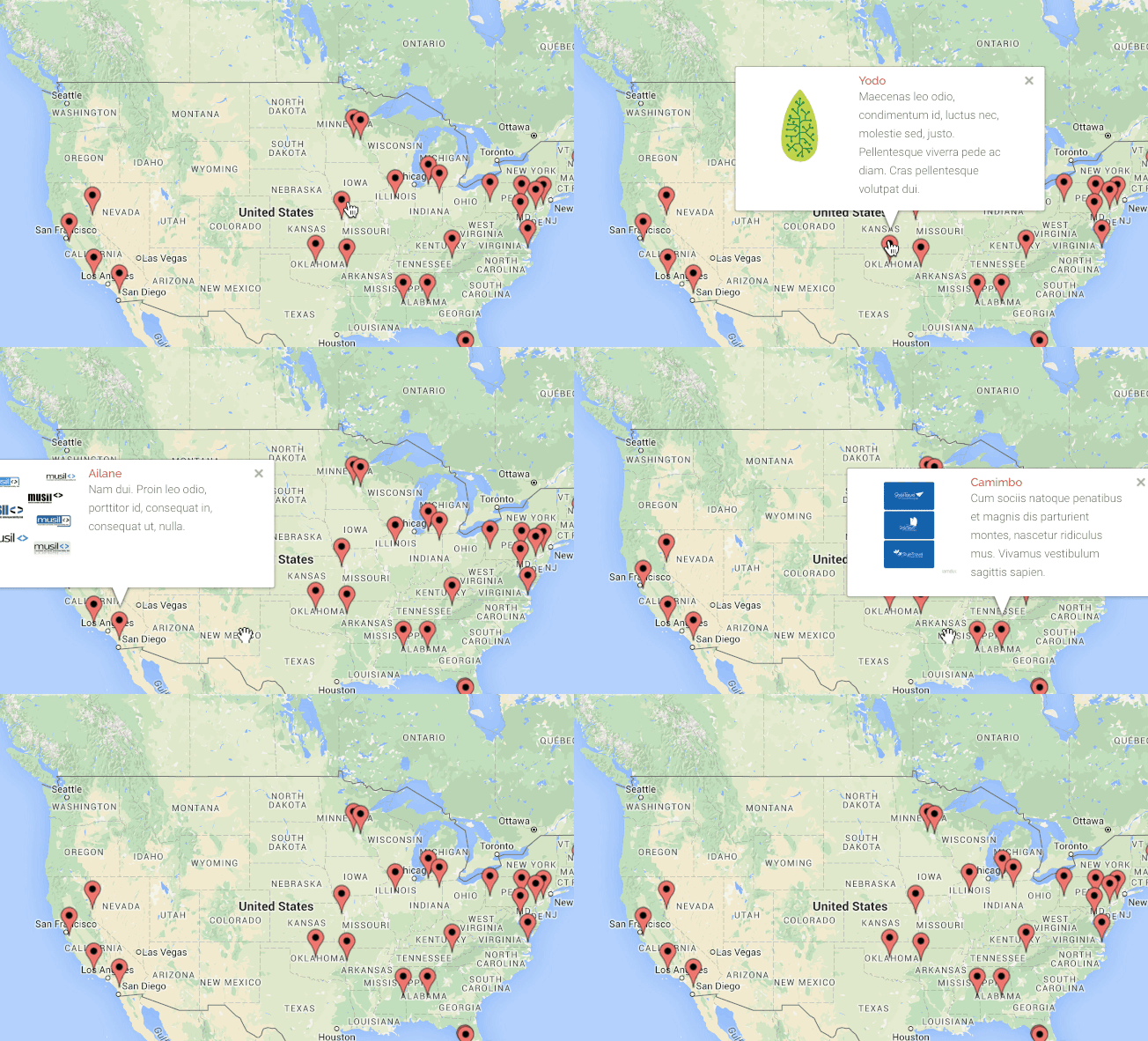
GravityView Maps is Gravity Forms plus Google Maps
With info boxes, GravityView Maps is a full-featured Google Maps integration for Gravity Forms. It’s a great way to display your Gravity Forms entries on a map. Maps comes with a GravityView All Access license and is available for download now. We’ve got great features planned and in the works that make Maps more powerful. We look forward to sharing them with you!

Get better at Gravity Forms, one email a week
New GravityKit releases, practical Gravity Forms tutorials, and subscriber-only discounts. One short email every week, unsubscribe anytime.
More articles

Launch Log: A range slider for search, AI-managed calendars, and security updates in ten products
GravityView adds a Slider search input, GravityCalendar lets AI assistants manage calendars, and ten GravityKit products get security fixes. Here’s what shipped.

9 nonprofit apps you can build with Gravity Forms and GravityKit
Nine apps nonprofits build on WordPress from Gravity Forms data: volunteer databases, member directories, client portals, donation pages, grant review and more.
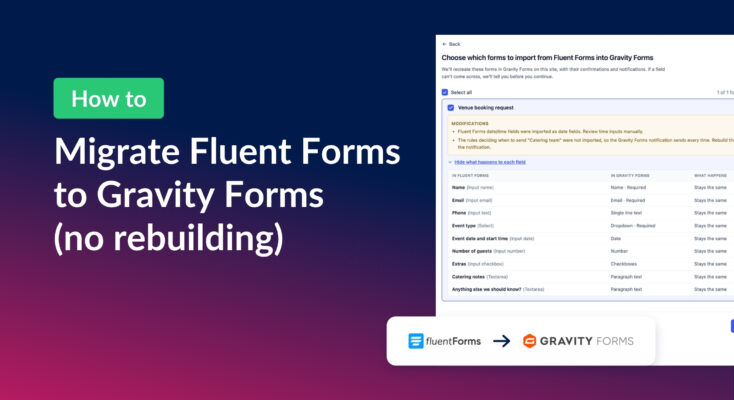
How to migrate from Fluent Forms to Gravity Forms without rebuilding your forms
Move your Fluent Forms forms into Gravity Forms with GravityMigrate, then bring your entries across with GravityImport. Every step was tested on the free version of Fluent Forms.