
Published
•
Updated
“GravityView has changed the way I work”
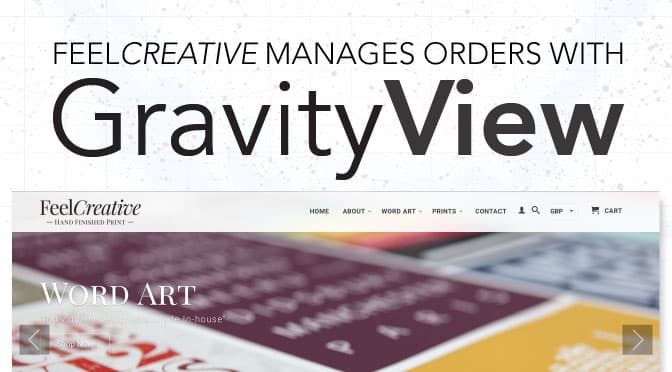
When we receive GravityView support emails, we’re consistently amazed at how our customers are using GravityView. I just received this testimonial from Leon, a customer who uses GravityView to run his order management system. On a private page, Leon uses GravityView to search orders, preview designs, assign order status, and more: As a designer my…

When we receive GravityView support emails, we’re consistently amazed at how our customers are using GravityView.
I just received this testimonial from Leon, a customer who uses GravityView to run his order management system. On a private page, Leon uses GravityView to search orders, preview designs, assign order status, and more:
As a designer my job is to create personalised word art. I use customers words to create prints, canvas prints and wall stickers. We sell across multiple platforms in lots of different countries. Organising and dealing with orders in the right order was tough. I’ve always wanted to create a bespoke system to deal with my orders but I never had the necessary time or programming skills.
After a bit of Googling I found GravityView and I’ve never looked back. It has literally changed the way I work. GravityView and the support I’ve received has been brilliant from start to finish.
Leon Berry, FeelCreative
Thanks for sharing, Leon!

Get better at Gravity Forms, one email a week
New GravityKit releases, practical Gravity Forms tutorials, and subscriber-only discounts. One short email every week, unsubscribe anytime.
More articles
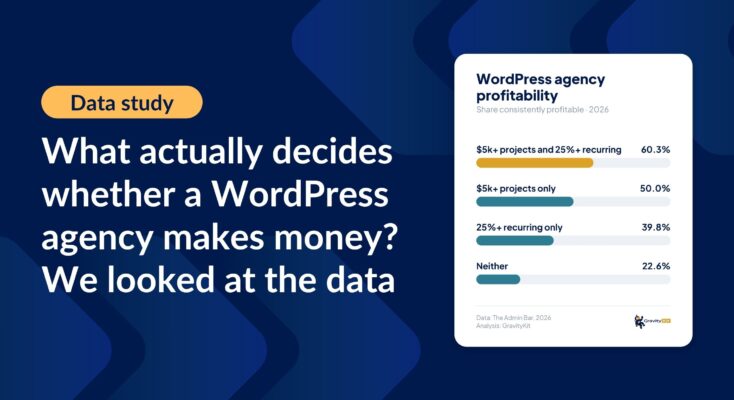
What actually decides whether a WordPress agency makes money? We looked at the data
Two 2026 surveys of 832 WordPress agencies, plus our own analysis of the raw data. What separates the profitable agencies from the rest, and what does not.

GravityMigrate 2.0: No-sweat WordPress form plugin migrations
Nobody wants to move forms between plugins. They want the site launched, the client onboarded, the referrals to stop falling through the cracks. GravityMigrate 2.0 makes moving forms effortless.

Launch Log: Two-way form migrations, a modernized chart block, and tighter board permissions
GravityMigrate 2.0.0 moves forms between Gravity Forms and seven other form plugins, GravityCharts modernizes its block in the WordPress editor, and GravityBoard tightens how board permissions are enforced.