Case study
How Indiana University’s School of Medicine replaced a custom database with GravityView
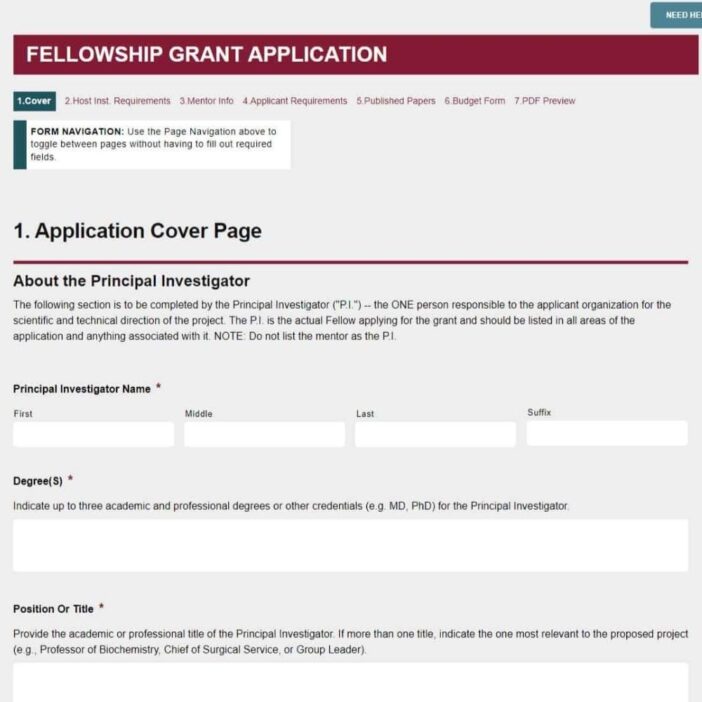
When Jon Eynon’s IT team at the Indiana University School of Medicine wanted to retire the custom SQL backend powering their Dual Career Office intake, they swapped it for a GravityView dashboard built on top of Gravity Forms. The same pattern then powered a public dragon boat race fundraising leaderboard, and freed up “hours and hours” of IT time along the way.
Meet Jon Stratford Eynon
Jon Stratford Eynon is an IT Specialist at the Indiana University School of Medicine, working inside the faculty development and HR division. The office of around thirty staff supports faculty recruitment and development through faculty.medicine.iu.edu.
Outside of his day job, Jon also runs a side business building WordPress sites for a range of groups, which is how he first became a Gravity Forms power user, and eventually how he found GravityView.
I work a side business where I make WordPress sites for lots of groups. I have been a power user of Gravity Forms for some time and finally stumbled upon GravityView when looking for a way to output data.
Discovering GravityKit
The team’s flagship internal use case is the Dual Career Office, which helps spouses and partners of newly recruited physicians find local employment. Intake came in through Gravity Forms, but the display layer was anything but no-code.
Prior to GravityView we used Gravity Forms to create the forms and then wrote a function on the backend that took the data and dropped it into a custom SQL database.
That setup worked, but it was brittle. Every change to a Gravity Form meant a corresponding update to the backend function and to the SQL schema itself. Adding a field, renaming an option, or rethinking an intake question all turned into engineering tasks. Jon went looking for a way to display and edit Gravity Forms data directly, without writing custom PHP for every change. GravityView fit cleanly into the stack he already had.
Building with GravityKit
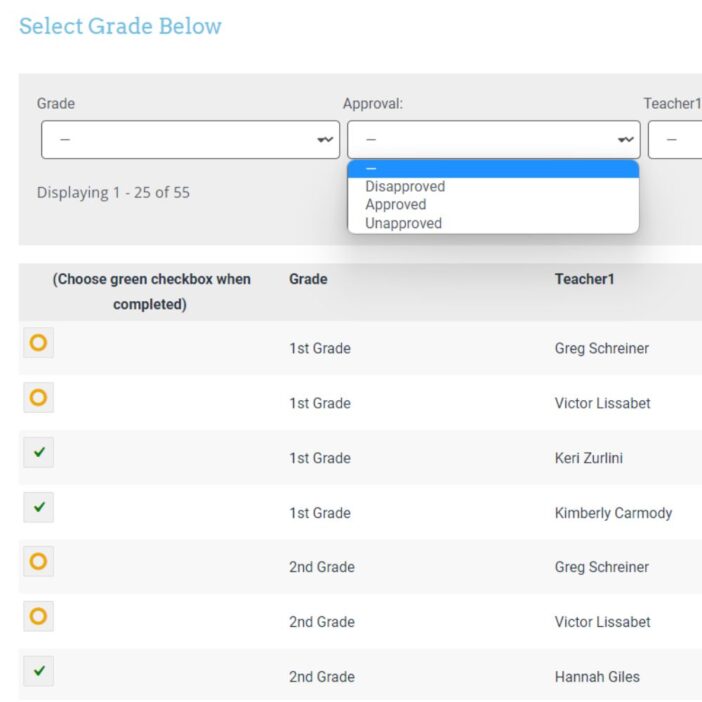
Jon rebuilt the Dual Career intake system around a single GravityView dashboard. Candidates submit a Gravity Form, and the Dual Career staff work directly inside GravityView to view and update each record. The custom SQL database was retired entirely.
GravityView allowed us to drop our custom view we made and we were able to create a dashboard where the Dual Career Partners could look at the incoming records, update them, etc… This has saved my IT group HOURS AND HOURS away from the custom job.
To handle the high volume of follow-up activity that comes with placing partners in jobs, Jon layered Zapier and Asana on top of the GravityView dashboard:
- Gravity Forms captures the initial candidate intake
- Zapier automatically creates a new Asana project the moment a form is submitted
- GravityView gives staff a no-code dashboard to manage and update records
- Asana tracks every interaction (emails, phone calls, employer interviews) tied to that candidate
- Tableau pulls the data out for executive reporting to the Dean’s office
The contact-tracking layer was the missing piece that the original custom build never solved well.
The one issue we had with Dual Career was tracking the contacts between the Dual Career staff here and the people they were helping. There are so many emails, phone calls, setting up interviews with potential employers.
With Asana plugged in via Zapier, that activity log now lives in one place, alongside the GravityView record for each candidate. As Jon describes it, Asana effectively became “the time keeper of sorts on keeping track of meetings, phone calls, etc.”
A second use case: dragon boat race fundraising
The same dashboard pattern carried over into a very different project. Jon also used GravityView to power the White River Alliance dragon boat race, including a public fundraising leaderboard. He combined GravityView’s List View with backend scripting so that, when participants opted into self-fundraising, their donations were tracked and aggregated against individual team records on the public-facing page in real time.
The impact
Replacing a custom SQL backend with a GravityView dashboard delivered the kind of result internal IT teams rarely get from a single plugin install:
- Eliminated the custom database and the maintenance burden that came with it
- Removed IT from the day-to-day workflow: non-technical staff now manage records independently
- Streamlined contact tracking through the Zapier and Asana integration, surfacing a layer of activity the previous system never captured
- Surfaced program performance to the Dean’s office through Tableau reports
- Returned hours and hours of IT time to Jon’s group, in his own words
The Dual Career team can adjust their intake process whenever they need to, without filing a ticket or coordinating a database migration. Reports flow up to leadership without manual exports. The whole operation runs without anyone touching backend code.
Takeaways
- No-code tools can replace custom backends. Jon’s team retired a custom SQL database by moving display and editing into GravityView, with no loss of functionality.
- Free up IT by giving the team its own dashboard. Once the front end is no-code, day-to-day record management leaves the engineering queue entirely.
- GravityView is a hub, not a silo. Pairing it with Zapier, Asana, and Tableau extended the system from intake to executive reporting without custom glue code.
- One pattern, many use cases. The same dashboard model that runs the Dual Career intake also powered a public dragon boat fundraising leaderboard.
- For higher-ed and HR teams, scannable wins. Stakeholders just want to see the records, update them, and move on. GravityView gives them that without involving developers.
Curious what GravityView could replace in your own stack? Explore GravityView or browse more customer stories.
Ready to get
started?
GravityKit’s integrated toolkit of Gravity Forms add-ons transforms your data into actionable applications.
Browse more case studies
Be There Local
Killer Shorts
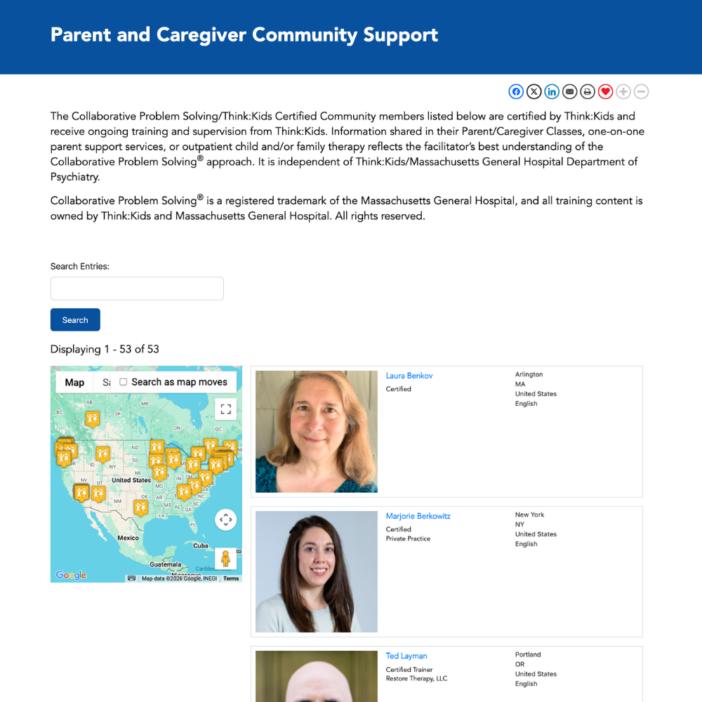
Think:Kids
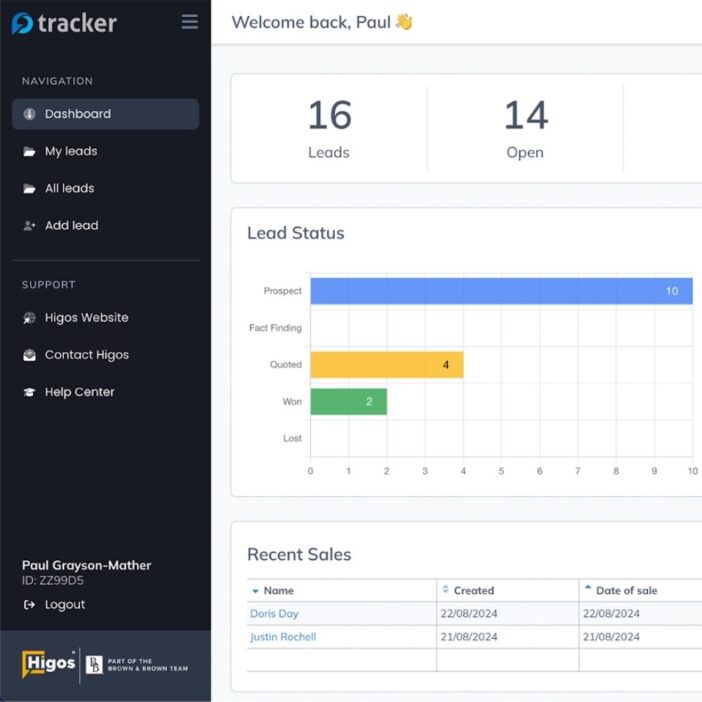
Leadpal
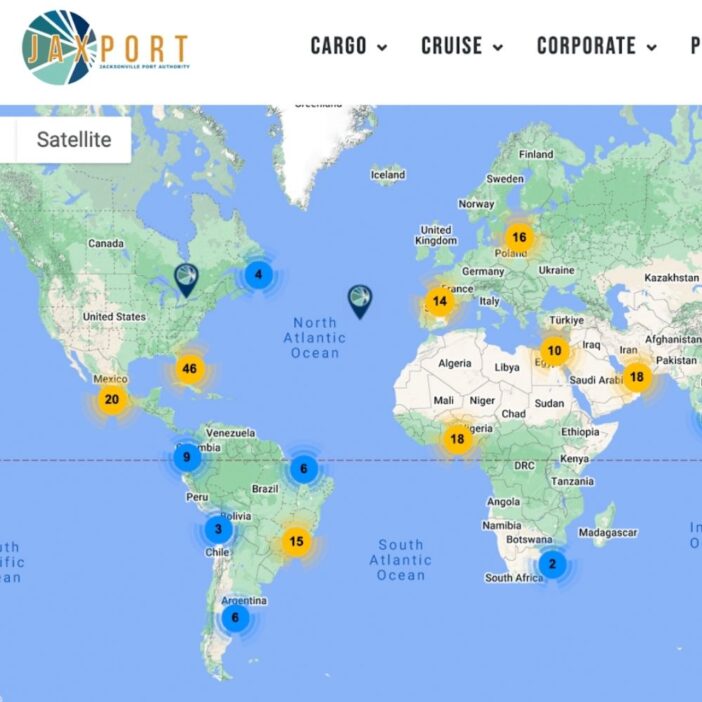
Jacksonville Port Authority
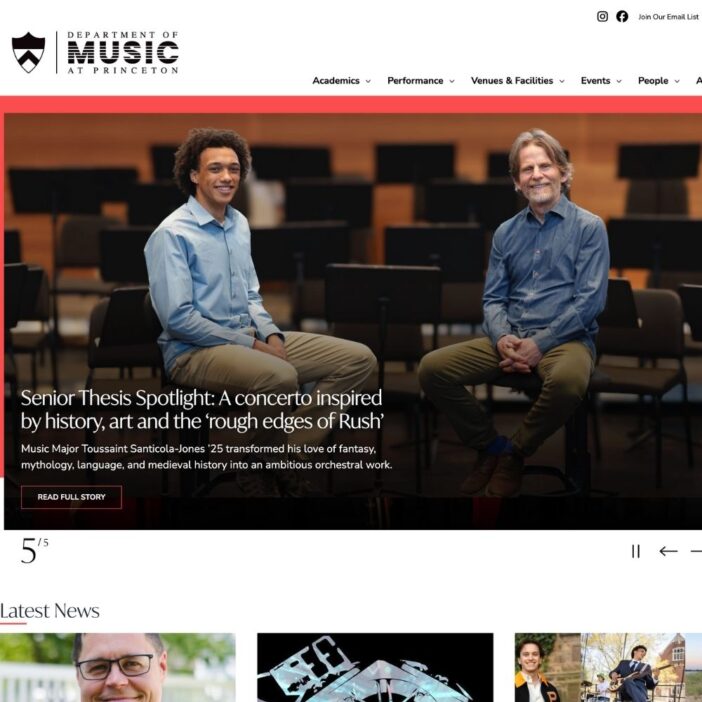
Princeton University
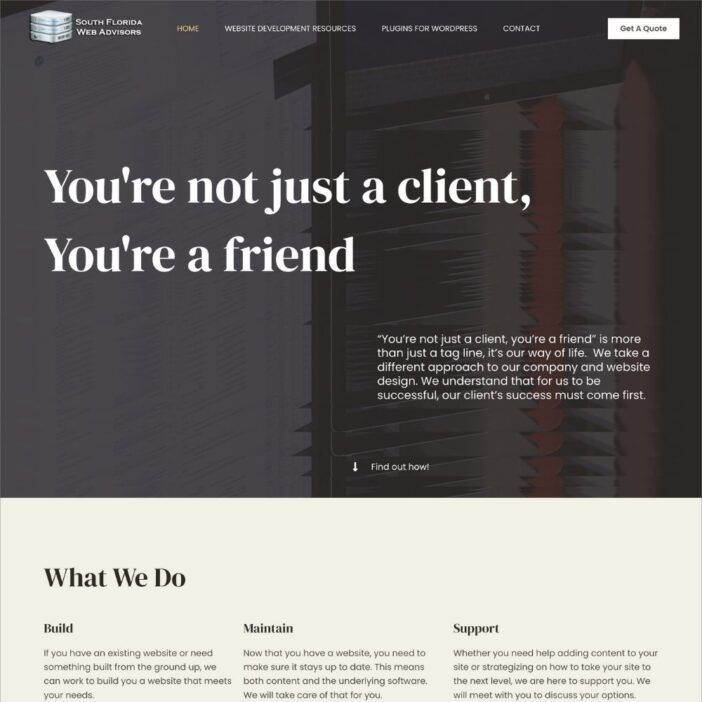
South Florida Web Advisors
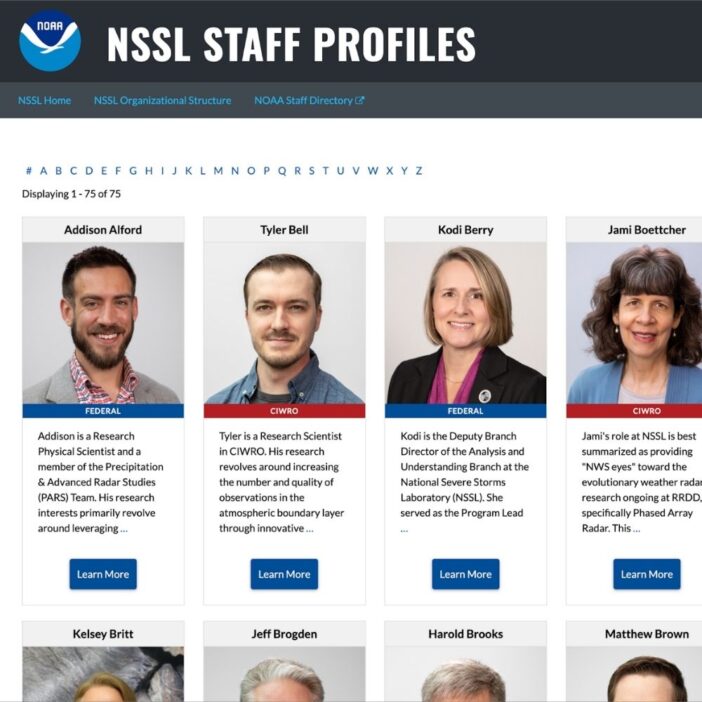
NSSL
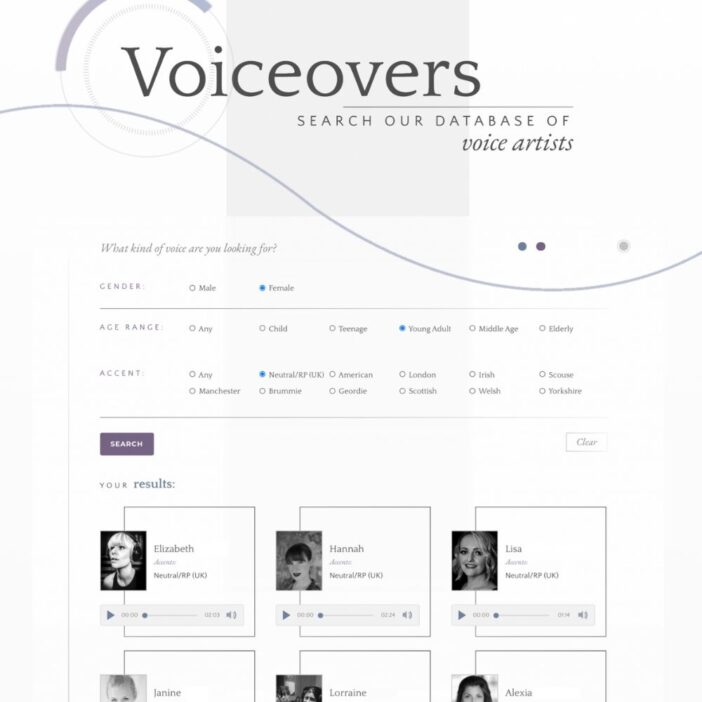
Dragonfly
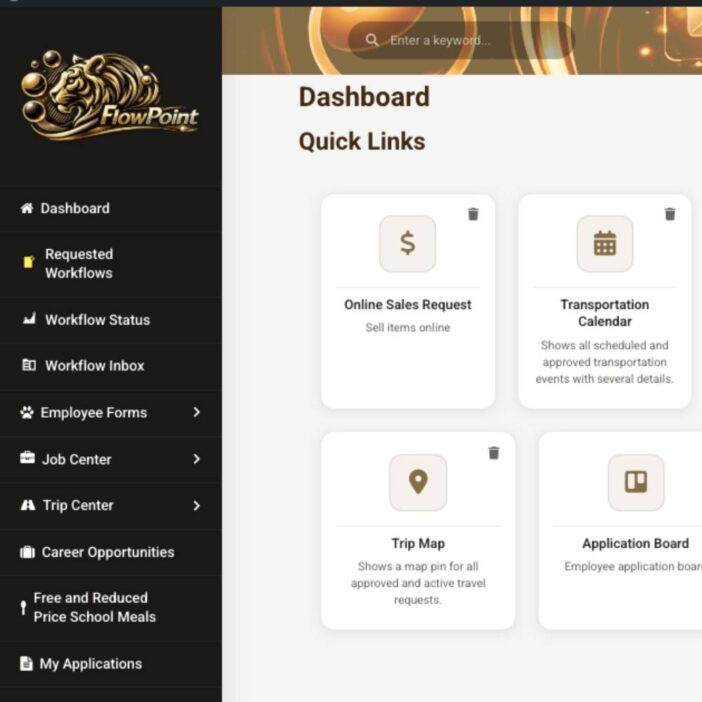
West Fork School District
HappyTree IT
Mediebruket
Bet Hannon
Experience Solutions
Slight Revision
LifterLMS
Jamie Madden
GCPE
Rochelle Victor