
Published
•
Updated
Get 20% off GravityView this April + Tune in to GravityKit Live on April 16!
Get 20% off a new GravityView license in April using code DISPLAYENTRIES at checkout. Plus, tune in to GravityKit Live on April 16 for the latest product updates and demos.

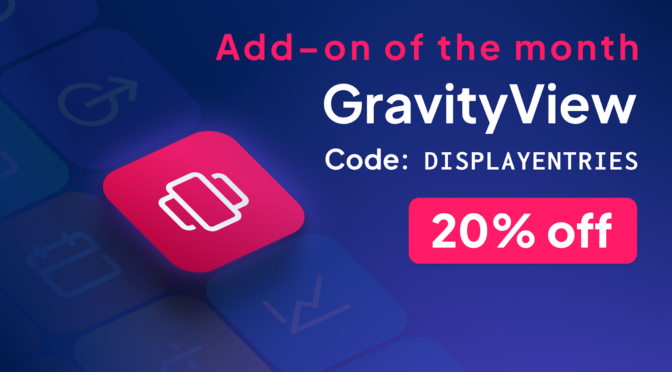
Our add-on of the month for April is GravityView!
From now until April 30th, you can get 20% off using code DISPLAYENTRIES at checkout.
The discount is only valid for new GravityView licenses. It does not apply to renewals or GravityView Pro purchases.
What is add-on of the month?
Every month, we celebrate one of our powerful Gravity Forms add-ons by offering a special coupon code to our newsletter subscribers. This month, it’s GravityView!
Subscribe to our newsletter below to ensure that you’re the first to hear about future add-on of the month promos, important product updates, upcoming events, and more!
Join us for GravityKit Live on April 16
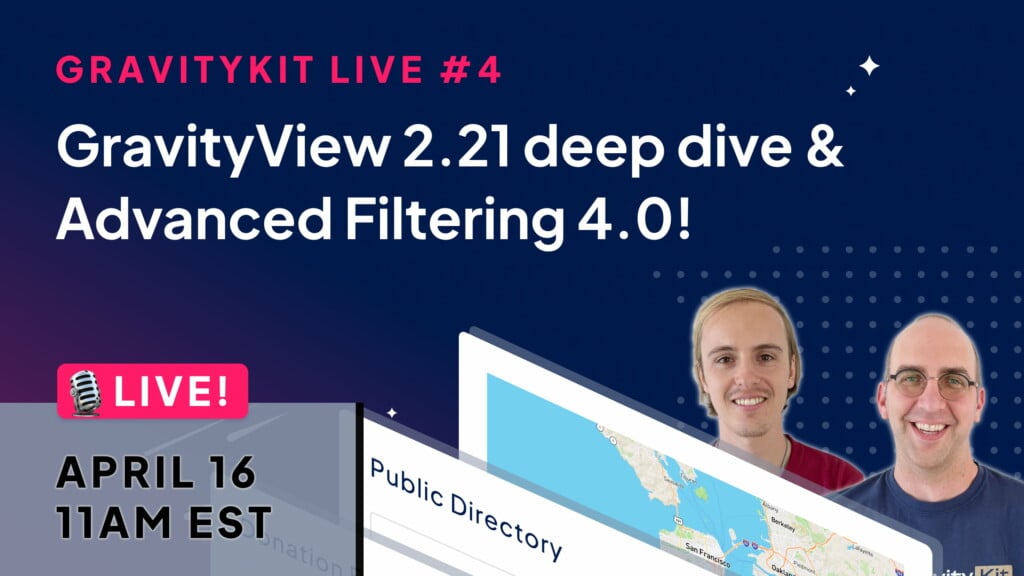
Join us live on Tuesday, April 16 as we dive into the latest product updates, answer your burning questions, and give away exclusive GravityKit swag.
We’ll be breaking down all the new features in GravityView 2.21 and Advanced Filtering 4.0. Register now to save your spot and submit your questions for the live Q&A portion of the show. We look forward to seeing you there!

Helpful tips right in your inbox.
Subscribe to our weekly newsletter for tips, special offers, and more!
Helpful tips right in your inbox.
Subscribe to our weekly newsletter for tips, special offers, and more!

Get better at Gravity Forms, one email a week
New GravityKit releases, practical Gravity Forms tutorials, and subscriber-only discounts. One short email every week, unsubscribe anytime.
More articles
Launch Log: Live DataTables totals, a Remove Data option, and rounding for Number field merge tags
This week’s releases add live GravityMath totals to DataTables Views, a Remove Data option in GravityView, and security fixes in five GravityKit products.

Launch Log: A range slider for search, AI-managed calendars, and security updates in ten products
GravityView adds a Slider search input, GravityCalendar lets AI assistants manage calendars, and ten GravityKit products get security fixes. Here’s what shipped.

9 nonprofit apps you can build with Gravity Forms and GravityKit
Nine apps nonprofits build on WordPress from Gravity Forms data: volunteer databases, member directories, client portals, donation pages, grant review and more.