What a week. We just shipped GravitySearch, a brand-new add-on that puts every form's entries on one searchable page: search across all of them at once, build advanced AND/OR filters, and open what you need right from the results. Once you've taken it for a spin, we'd genuinely love to hear what you think. On the AI side, there's news too: Block MCP is now a free WordPress plugin (with a one-click setup! No more editing config files 😉).
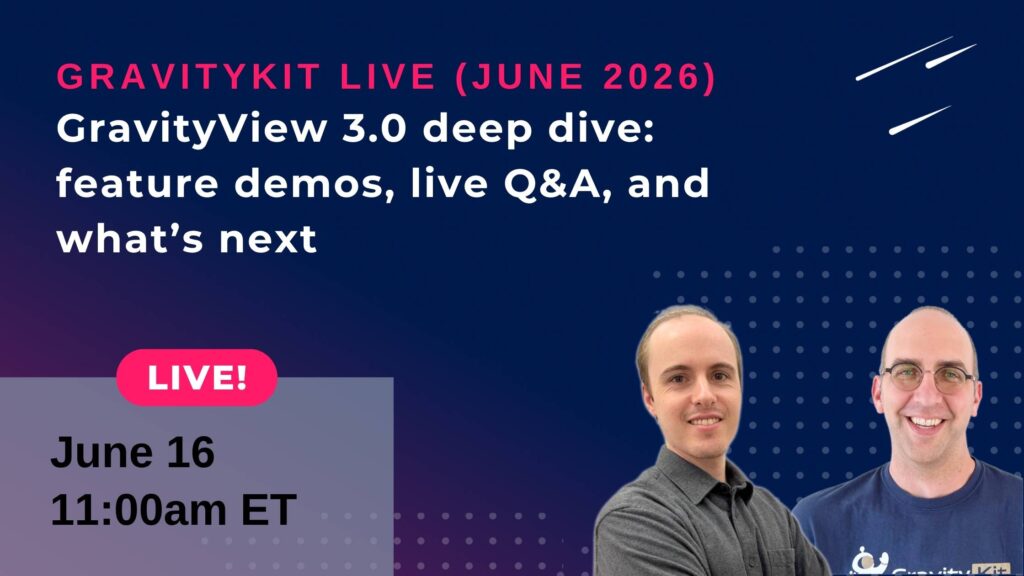
🎙️ GravityKit Live: Join us on June 16 for a GravityView 3.0 deep dive
🤖 The Prompt: Block MCP is now a free WordPress plugin
✍️ From the blog: Announcements... lots of announcements
🧰 Updates to the ’Kit
🌟 PRODUCT SPOTLIGHT
GravitySearch
Search Gravity Forms entries across every form from one screen, with advanced filters, instant previews, and bulk actions.
Gravity Forms is great at collecting data, less great at helping you find it again 😅 Once your site has more than a couple of forms, tracking down a specific entry isn't easy. We built GravitySearch to fix that.
GravitySearch adds a Global Search page to your WordPress admin that searches across every form at once. Type a name, an email, an order number, or any other value, and you get matching entries from all your forms together, with the matching field and value shown right in the results.
Need something more precise? The Advanced Search builder lets you stack conditions with AND/OR logic. You can also filter by field, date range, entry status, and who created the entry, all without leaving the page.
There's also a preview modal to read full entries inline, bulk actions to mark, star, or trash a whole result set at once, and command palette support so you can jump straight to a search with Cmd+K!
All Access customers can install GravitySearch immediately from the Manage Your Kit page in WordPress.
Join us for the next episode of GravityKit Live! We’re walking through every powerful new feature in GravityView 3.0, a major update and the foundation for a lot more to come. Tune in to ask questions live, see demos of the latest features before anyone else, and see why GravityView 3.0 is such a big step forward.
If you've wanted to let an AI assistant edit your WordPress content but didn't want it bulldozing your carefully built blocks, this one's for you. Block MCP is our open-source MCP server that lets AI agents like Claude edit your posts and pages one block at a time, instead of rewriting the whole page and flattening your layout. And... It's now available as a free WordPress plugin!
See Block MCP in action
The original version worked, but it asked a lot: clone a repo, run npm commands, generate an application password, hand-edit a JSON config file. That's enough to make most people's heads spin. The plugin version does all of that for you. Install it, pick your AI app from a list, approve the connection, and you're done, with a one-click installer for Claude Desktop and a single command for Claude Code and Cursor.
The part I like most is how it handles trust. By default, your AI connects through a dedicated, limited "Block MCP" user account, not your admin login, and you choose which content types it can touch. Edits are atomic, block IDs stay stable, and every change is undoable through revisions.
GravitySearch adds global search to Gravity Forms: find any entry from one screen, build advanced filters, and preview results without leaving the page. Read this announcement to learn about why we built GravitySearch, the plugin's full feature set, and how to get started with it today.
Block MCP is now a free WordPress plugin. Connect Claude or any MCP client to your site in minutes and let AI edit your content without breaking blocks. Read the full announcement with links to additional resources for getting set up.
🧰 UPDATES TO THE ’KIT
Here are the plugins that got updates since our last newsletter:
Haven't tried Block MCP yet? Download the free plugin, install it, go to Settings, click on Block MCP, and follow the steps (here's a setup guide). I would love for you to use this because it’schanged how I use WordPress, and I’m confident it will for you, too.
Until next time Zack with GravityKit
Get this every Friday
One short email a week: new releases, practical Gravity Forms tutorials, and subscriber-only discounts.